If a patient is not able to attend the operating session, they can be moved to another date.
Moving the patient does the following:
- Creates a booking in the new session
- Updates the referral date to the new date of the operation
- Updates the surgery record, and
- Updates the room booking
Rescheduling the patient
- Make sure there is sufficient available time in the session that you are moving the patient to.
- Go to Appointments >Hospital Bookings > Operating List and select the surgeon and day.
- Highlight the patient and click on the 'Move To Date' button.

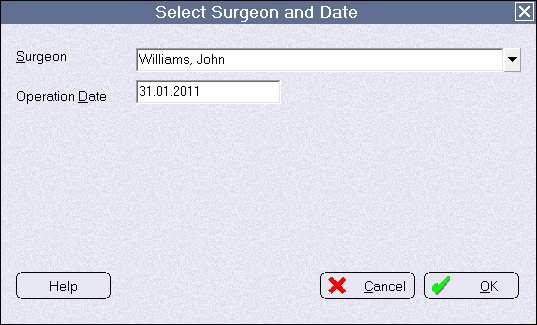
- Select the surgeon and the new session date that you are moving the patient to.
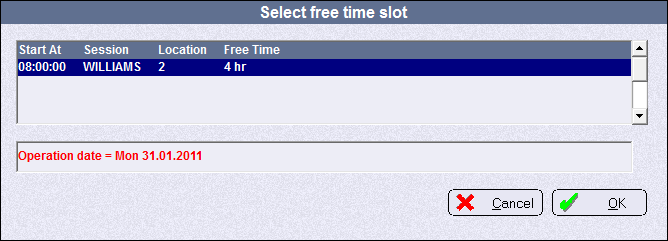
- Choose a session or theatre from the list displayed (a surgeon can have more than one operating sessions in a day).
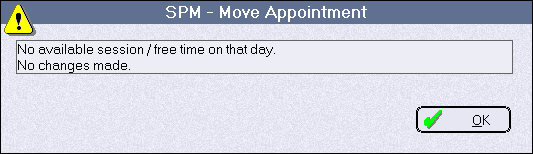
If there are no sessions available for the surgeon on the date nominated, or there is a session but there is no free time available, the following message will appear.