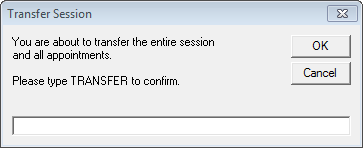
All the patients in a Session are able to be moved to a Wait List, Date, or Provider
- Select 'Transfer'
- Select 'To another User'
- Select the New User
- Enter a new date if different from the date you are transferring from
- Enter a New starting time for the session if this is different from the starting time of the session you are transferring from.
- Select a New Session Type
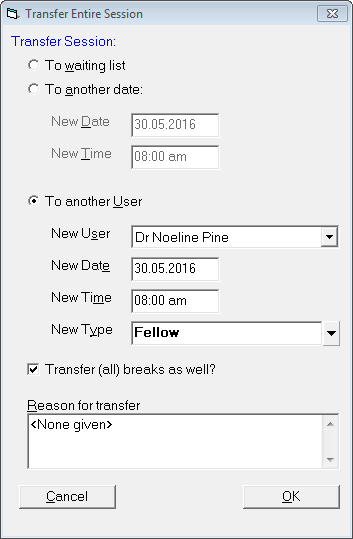
- Select 'OK'.
A further screen will come up to Confirm the transfer of the session to a new user.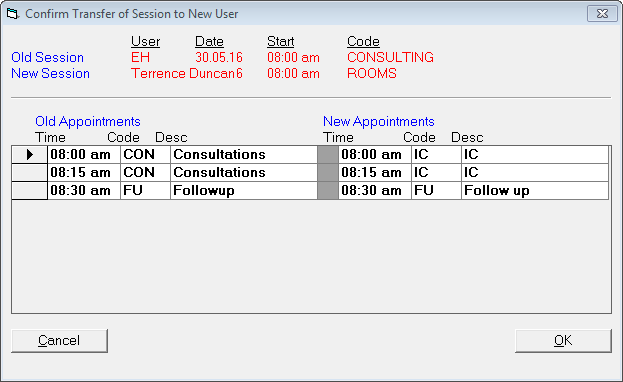
- Select 'OK'.
- Type "transfer" and select 'OK' to confirm.