The Transfer option is very useful for moving appointments. It allows you to transfer a patient to the 'On Hold' waiting list and then to retrieve the patient into a new slot.
To Alter an Appointment Date and Time
- Select the patient whose appointment you wish to alter.
- Select the 'Transfer' button.
- Confirm that you wish to "Move this patient to waiting list?".
- Find a new appointment date and time.
- Select 'Transfer'.
- The Transfer patient form Hold / Waiting List screen displays with the most recent patient transferred selected. If necessary select another patient on the list.
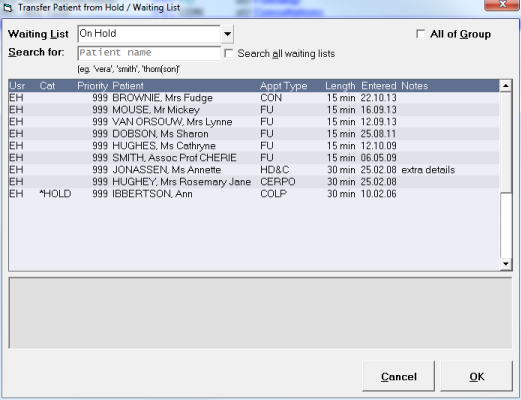
- Select 'OK'.
- Continue as for making an appointment.