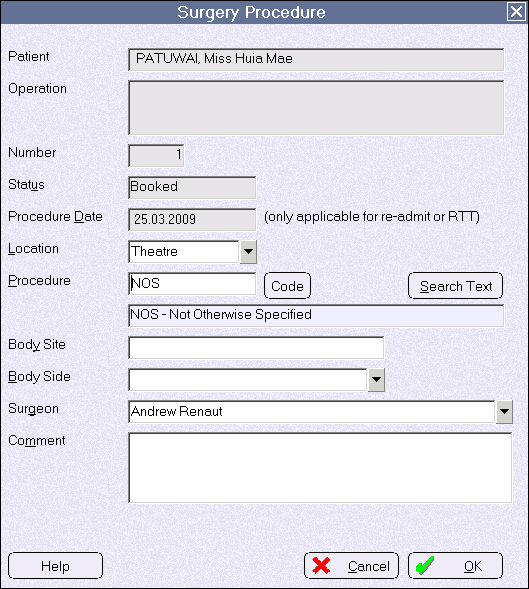
NOS or 'Not Otherwise Specified' procedures are useful to use when you do have a well structured Procedure list but you encounter a procedure that is uncommon and does not match any of the procedures you have listed.
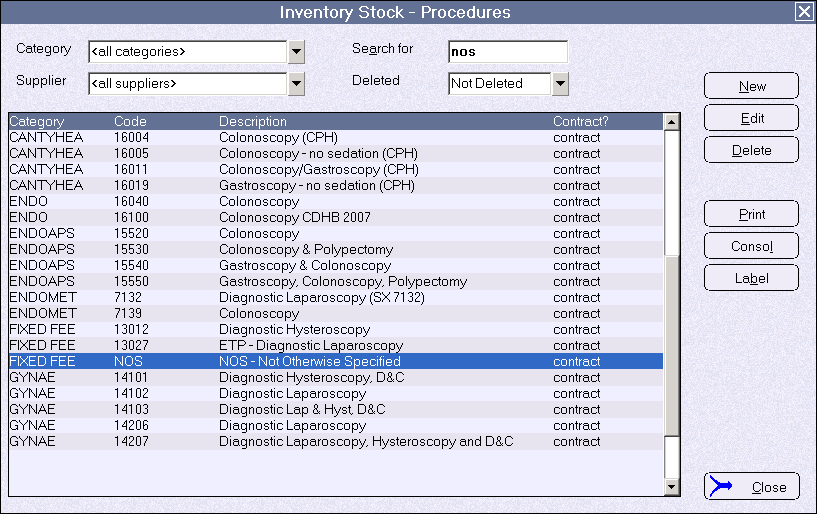
- Go to Setup > Operations/Procedures Stock Items (Procedures)
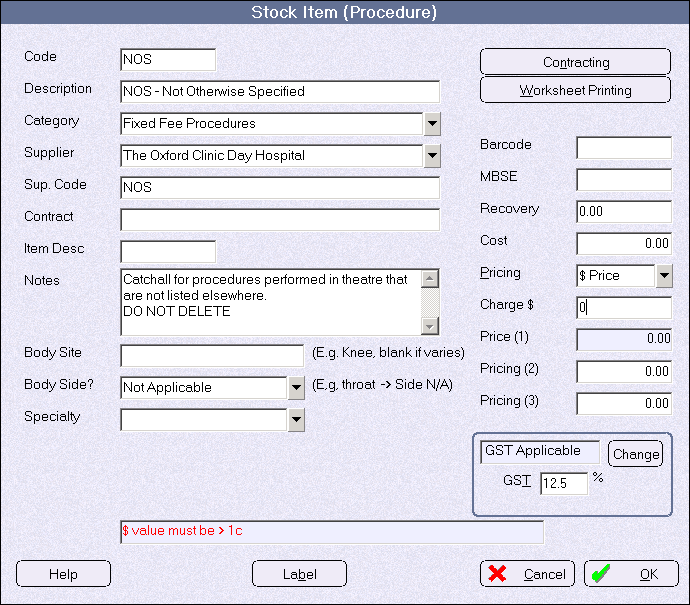
- Add a new procedure using the parameters shown below.
- Making a booking in the Hospital Booking application – selecting the 'NOS' procedure