Increase Procedure prices by a percentage
You can apply a pro-rata increase or decrease of the Price for all the procedures in a selected Category. This is a very good alternative to downloading and importing a new set of procedure pricing as it recalculates the multiple procedure values and also retains the sub-contractor allocations and applies the same percentage change to them.
However, you can only use this option after all of the invoicing, that will be using the previous procedure prices, has been completed.
- Go to Setup > Operations/Procedures > Categories
- Select the Category that you want to update (eg ACC2018)
- Click on the 'Price Update' button

- Type in the percentage that you want to increase the prices by (e.g. 2.39% for ACC 2018) DO INCLUDE THE % SIGN
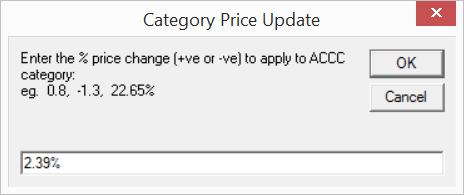
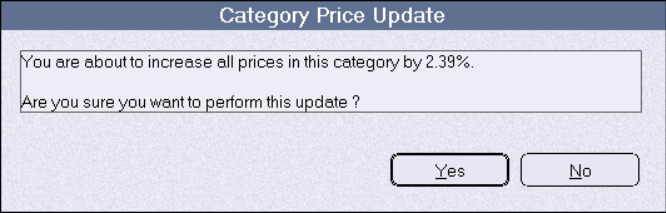
- Confirm that you want to make the change
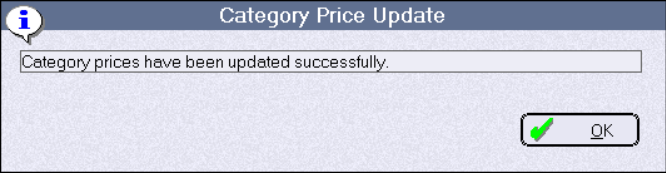
- Completed.
- Check the prices have been changed to the correct value.
- Go to Inventory -> Inventory Stock Reports -> Stock Pricing
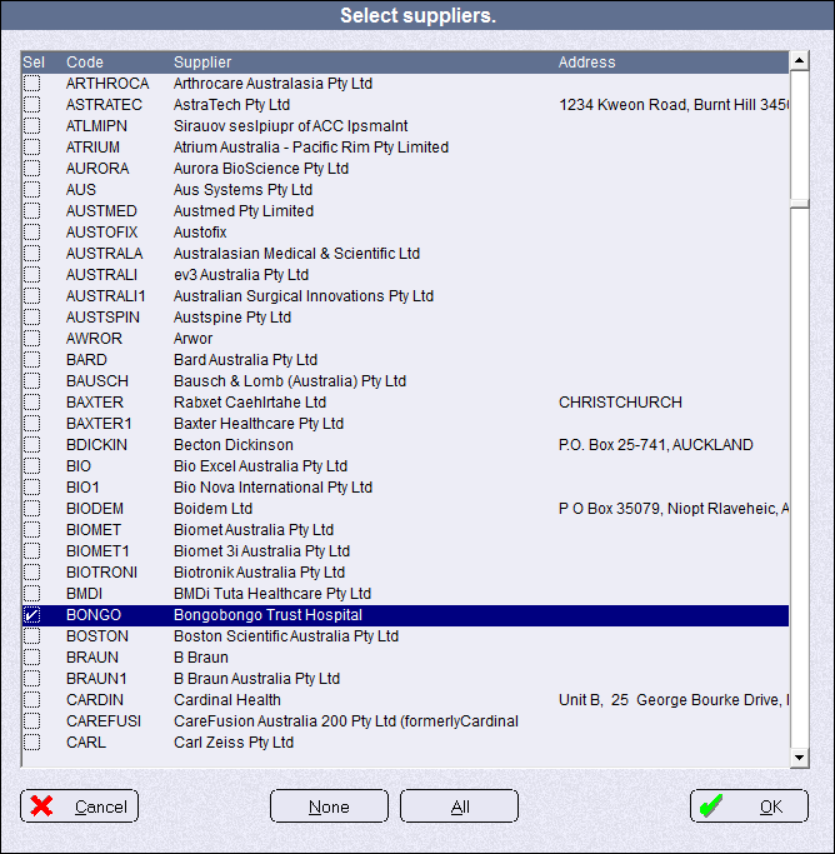
- Select the Hospital as the only Supplier
- Go through the report to find the ACC2014 category (or whatever you have called it)
- Compare the prices with the ones published by ACC
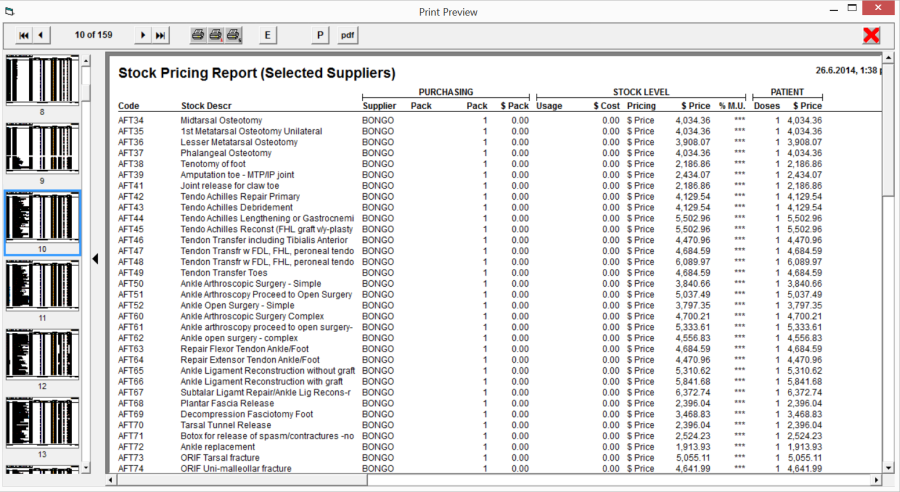
If the Prices are not correct you will need to manually alter the prices for each procedure.