The search facility allows you to find appointment(s), if any, for the selected patient. This facility is useful if the patient has forgotten when their appointment is, or wishes to change it.
- Select 'Search'.
- Select the patient (ie. type the ID Code, Surname, DOB or other appropriate selection criteria).
A screen lists the past, present and future appointments for the selected patient.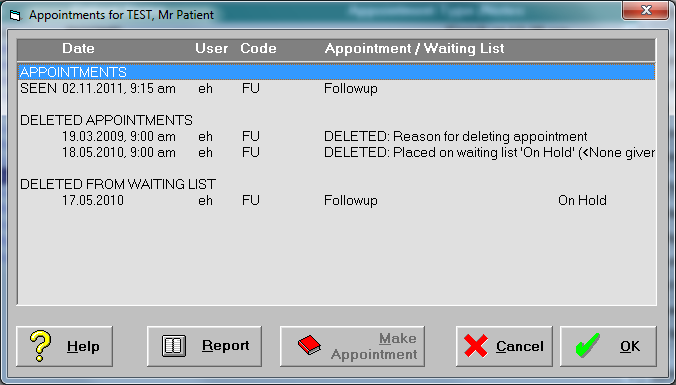
- If the patient has failed to make an appointment (ie. the patient was not marked as 'Arrived') then DNA will appear beside the appointment.
- The Search facility looks both forwards and backwards.
To Go to the Appointment
If you want to make changes to the appointment:
- Highlight the appointment.
- Select 'OK'.
You will be taken to the chosen appointment. Make changes as required.