You can't delete categories or stock/procedure items if they have been used. They are still needed for historical reporting. Instead, you can consolidate the procedure items into an 'Archive' directory so that the procedure items are still available but don't clutter the Category list.
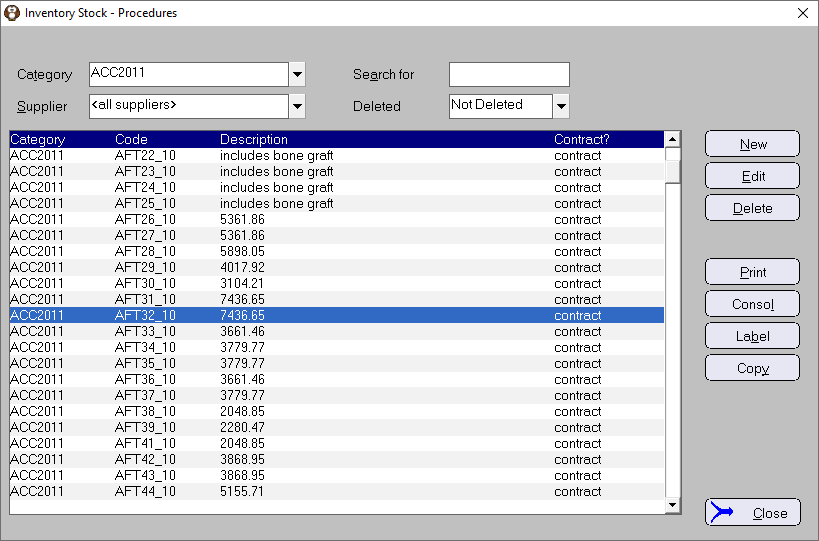
Example
- The procedure Items in this Category are no longer used except for reporting.
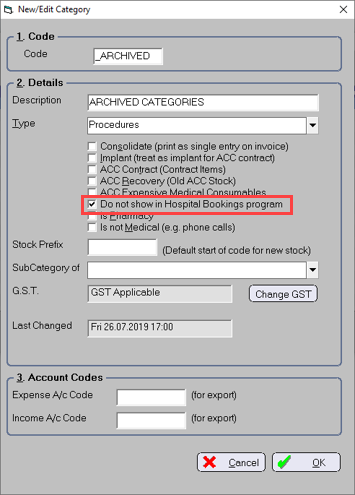
Create an 'Archive' category that will be used to store unused category items.
It doesn't particularly matter what you call the Category nor the 'Type' you choose.
Do select the 'Do not show in hospital booking' option.
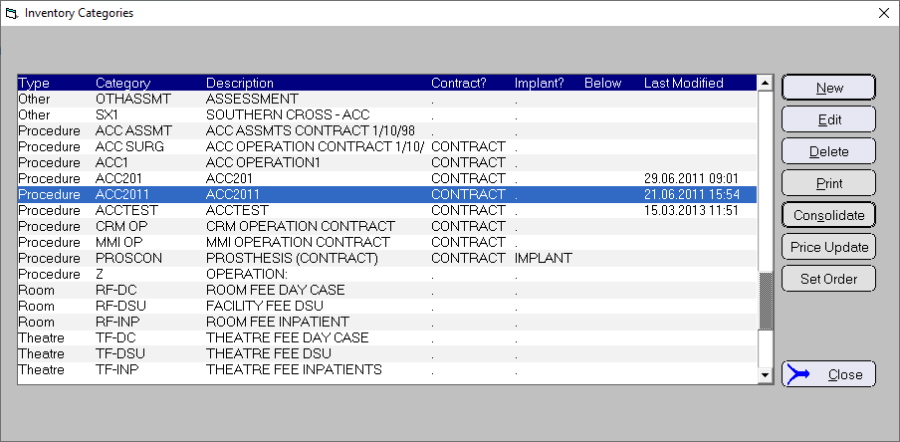
- Select the Category to consolidate then click on the Consolidate button.
- Select the Host category (e.g. 'Archive' category)
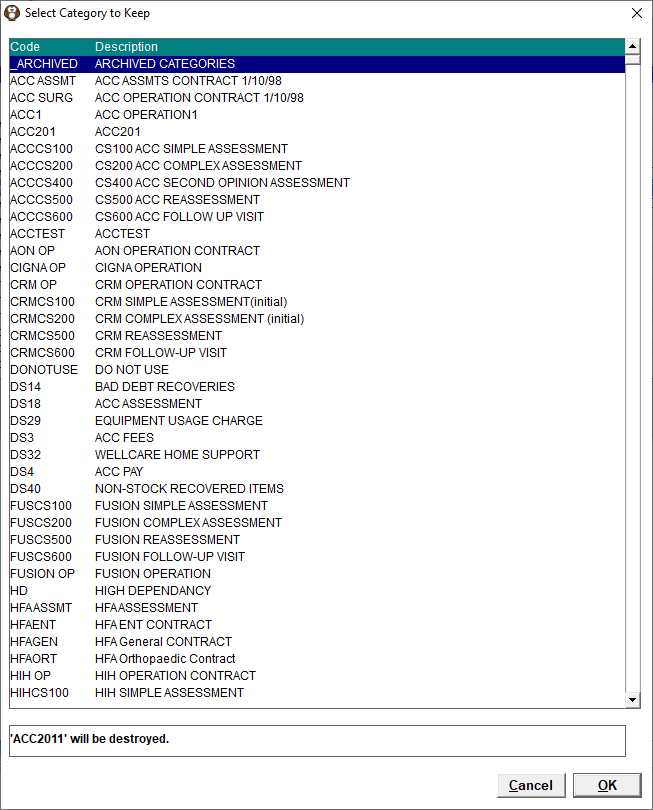
- Confirm the process by clicking the OK button
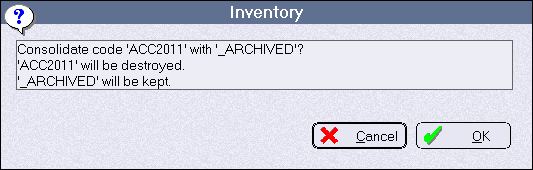
- Result
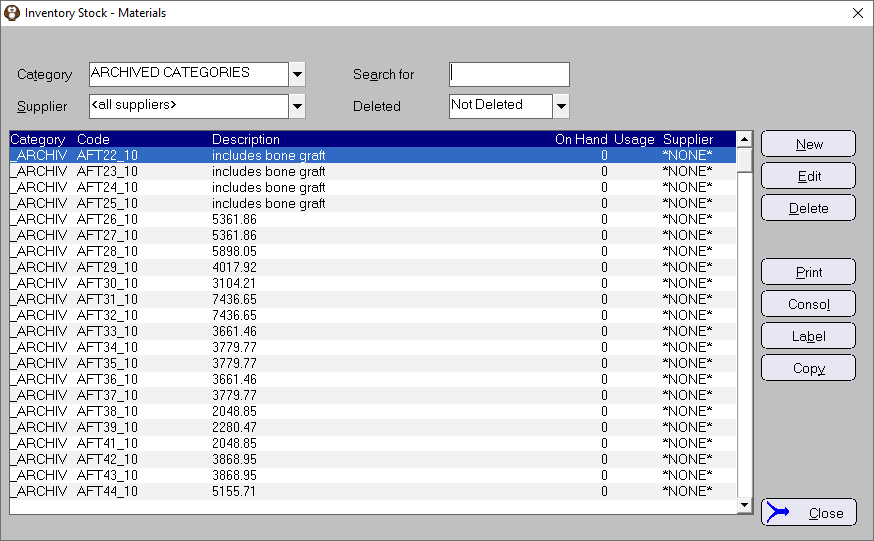
You cannot overwrite existing procedure items when consolidating Categories because the code for each procedure Item is already unique.