The 'Price' is what you charge for the stock or services you provide. The 'Cost' is what you pay for the item.
These steps are to update your PRICES.
per Item
Use this option to manually change the Prices for an individual item or service.
If the price you charge is different for some Billing Types, use the 'Pricing' button to create variable pricing.
Setup > Stock/Services > Materials | Equipment | Services > Edit
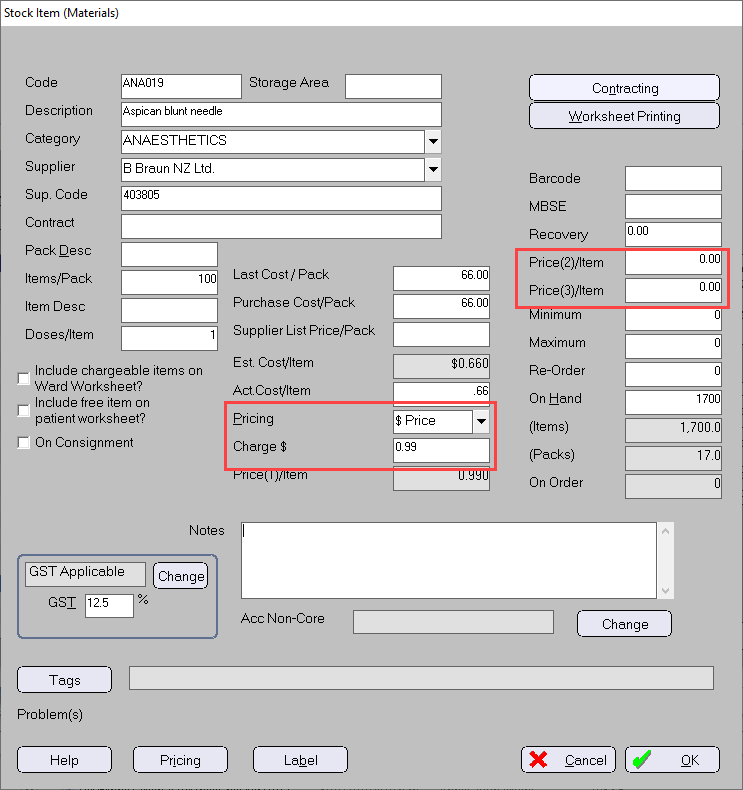
If the item is set to use a pricing type of Margin and the Price Margins (Setup > Stock > Price Margins > SYSTEM) are set to ‘Recalculate stock PRICE when stock arrives’, if the cost is changed at the time of arrival (Stock > Purchases > Stock In/Packing Slip) the price will also be recalculated at the same time.
per Supplier
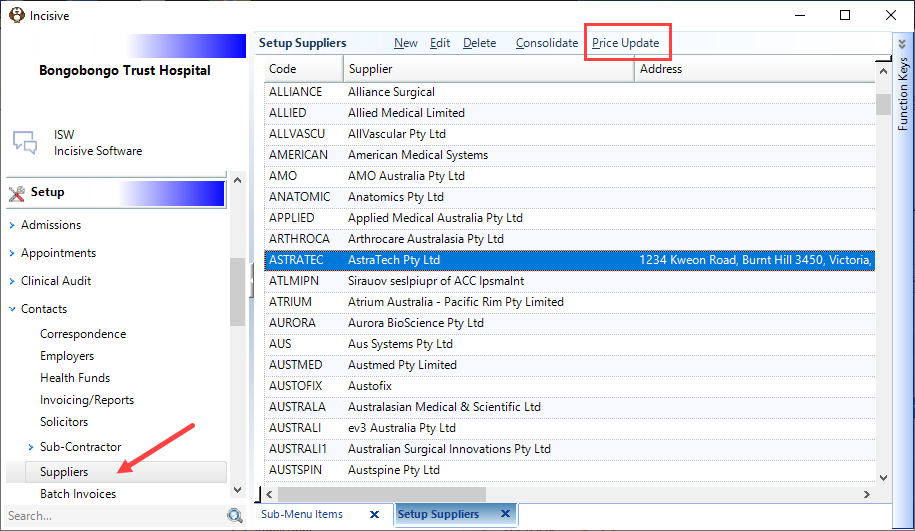
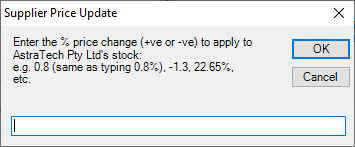
Prices for all items provided by a Supplier can be updated by either a percentage margin or a fixed dollar value.
Setup > Contacts > Supplier > Price Update
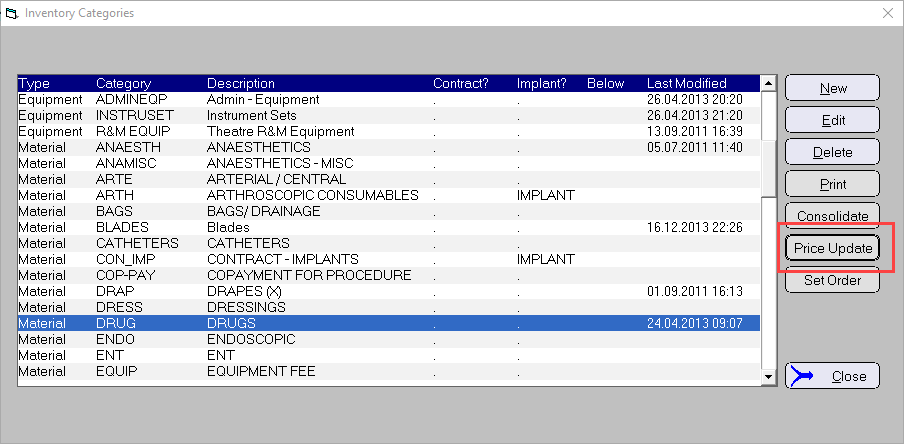
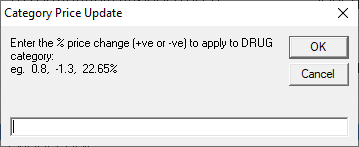
per Category
Setup > Stock > Category > Price Update
per Billing Type
Prices can only be updated for a Billing Type if the items are set to use a pricing method of 'Margin'.