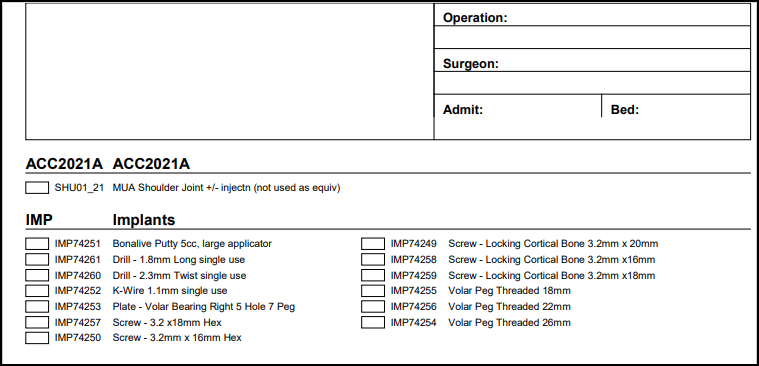
Worksheets can be created by copying all of the stock & procedure items included on a specified invoice.
Especially useful for commonly performed procedures with little variation of the stock used.
You need to know the number of the Invoice that you want to copy before you start this process.
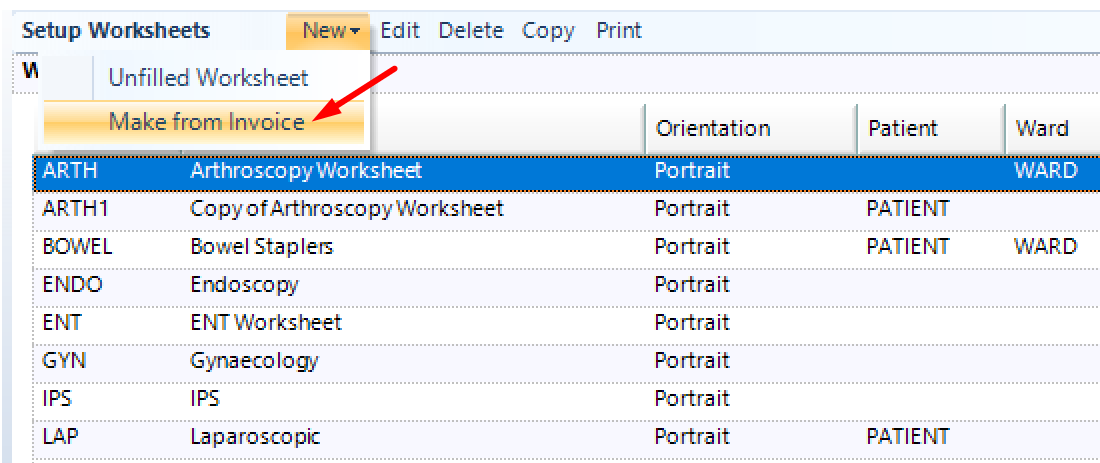
Go to Setup > Stock > Worksheets > New and select ‘Make from Invoice’
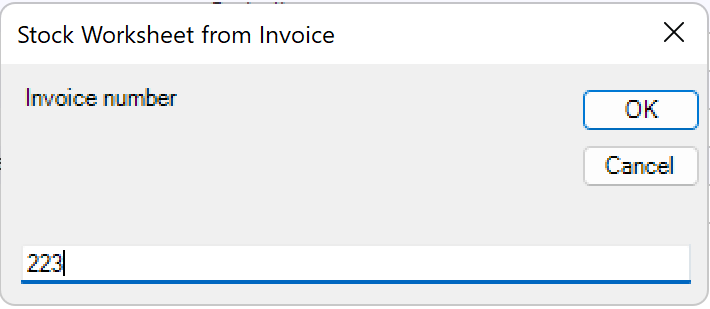
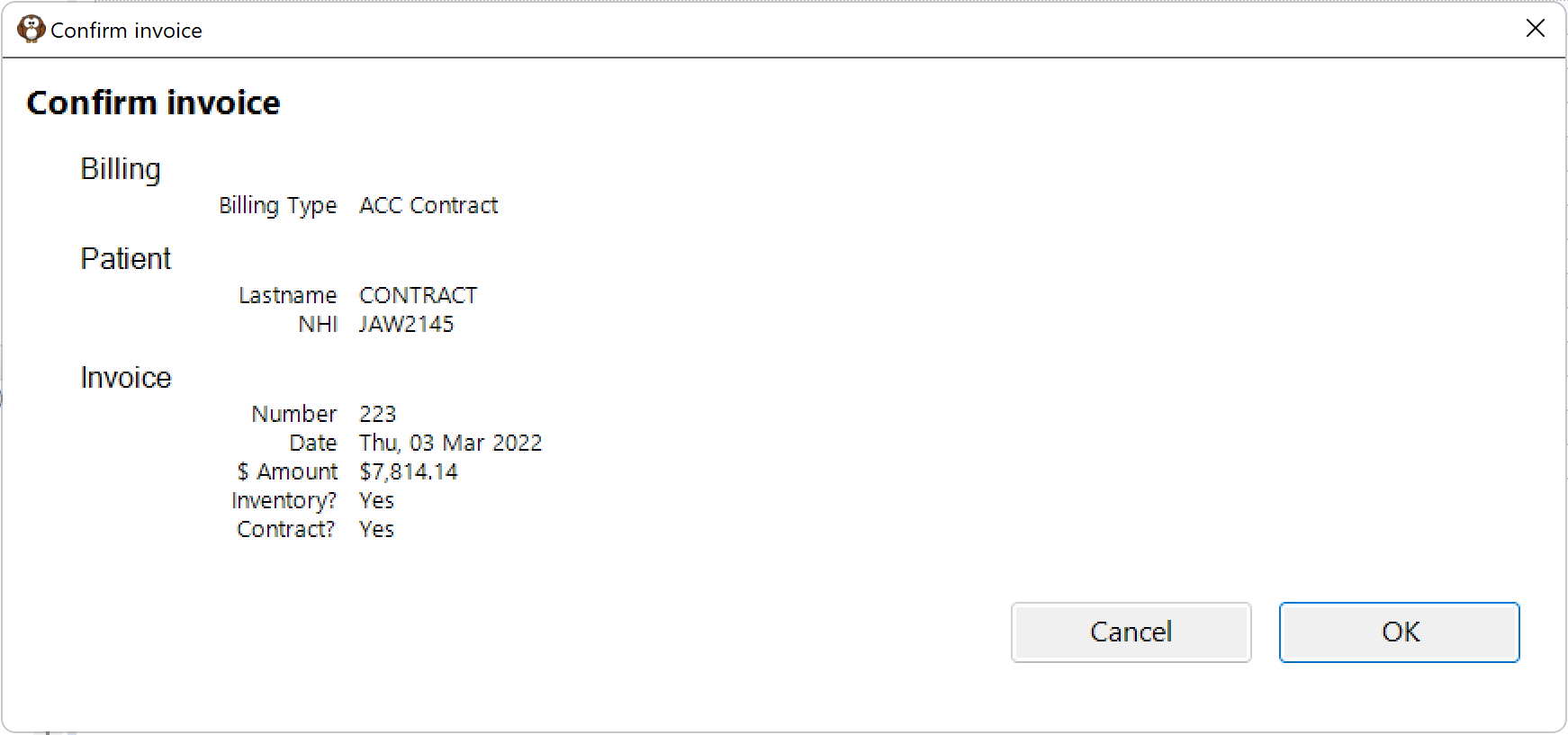
Enter the invoice number that you want to copy the stock from
Stock used list for invoice 223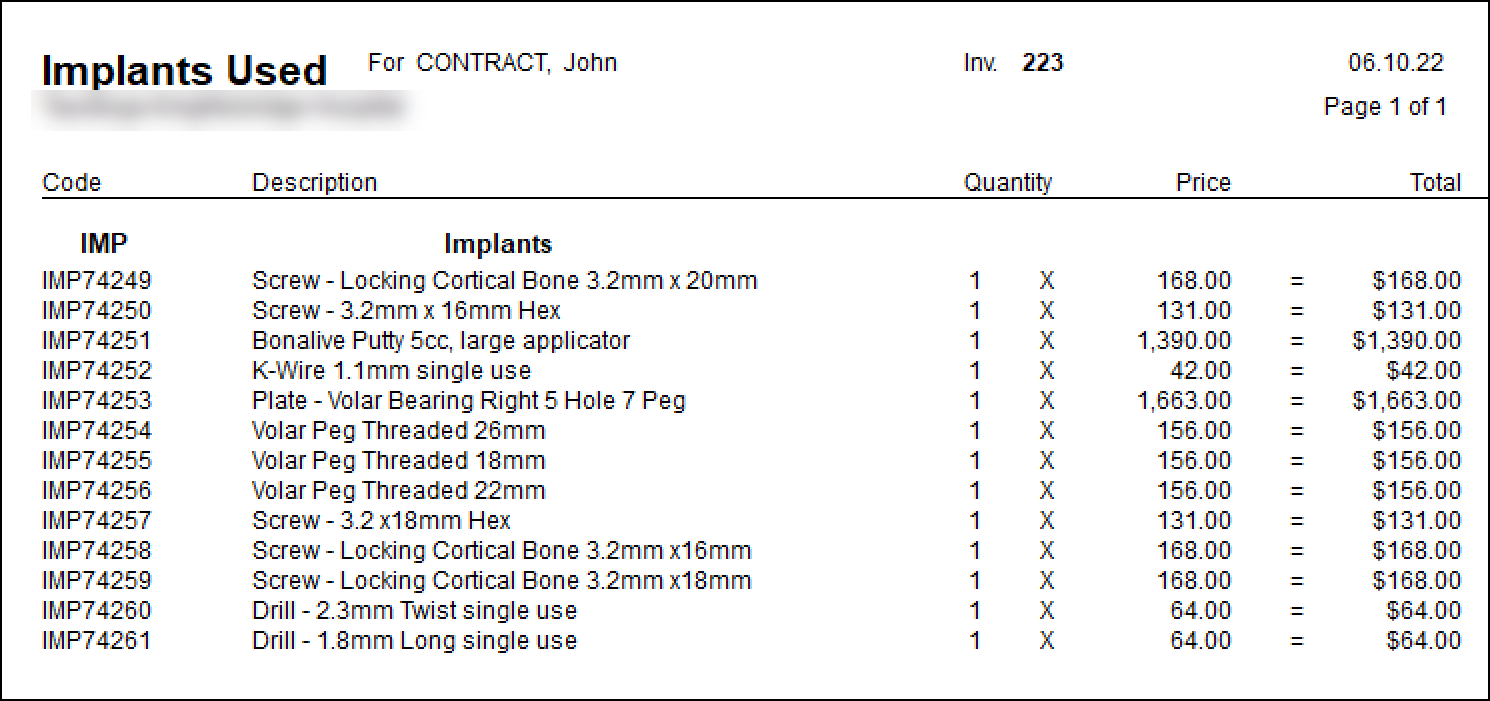
Confirm
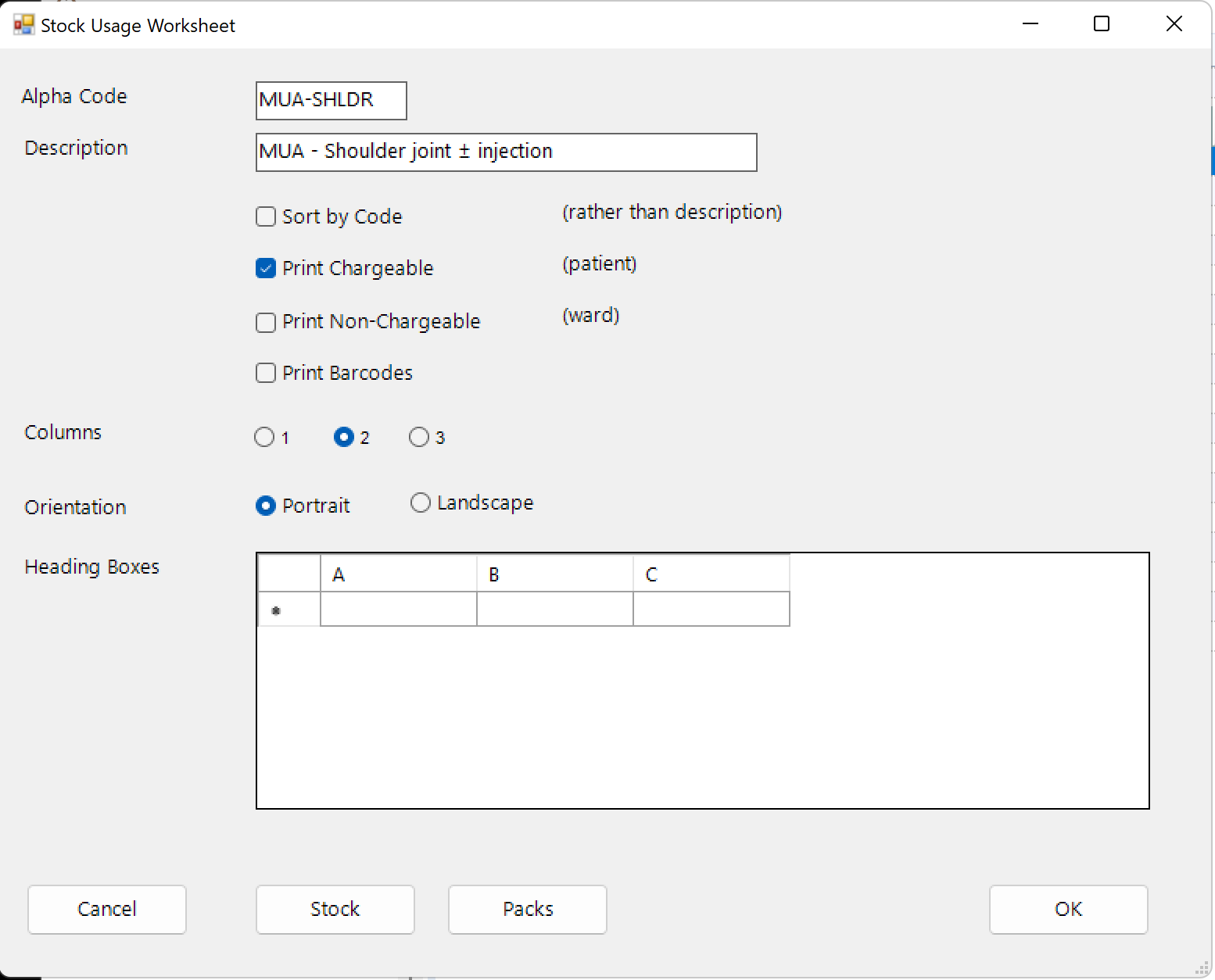
Enter details of new Worksheet
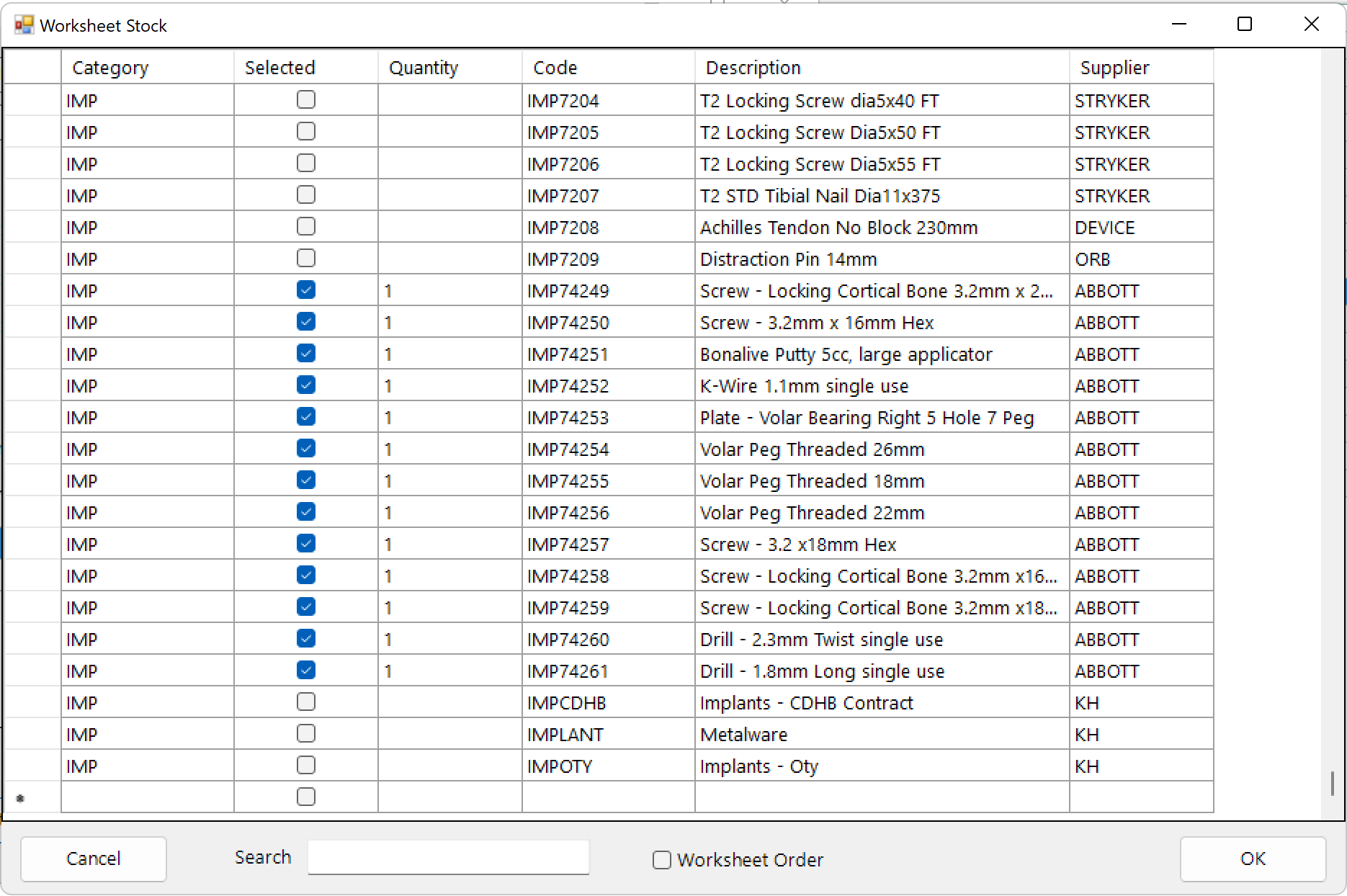
Use the Pack or Stock buttons to show the items that are now selected to be included on the worksheet
Example of worksheet printed