As the Message Centre has the most recent versions of these functions, no new development or fixes will occur.
This screen is planned to be deprecated by 2019.
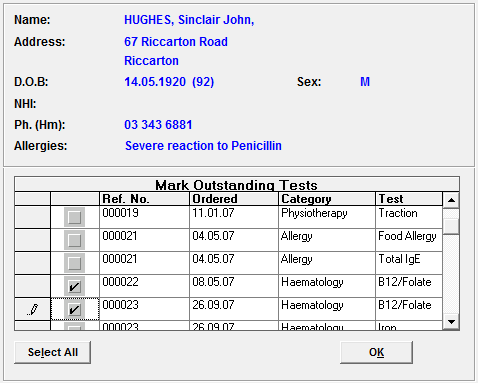
If you are using the Test Ordering function, and you have configured the test to require 'Order Followup', when you get an incoming result for the patient, the tests ordered for the patient will appear . You can reconcile the order with the result received so that the order is removed from the 'Due' or 'Overdue' lists.
Viewing Patient Info (F3)
As you are viewing the incoming test results or reports, you can use the 'Patient Info' (F3) function to look-up the patient's other records to see if further actions are required.
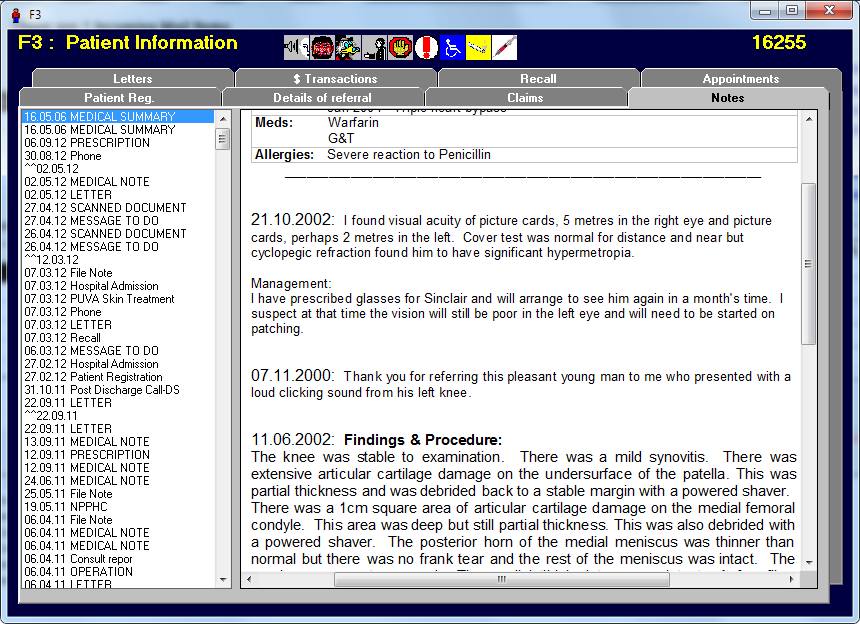
As the 'Patient Info' (F3) function can only be used to view the information, you will need to go into the Patient or Appointment modules to make new entries into their records.
The information you can view is:
- Registration details
- Referral information
- Claims
- Notes
- Letters
- Transactions
- Recall
- Appointments (historic & future)