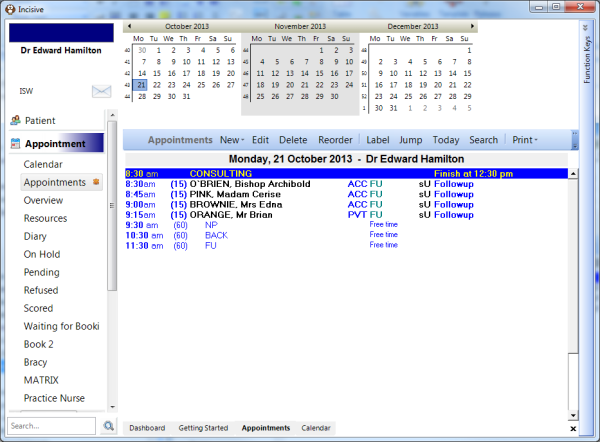
- Go into the 'Appointment' Mode to the list of appointments and highlight the Session Header.
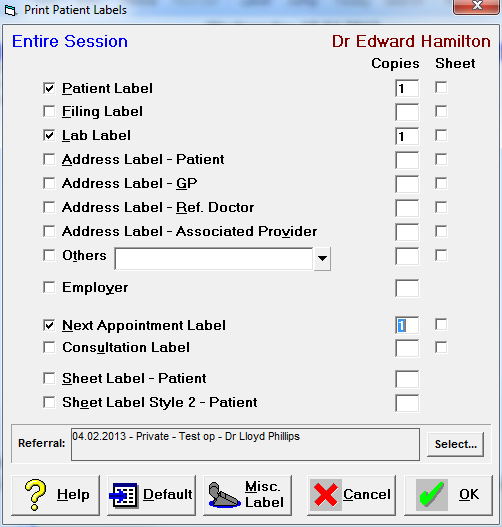
- Click on the 'Label' button and the following 'Print Patient Labels' screen comes up for the Entire Session.
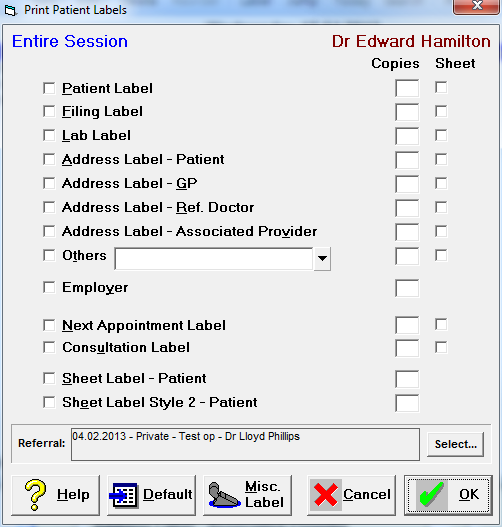
- From this you select the Labels that you wish to print and the number of copies of each, then press 'OK'.