When you cancel an appointment:
- Select the 'Notify' button on the Appointments Tab.
A screen of 'Possible Appointments to Transfer' will display. The list is only those patients whose appointment is forward of the day you are on and who you have flagged as desires an earlier appointment if possible when making their appointment.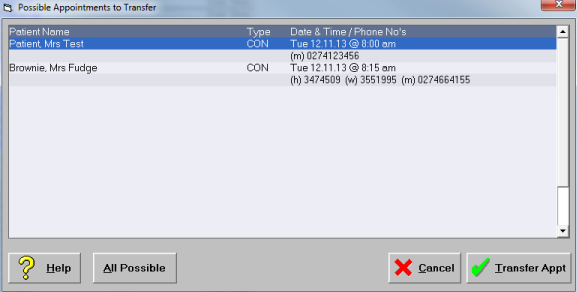
- From the list select the patient you want the earlier appointment for.
- Select 'Transfer Appointment'.
- Confirm that you want to transfer the appointment.
The appointment is moved forward.