Each operating session can be marked as 'Finalised' which means that no more bookings can be made into the session, nor can any of the existing bookings be edited.
It is expected that the Clinical Operations Manager or Theatre Manager will impose this restriction on the operating list either when the session is full or it is within 48 hours of the operating session starting. Access restrictions can be imposed on who can perform the finalise function by setting up the appropriate permissions in a role. If the session has been imported from SPM then the surgeon's session in SPM will also be marked as finalised.
An audit log is kept on the number of revisions that are made once the session was first finalised.
Finalise a session
- In Booking > Operating List select the surgeon and operating date.
- Click on the session header you want to finalise and select the 'Finalise' button

- The word 'FINAL' will now appear in the session header

The restrictions imposed are:
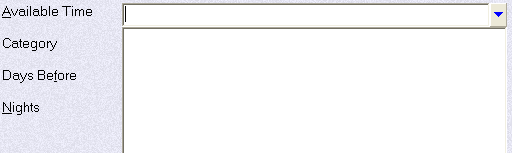
- No 'Available Time' is shown when attempting to make a new theatre booking, therefore the booking cannot be completed.
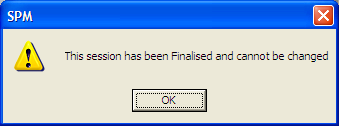
- New, Edit, Delete, Notify buttons in Appointment module of PHM are disabled and show the following message when selected
Change a finalised session
A 'Finalised' session can be cleared to allow new patients to be added to the list or changes made to the existing list.
- Select the relevant session in the Operating List then click on the 'Finalise' button again.
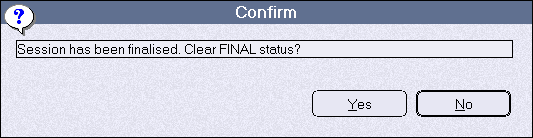
This will release the restrictions imposed, until the session is again finalised. When finalised again the session header will be marked with a sequential revision number e.g. R2.