Data can be exported from the Audit function and used to populate the Socrates application.
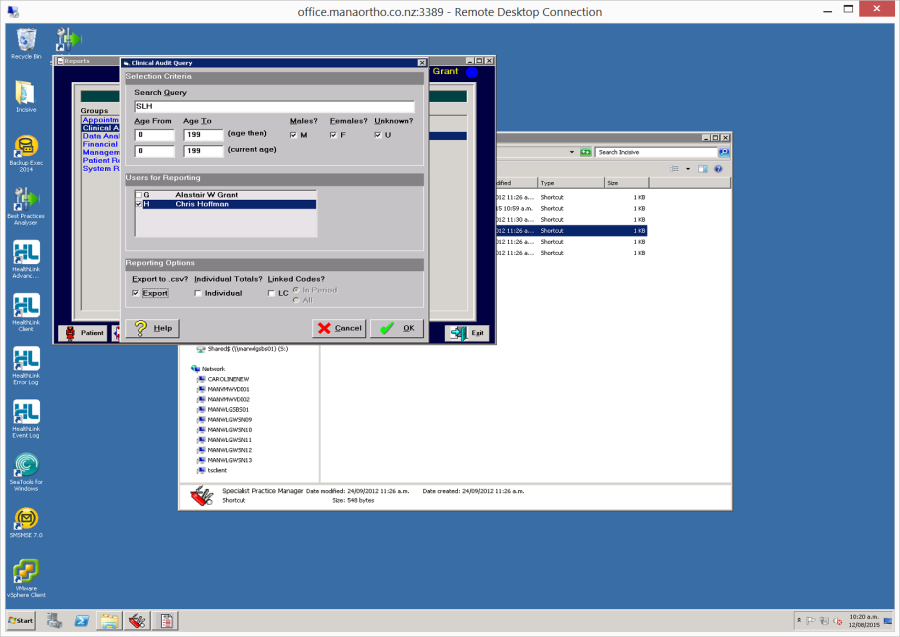
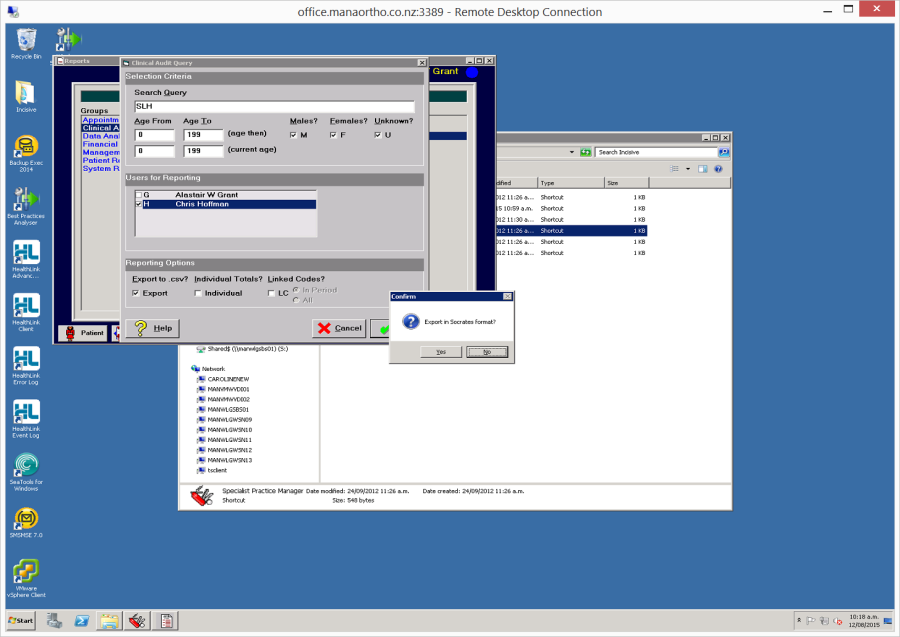
- Go to Reports -> Audit Query and enter the search criteria. Ensure the 'Export' option is checked On.
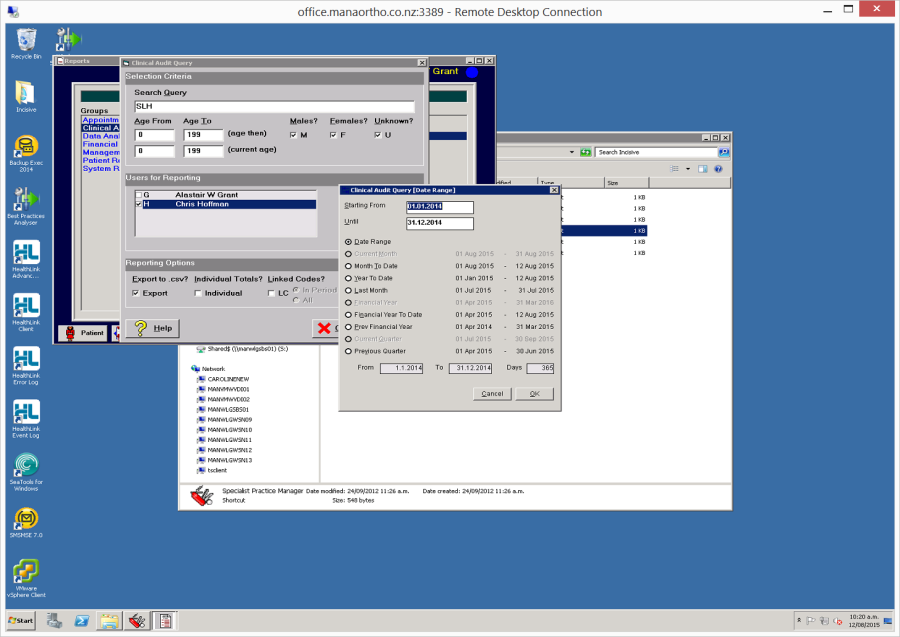
- Enter the date range for the query.
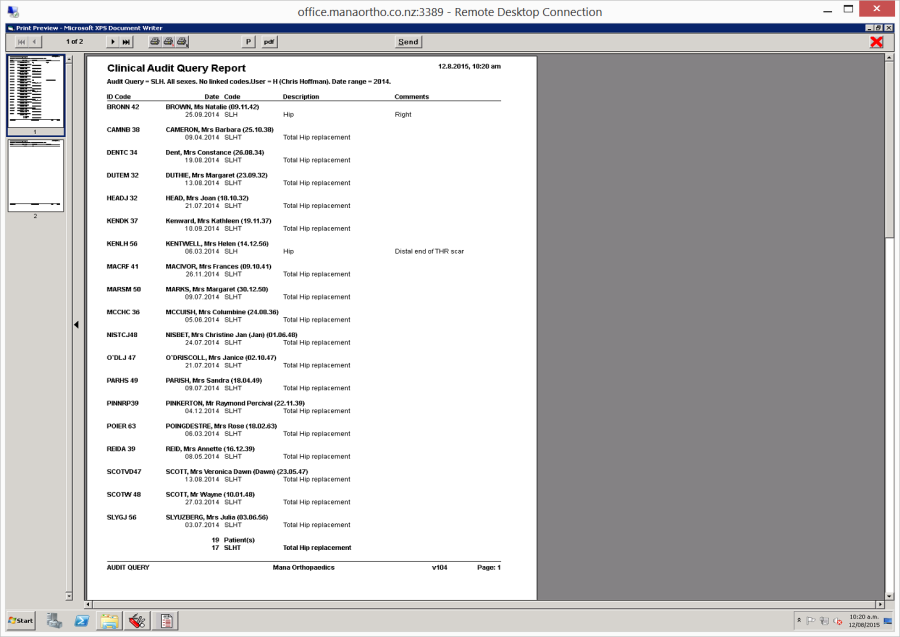
- The report is produced. Check that it what you expect then Close the report.
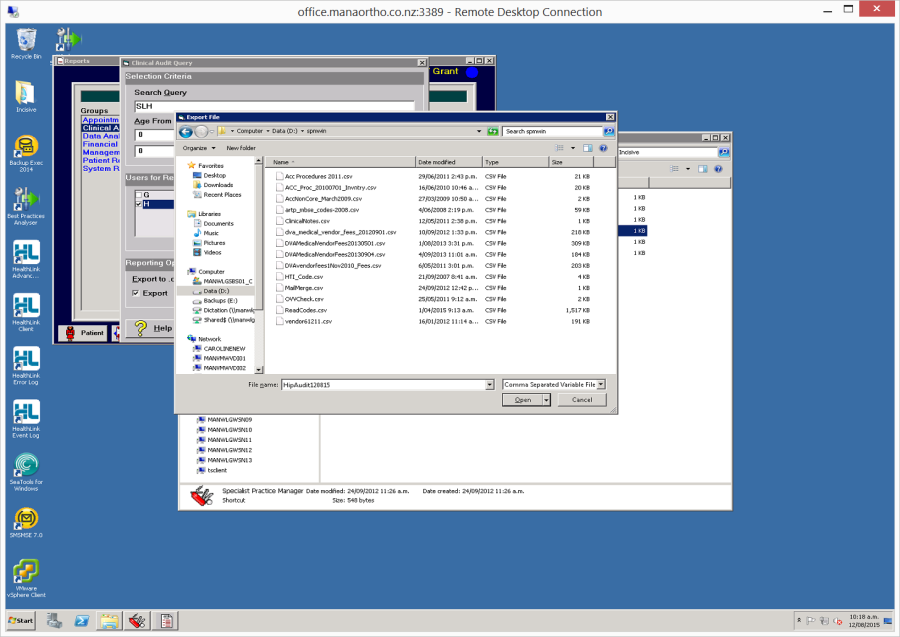
- A window will appear allowing you to navigate to the location that you want to save the exported file to and make any changes to the file name. Click the Open button to save the file. (I know, the button should say Save rather than Open)
 {
{ - Choose 'Yes' you do want to export in the Socrates format.
*Data exported*
SPM_ID, Code, Lastname, Firstnames, Title, KnownAs, DOB, Sex, PhoneHome, PhoneWork, PhoneMobile, Address(1), Address(2), Address(3), Address(4), Address(5), City, Postcode, State, Postal(1), Postal(2), Postal(3), Postal(4), Postal(5), Billing(1), Billing(2), Billing(3), Billing(4), Billing(5), Comment, Email, NHI/Medicare, ReferralDate, ReferralDr, DateFirstSeen