If you receive notification that a cheque (or Direct Credit) you have receipted and banked has been dishonored, carry out the following steps to ensure that the reversal is correctly handled:
- From the Patient Transactions tab select New – Dishonoured Cheque or Dishonoured Direct Credit.


- A list of all cheques (or direct credits) previously receipted, and in the case of a cheque where the Deposit Supplement has been advanced will appear.
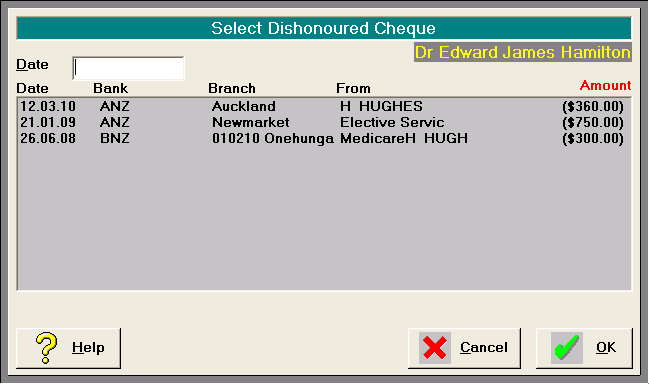
3.Type the date the cheque was reversed from the bank account and select the correct cheque from the list followed by OK.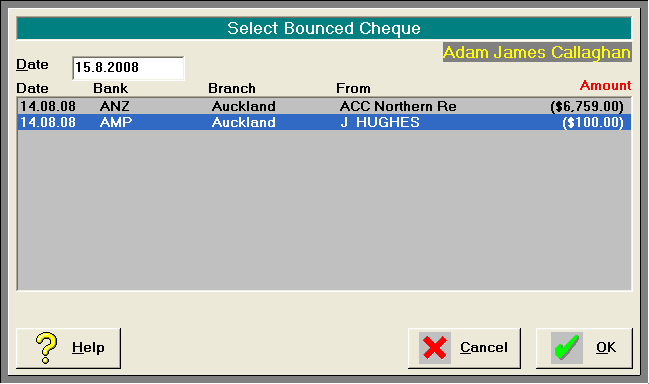
4.Confirm that you have selected the correct cheque.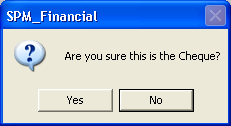
5.An entry will appear on the Transactions screen,
6.An entry will appear for reconciling in the Cashbook.
7.Receipt