Downloading and Importing a Payment from ACC
- Log on to the ACC eBusiness Gateway.
- Select Payment Advice
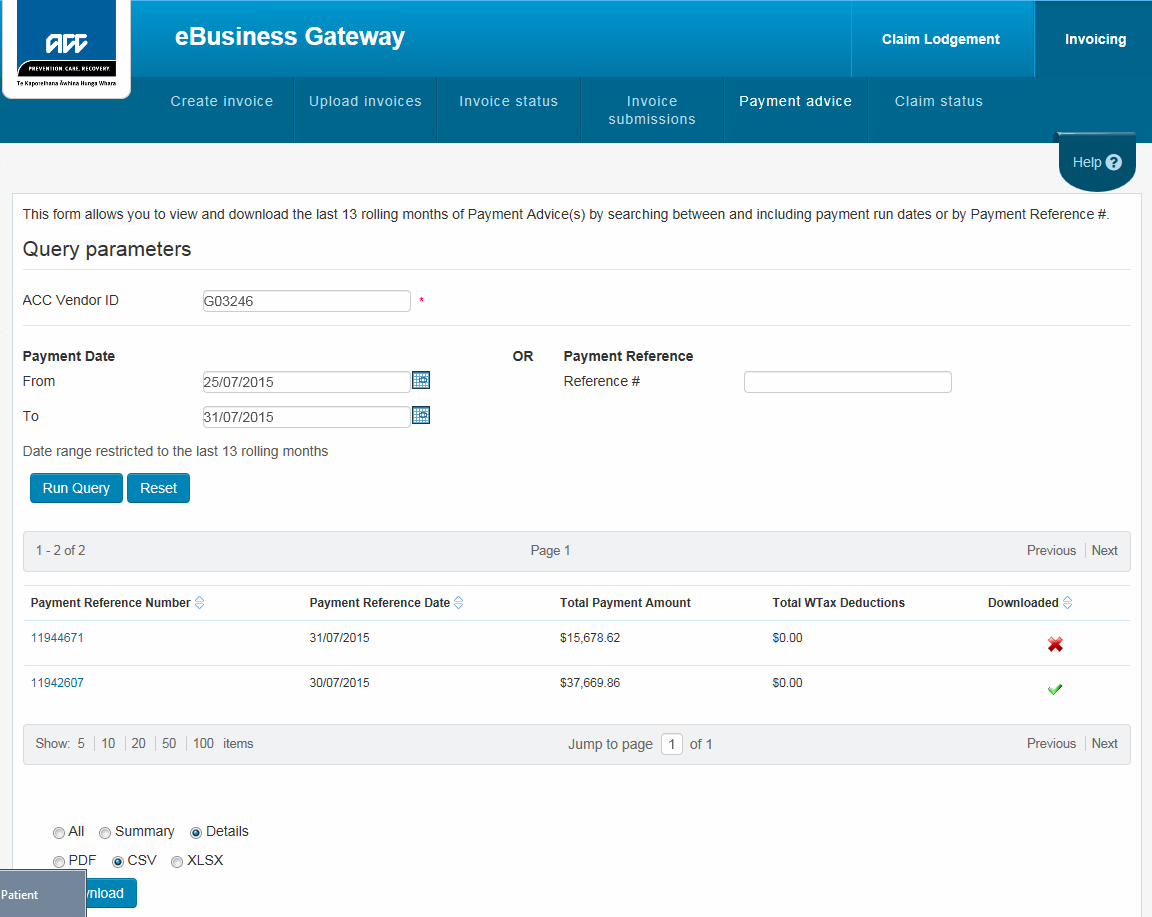
- On the lower left of the page choose the Details and CSV radio buttons
- Click Download
- Do not open the file up but 'Save As'
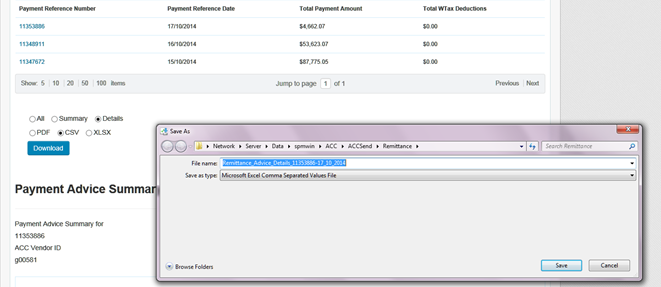
- Do not open the file up but 'Save As'
- Then import into Incisive using Office > Receipts > ACC Advice