- Select the appropriate patient from the appointment screen.
- Select 'Delete'.
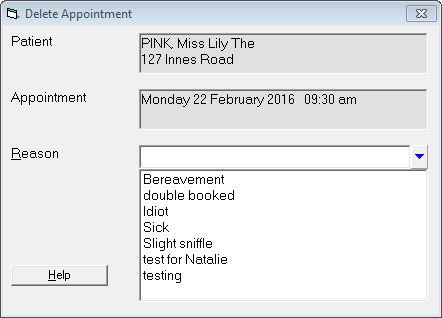
- Type a reason for the deletion; or select a reason from the list.
- Select 'Yes' to confirm the deletion; or
- Select 'No' to abandon the deletion.
The appointment will now be deleted and the reason noted on the patient's notes.
NOTE: You have to enter a reason for the deletion. You cannot delete an appointment without one.