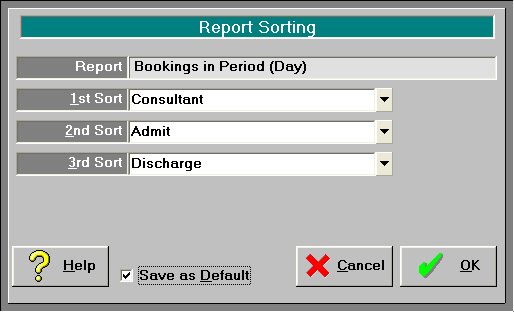
Bed occupancy
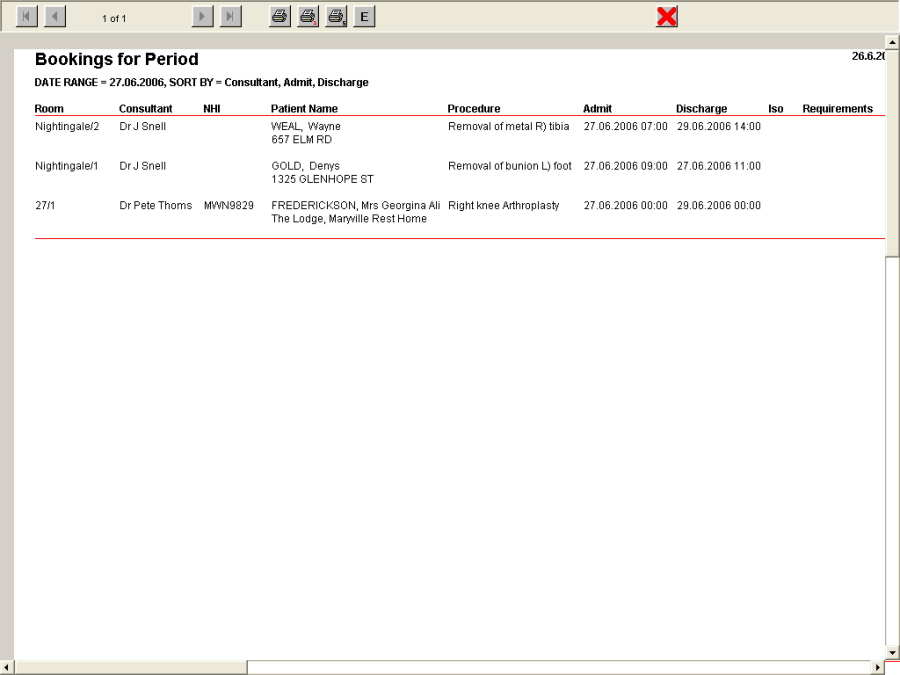
This report lists the patients occupying a bed for a particular period.
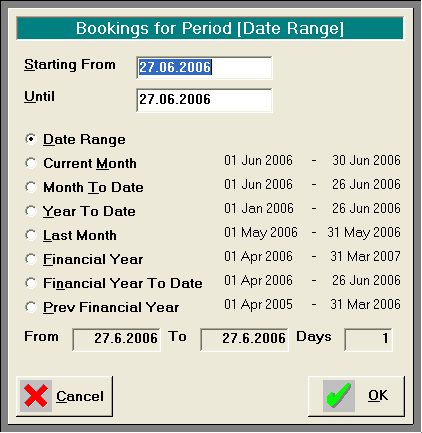
- To access the report with the date range option go to the Booking screen and click on the 'Print' button.
- Enter the start and finish date range.
NOTE: This can report a single day if the start and finish day are the same date.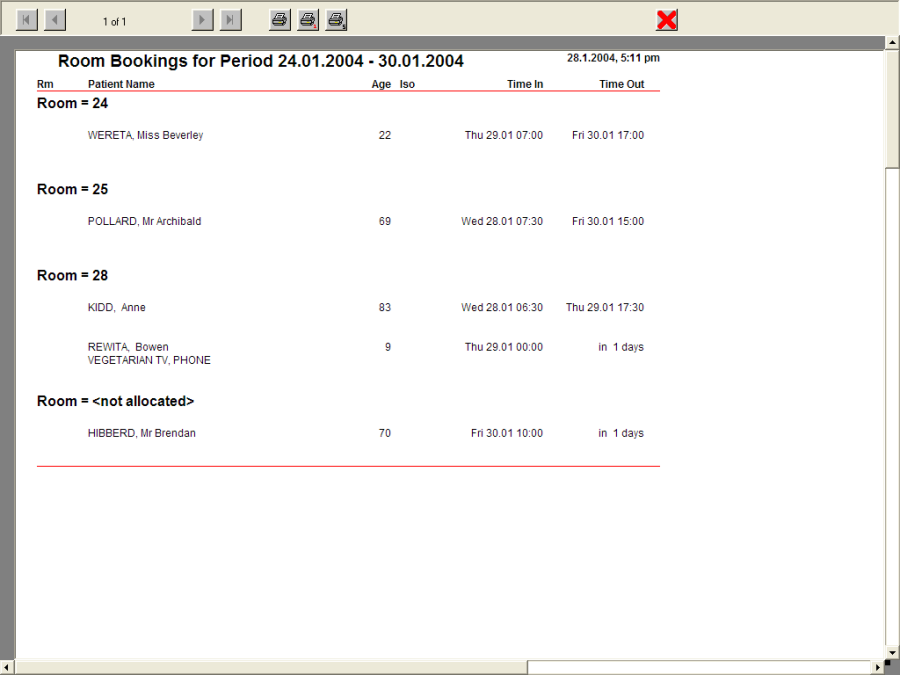
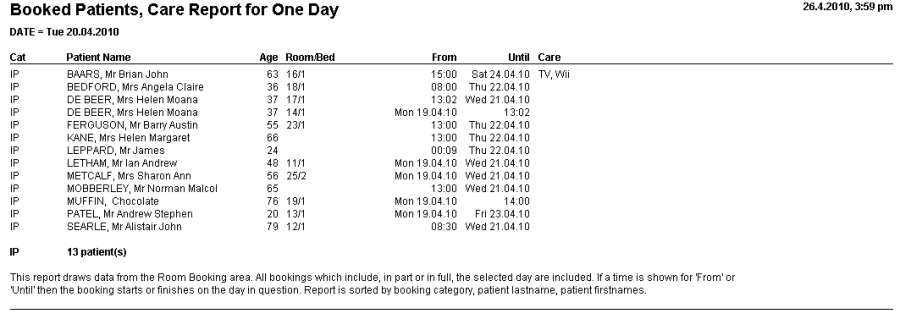
Booked patients, Care report for one day
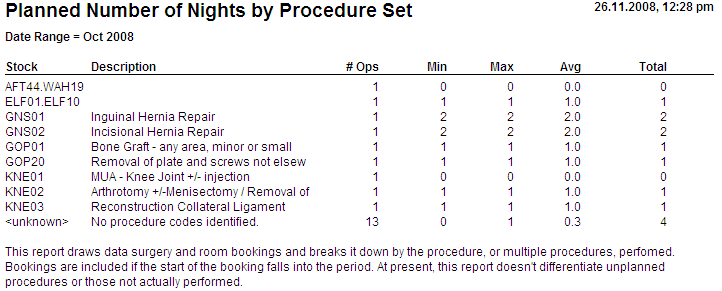
Planned number of nights
Bed Planner
This report is ideal to give to the Consultants each morning to identify the rooms their patients occupy.
To access the single day report go to Rooms > Bed Planner screen and left mouse click on the day you want to report on the top (header) row.
Filter by Date
Sort by
Address |
|
Admission date/time |
|
Consultant |
|
Discharge date/time |
|
Isolate Yes/No |
|
NHI number |
|
Patient name |
|
Procedure |
|
Requirements |
|
Room number |
|