You can set up some templates (Quick-codes) that can be used as a 'message' when sending ad-hoc SMS messages from the Appointment Book.
You create Template text as usual in Setup > Templates > Letters and make sure the SMS option is checked on.
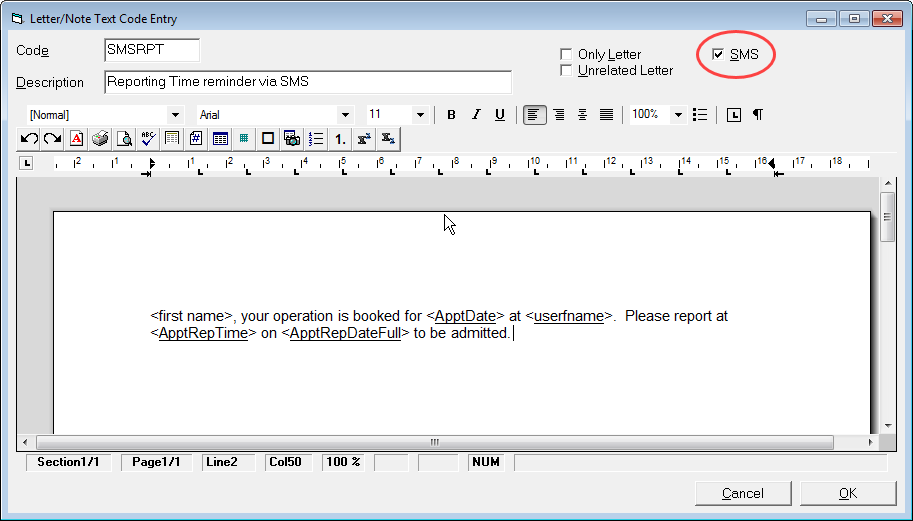
Some examples of the text you can use are:
Reporting Time
<first name>, your operation is booked for <ApptDate> at <userfname>. Please report at <ApptRepTime> on <ApptRepDateFull> to be admitted.
Changed Reporting time
<first name>, the reporting time for your operation on <ApptDate> at <userfname> has changed to <ApptRepTime> on <ApptRepDateFull>. Please contact us if you are unable to make this new time.
Fasting From time
<first name>, this is a reminder that you are required to fast from <ApptFast> for your operation on <ApptDate> at <userfname>