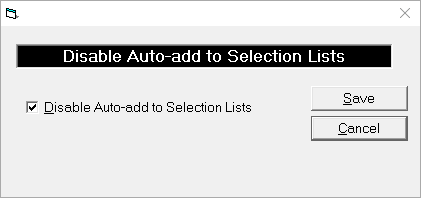
If Disable Auto-add to Selection Lists is checked on, then operators will not be able to add to selection lists such as Town / City, Appointment Cancellations Lists etc. Only those operators with suitable permissions will be able to add new entries via Setup mode. This is to try and prevent unnecessary data from being added so as to create meaningful lists.
To disable data entry to Selection Lists
- From the Selection Lists Restrictions tab select 'Edit'.
- Check on the option 'Disable Auto-add to Selection Lists.
- Select 'Save'.
- Automatic additions to Selection Lists will not be possible.
On this page: