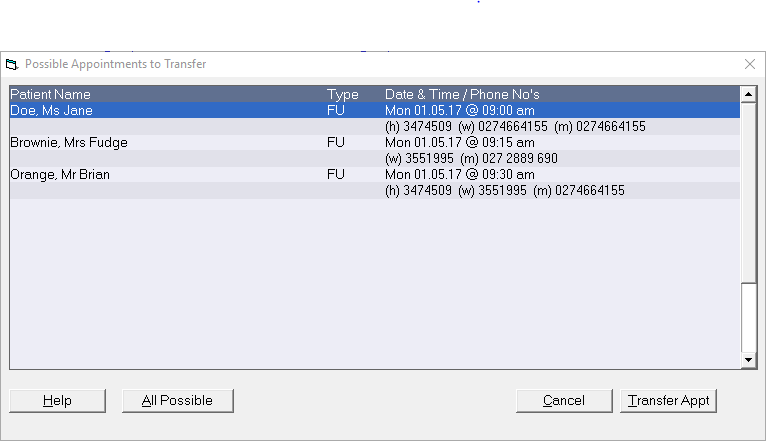
If a patient has an given an appointment but wants to be notified if an earlier appointment becomes available, by selecting the Notify option it adds them to a list that can be recalled when you are looking to fill an empty appointment slot.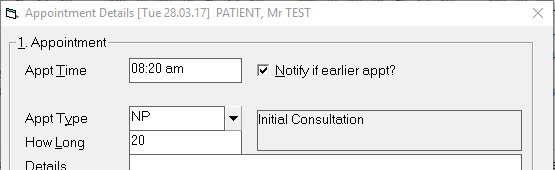
The list is stored in the database and is not shown as a Waiting List.
A report showing those on the Notify list is available from Reports >Appointments > Flagged for Notify
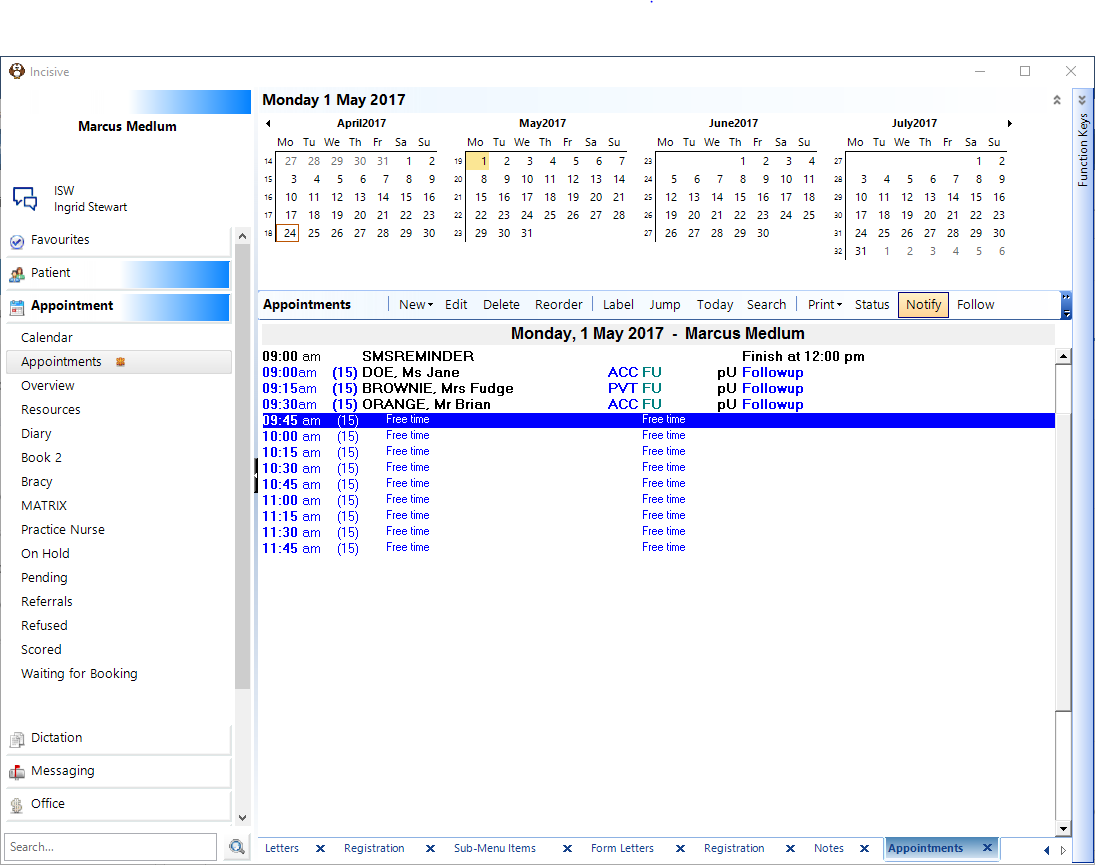
A list of patients that are suitable for that particular appointment will appear similar to the one below. You can then highlight the patient you wish to transfer to add them from this list.