| Provides an overview shows data entered for the chosen examination date.
|
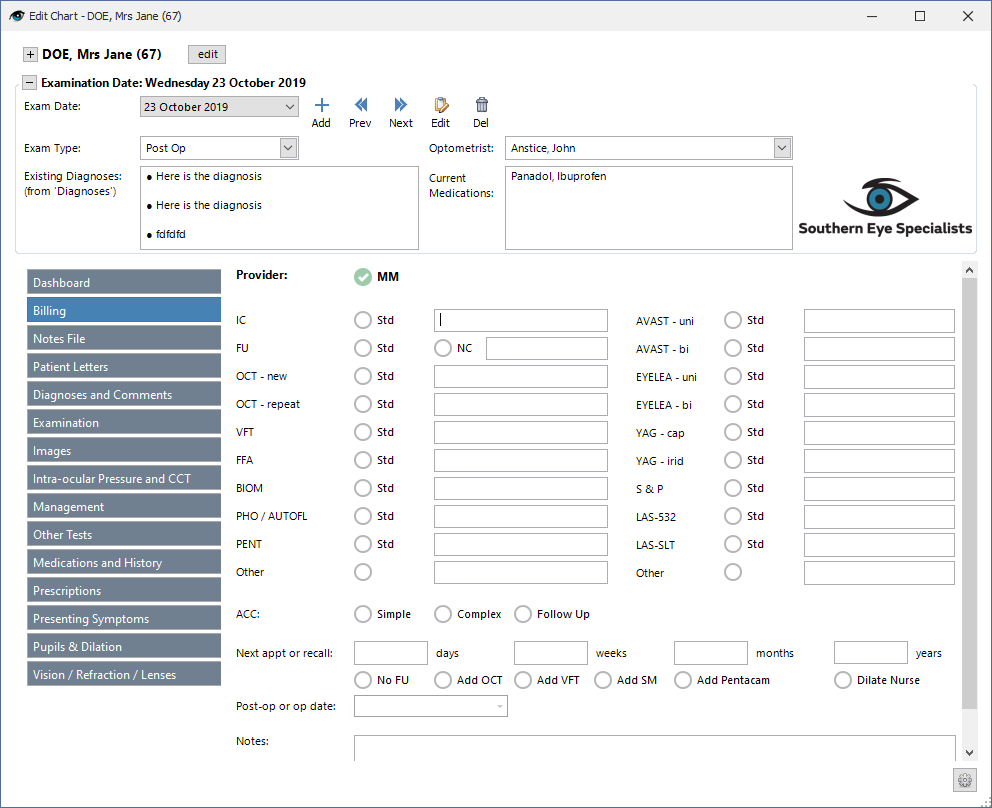
| Shows what is to be billed and next appointment/s required.
|
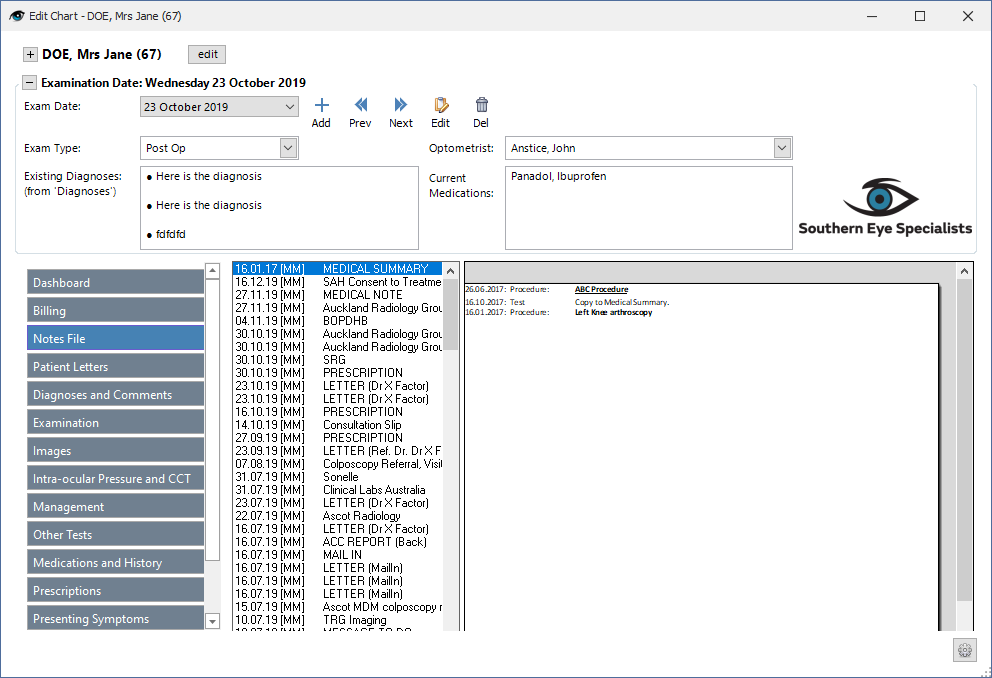
| Displays all patient notes as configured in Patient - Notes.
|
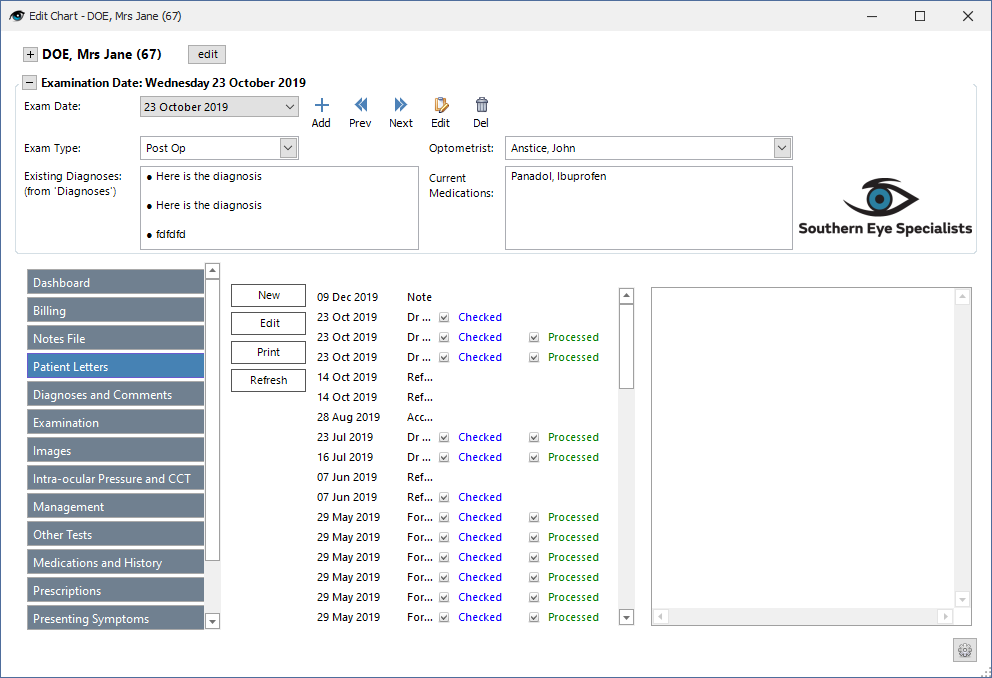
| Allows you to view all letters as displayed in Patient - Letters. You can also create a New Letter, Edit an existing Letter or Print a letter from here. This is designed so that the doctor can quickly generate a letter from a template using the data that has been entered in the chart.
|
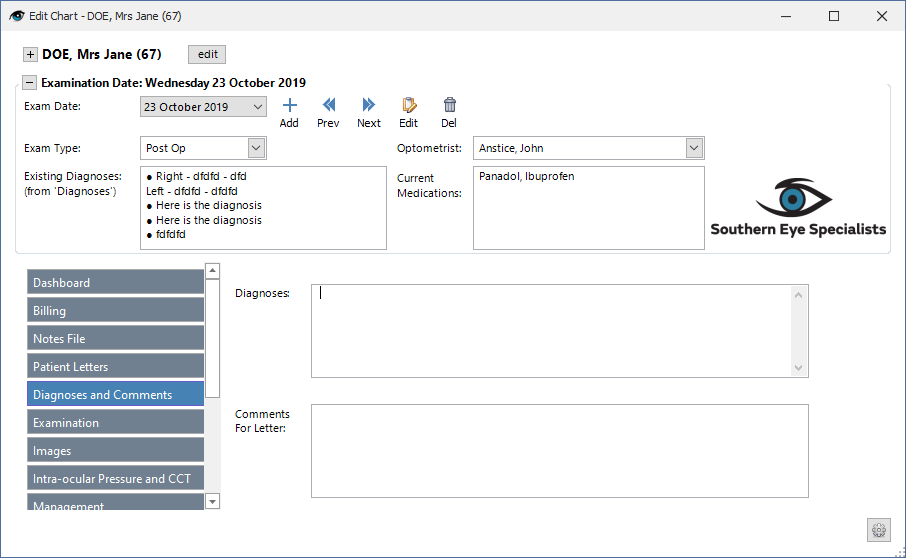
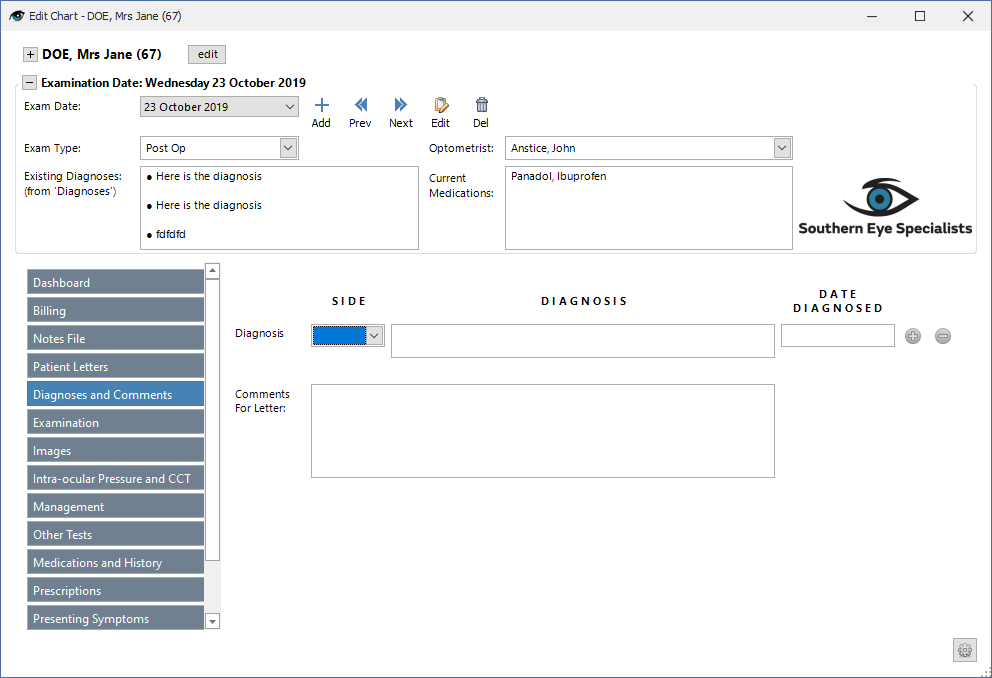
| Patient diagnoses and additional comments as entered by the doctor.
|
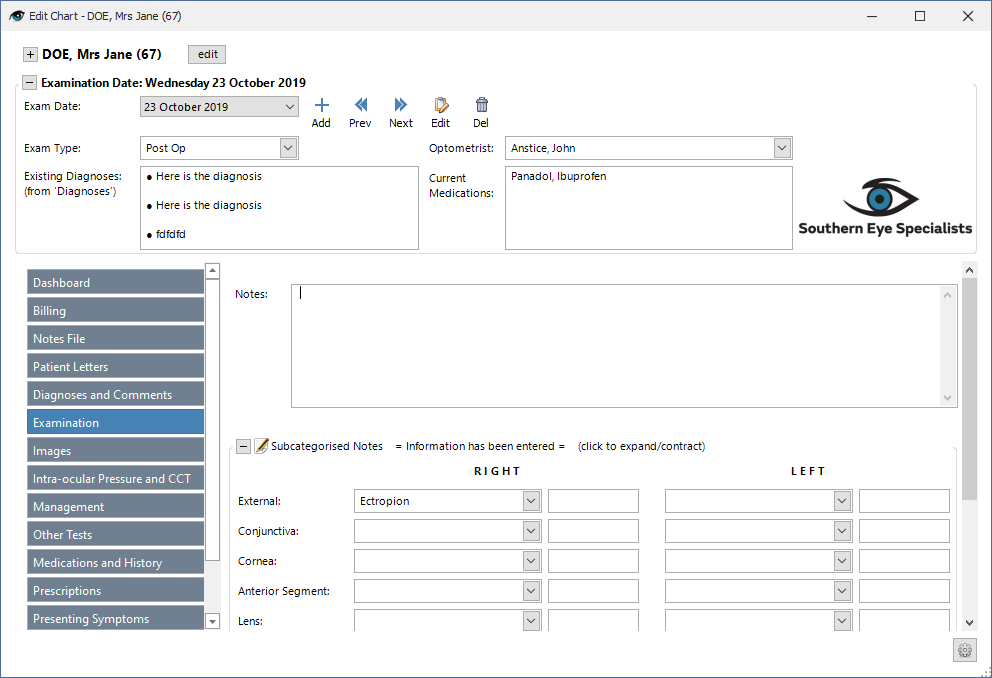
| Displays the examination results as entered by the doctor.
|
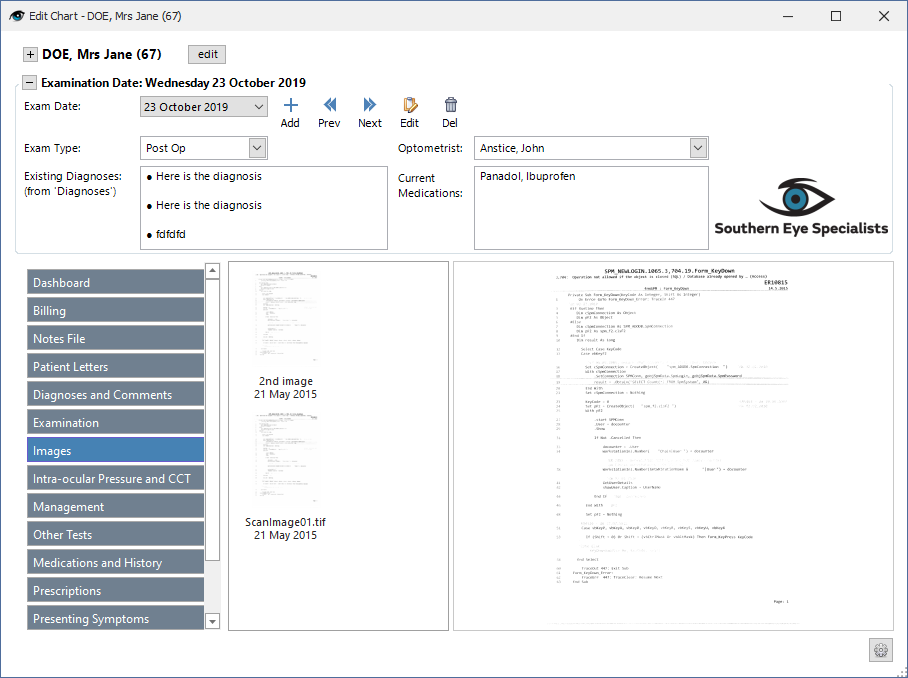
| Displays Images from Patient - Images.
|
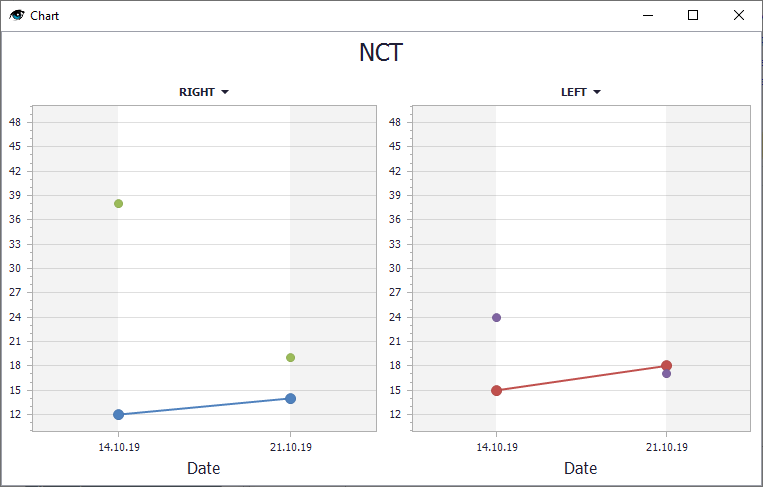
| Displays the Intra-ocular Pressure results as entered by the Doctor. By using the symbols to the right
|
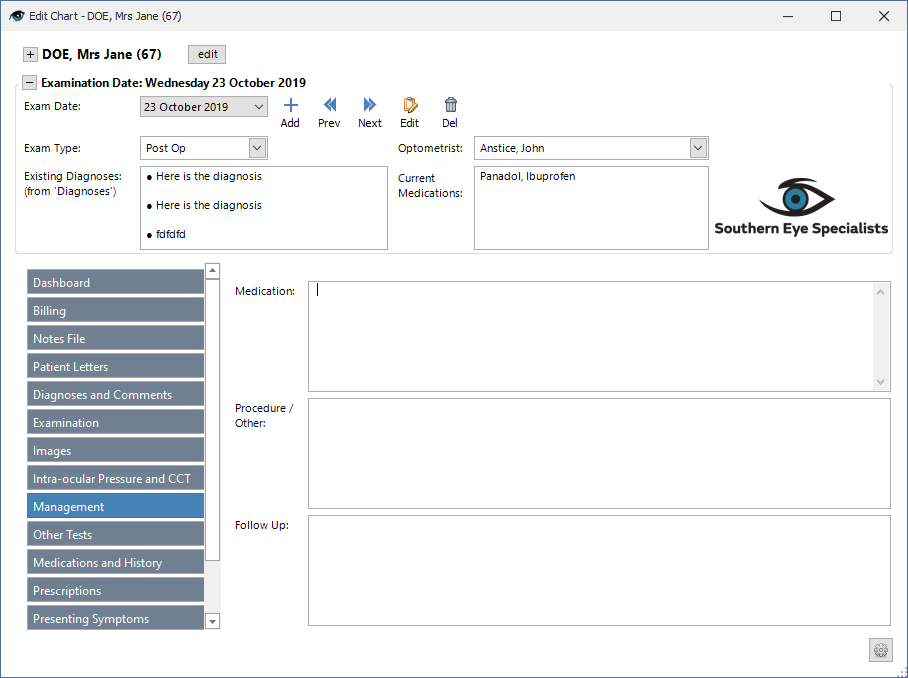
| Add or display patient Management.
|
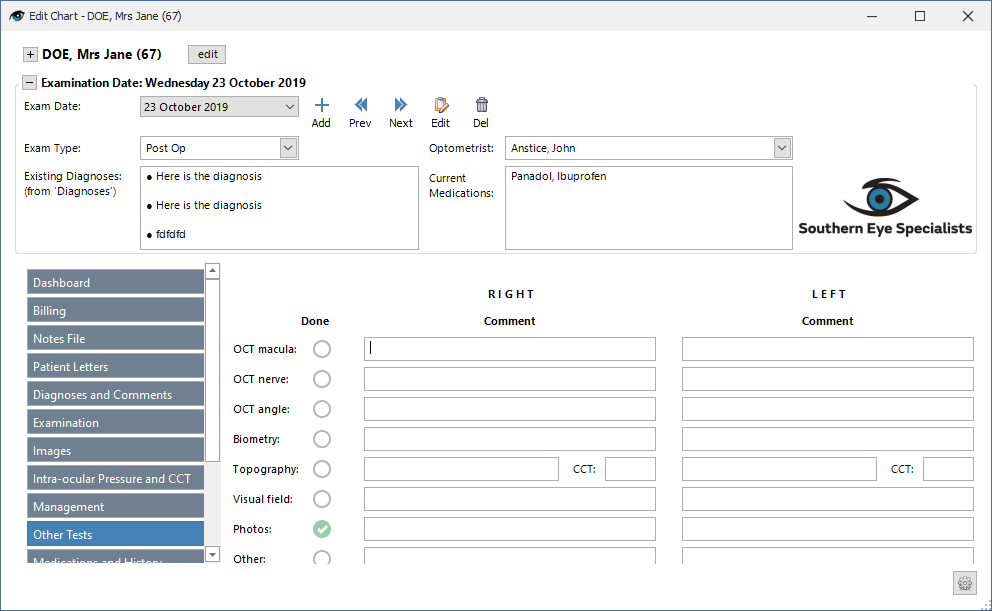
| Add or display Other tests.
|
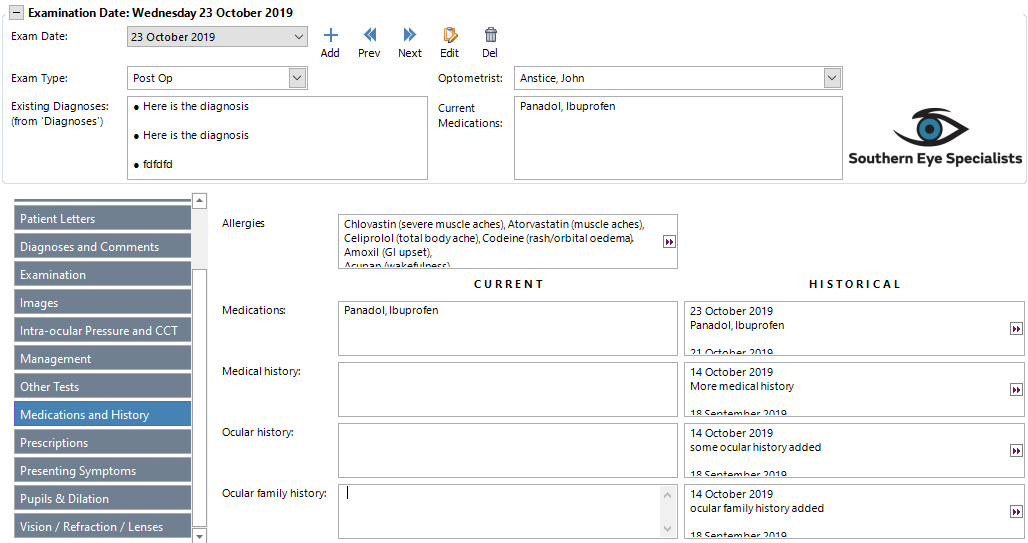
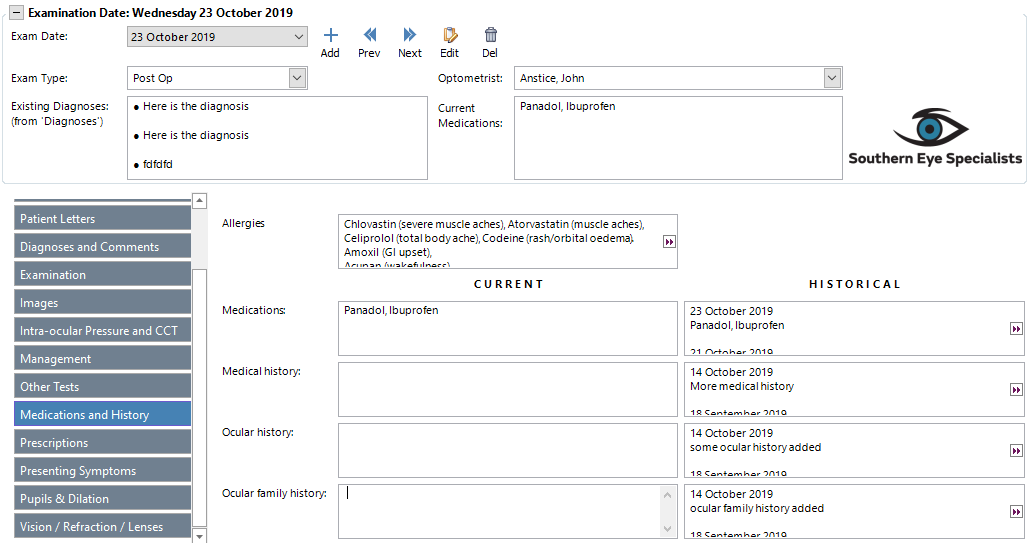
| Add and view Ocular and Medical History.
|
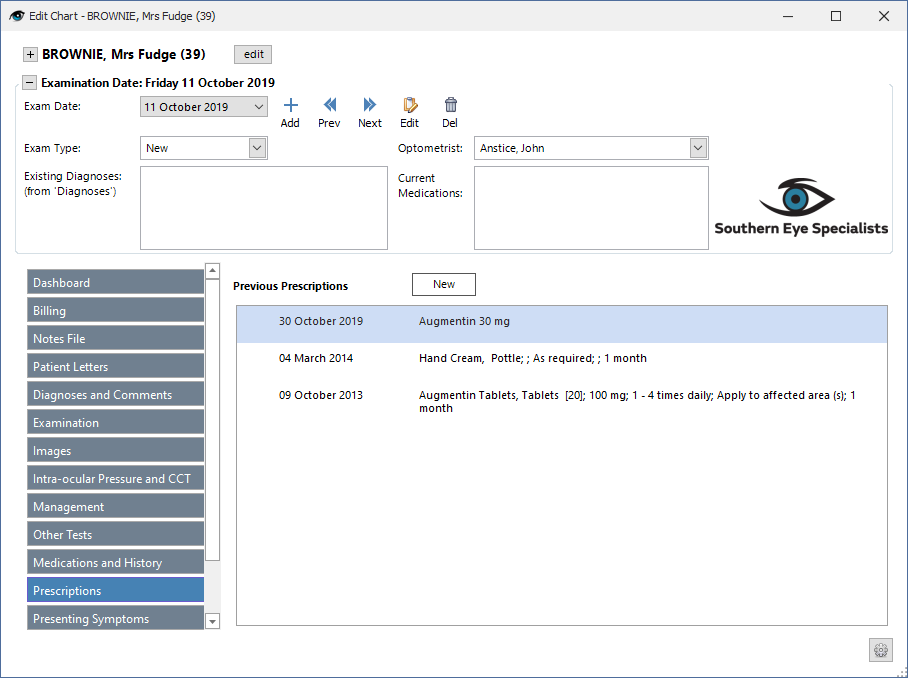
| Displays previous Prescriptions given and also allows for New Prescriptions to be created.
|
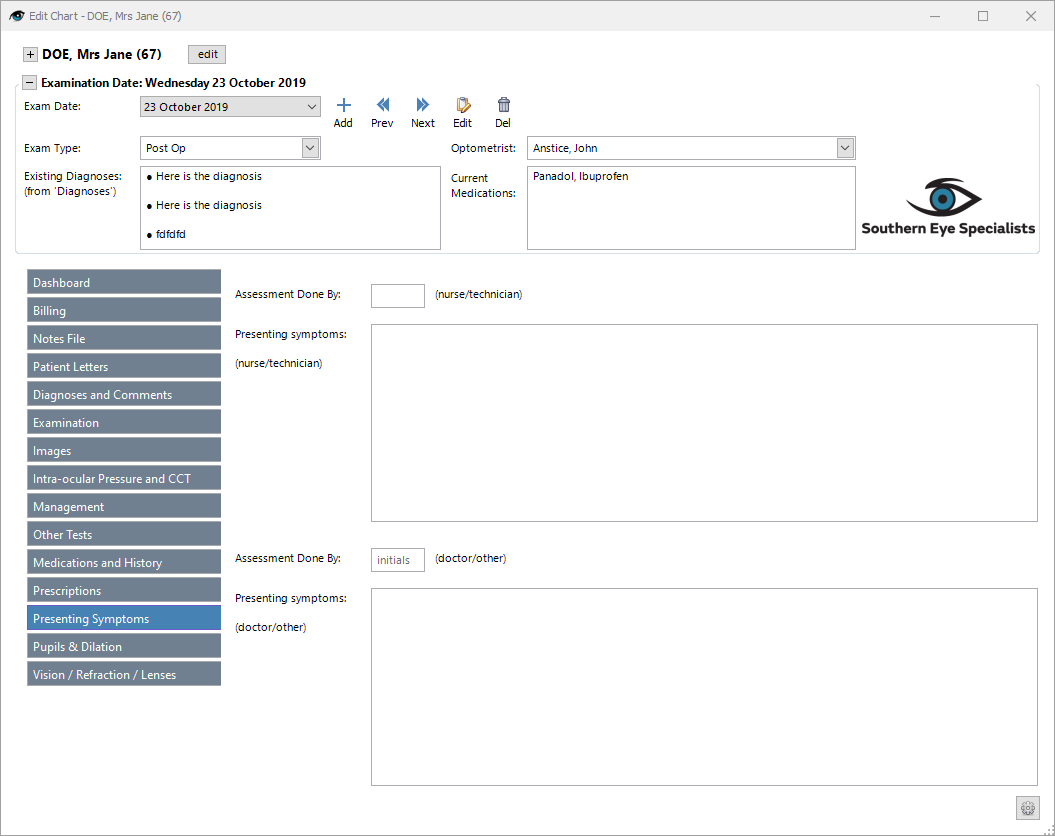
| Add or view Presenting Symptoms.
|
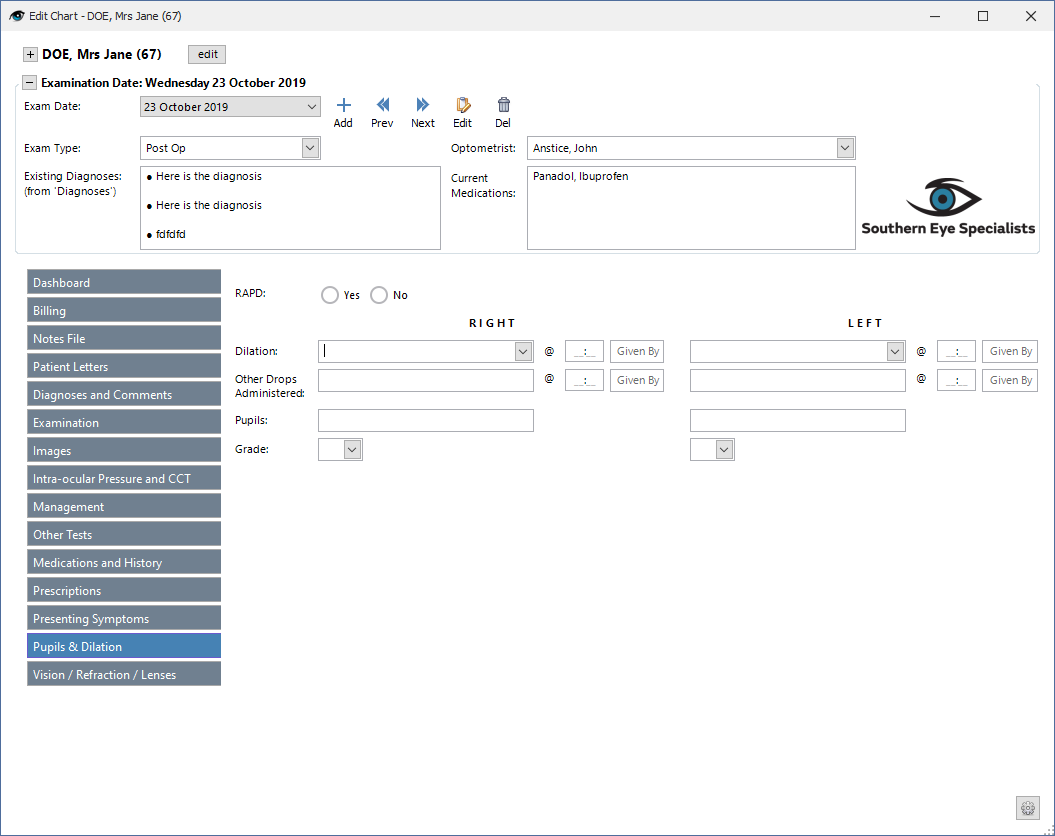
| Add or view Pupils & Dilation data.
|
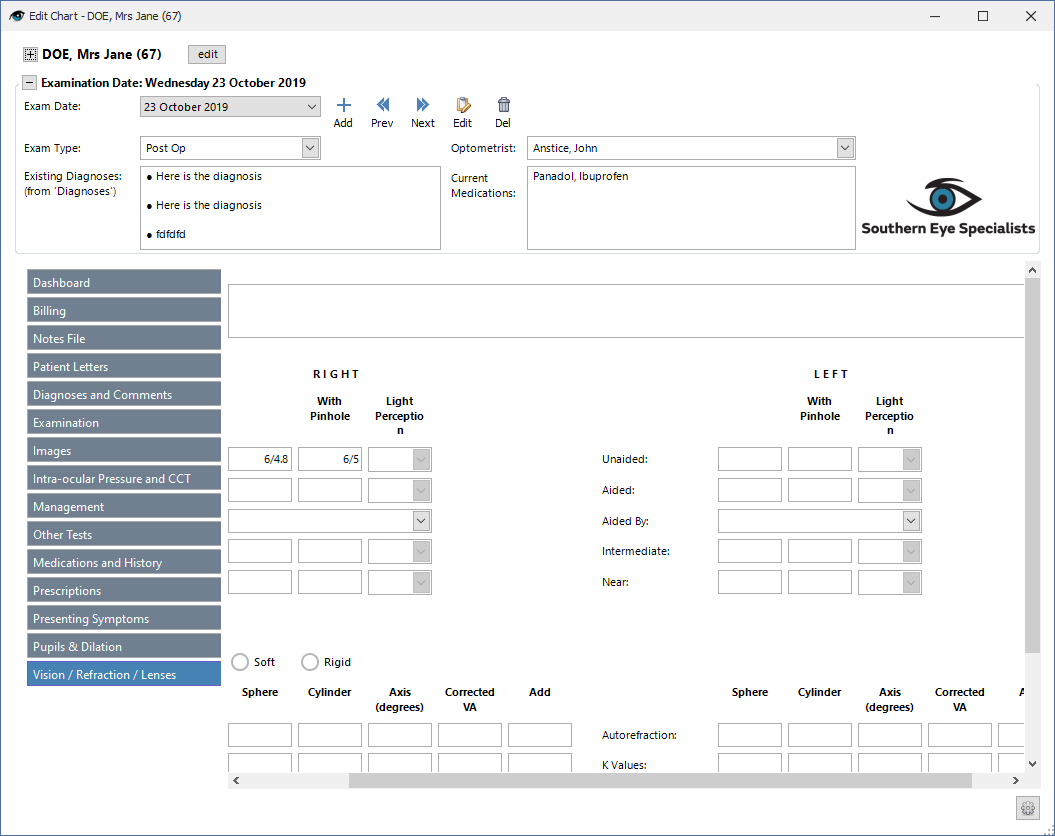
| Add or view Vision/Refraction/Lenses details.
|