The Reports module provides information that has been queried from the database so that it can be used to view, print, export or send.
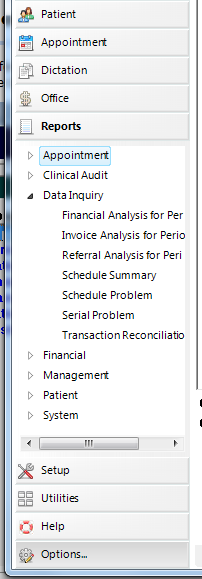
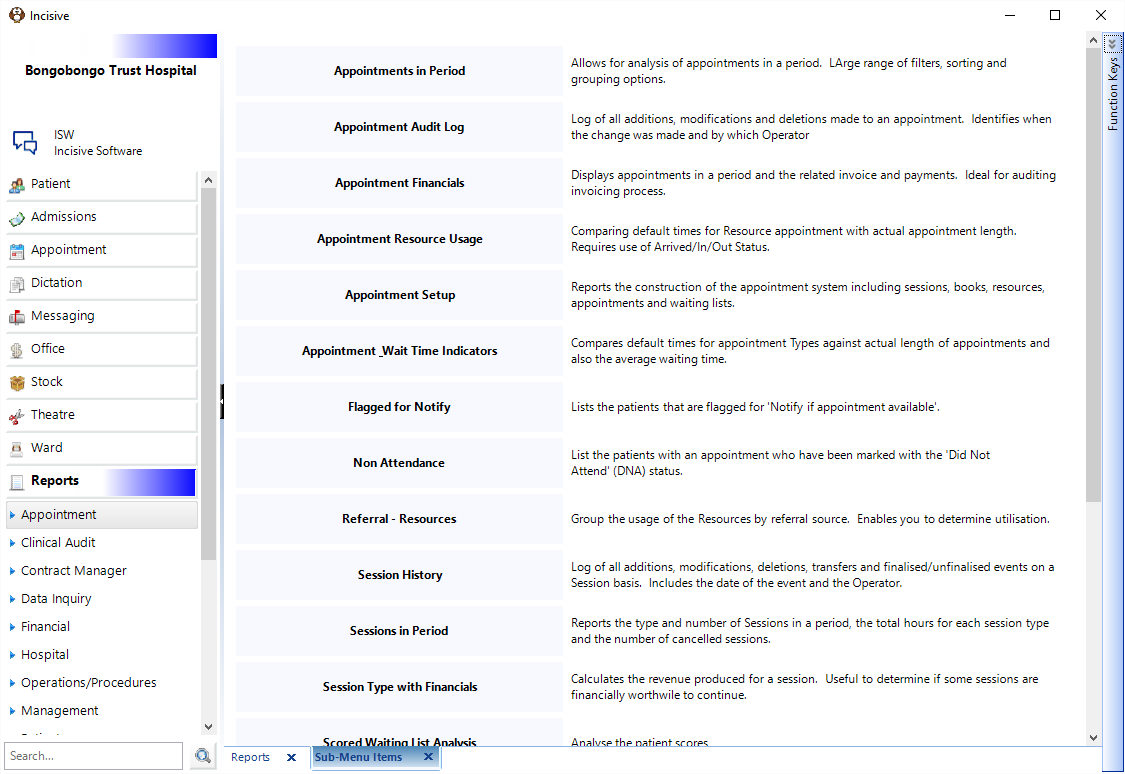
Different types of reports are sorted into Groups, displayed on the left side of the screen. As you move down through the Groups, the group expands to display those reports available for that Group.
Many of the reports are date dependent, requiring you to select a date range. For convenience you can select Current Month, Last Month or a Date Range. The output can either be directed to direct to the printer or to the screen (and then the printer if required).
Toolbar
At the top of each report is a range of buttons that you can use to print, export of view the report content.

Descriptions
Each report has a short description explaining the information it gathers and the purpose it could be used for.
On This Page:

Report schedule
Recommended schedule for production of reports
DAILY
- Appointment
- Appointment financial
- Financial
- Receipts
- Banking
- EFTPOS
- Results
- Overdue results
WEEKLY
- Patient
- Invoices 'flagged'
- Appointment
- App flagged for notify
- Financial
- Statements
MONTHLY
Patient
Recalls
Recall no-show
Audit
Audit count
Financial
Aged debtors
Financial summary
Debtor control
Cashbook control
Referral summary
Sales analysis
Subcontractor accrual
Credit balance
Debt write-off
Credit write-off
Fees on hold
Non inventory invoice by Billing Type
TWO MONTHLY
Financial
GST Return (New Zealand)
QUARTERLY
Financial
GST Return (Australia)
ANNUAL
Financial
Non inventory invoices by Billing Type