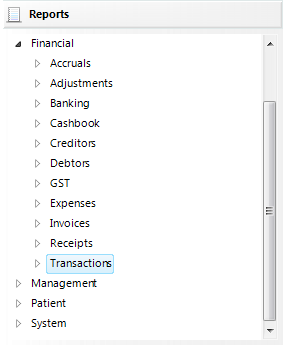
- Select the Group.
- Select the Report.
- Select the period.
- Select 'OK'.
The Report displays on screen as it will print.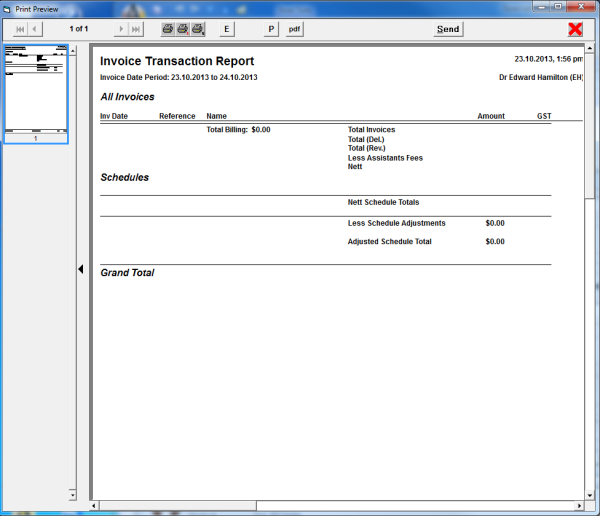
The total number of pages is listed at the top.
Use the icons to advance forwards and backwards through the report as required.
| Go forward one page |
| Go to the last page |
| Go back one page |
| Go to the first page |
| The Printer icons either print the whole report (left icon) or the current page (right icon) |
| Exits Print Preview. |


