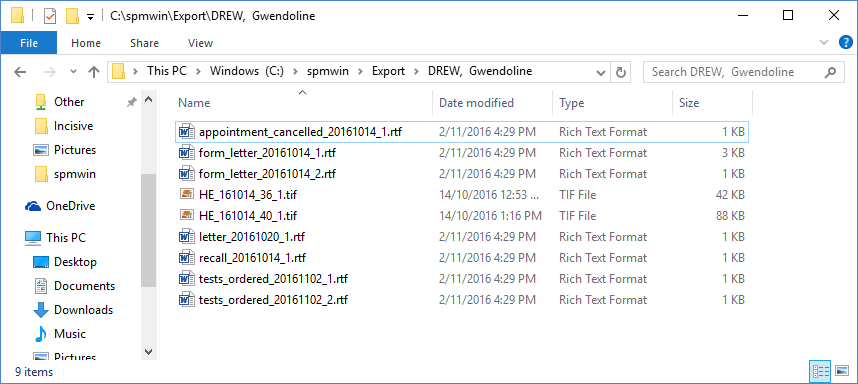
This allows for patient notes to be exported for the selected patient. An RTF file is created for each entry, or if scanned documents are present, a copy of the original scanned document is made.
To export the notes for a single patient
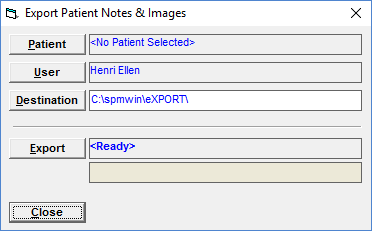
- Select Export Patient Notes.
- You will be prompted for a login and password. Enter these.
- Select the patient to be exported.
- Select the User / Provider that you wish to export Notes for.
- Select a Destination path.
- Select 'Export' to start the process.
- A single file for each note entry and image will be created in the destination folder.