To be able to email an letter from Unrelated letters you will need to have a PDF Creater loaded on as one of your printer drivers under Start > Settings > Printers and Faxes. (see your IT Technican for this).
Creating the PDF file
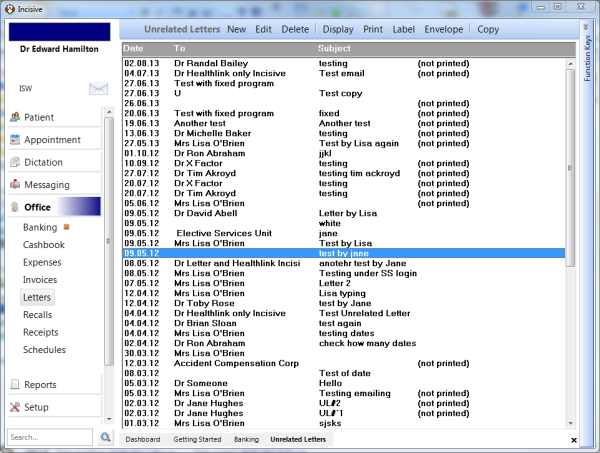
- Go to the Office Mode > Letters tab.
- Click on the letter you want to email and press the 'spacebar'.
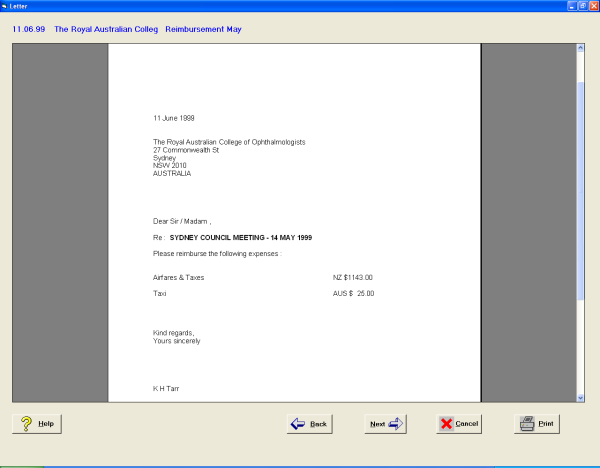
The letter will open - Press the 'Print' button.
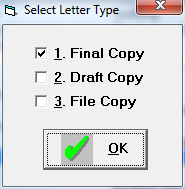
- Select the type of copy you require and press 'OK'.
The Print Options come up - Press the 'Advanced' button.
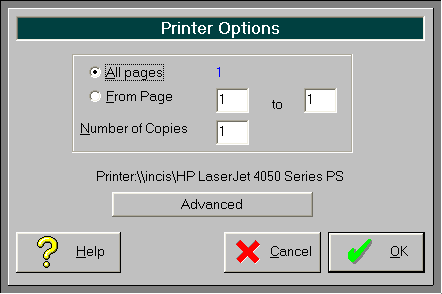
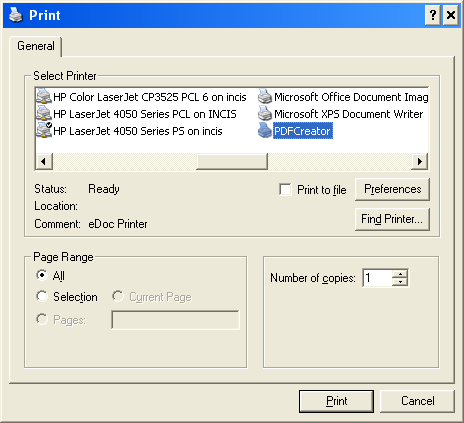
- Select the 'PDFCreator' and press 'Print'.
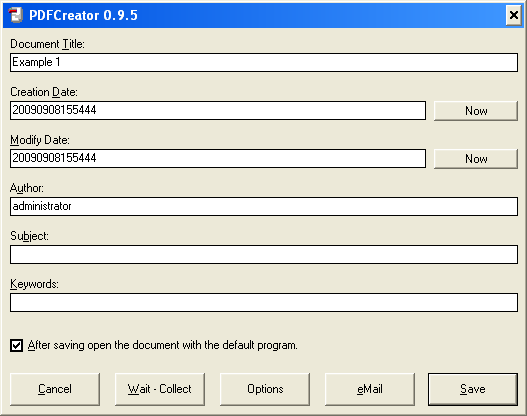
- This screen comes up, change any of the details that you want to change and press 'Save'.
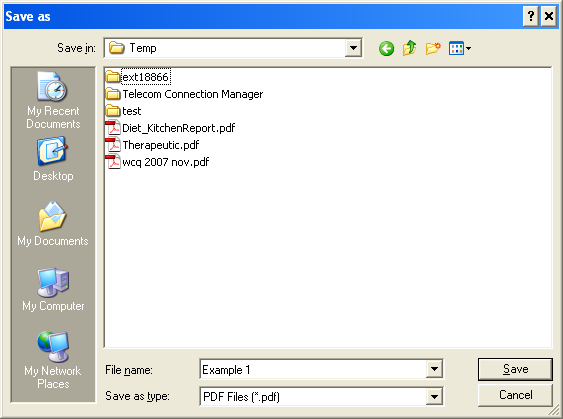
- Browse and save this to a location that you will easily find this file and press 'Save' again.
- The pdf file will appear on the screen, just go File > Close to exit the file.
Emailing the pdf File
- Create a new email in Outlook.
- Press the paper clip or Insert > Attach File
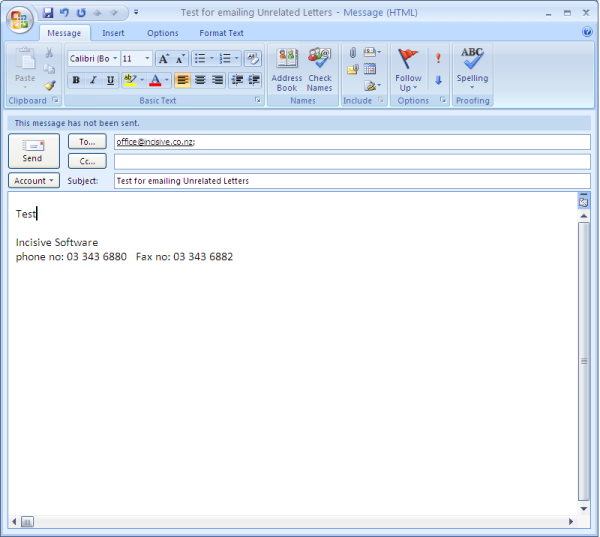
- Browse to the folder that you saved your file to, click on the file and press 'Insert'.
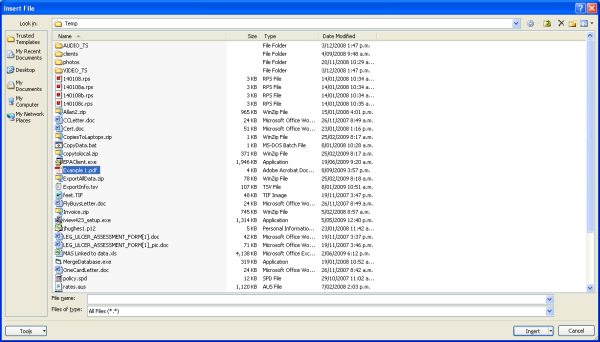
This should attach your Unrelated letter ready to send.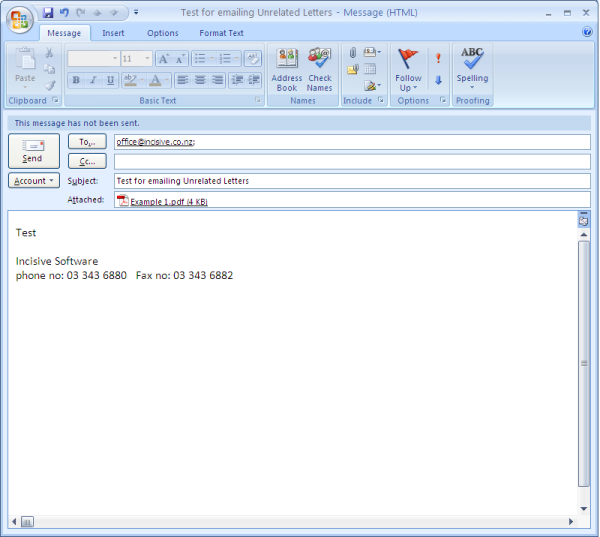
On this page: