This program is designed to assist the planning required to manage the annual funding from a health purchaser so that the budget is conservatively managed for cashflow purposes.
There are three sections to the program:
- Nominating the value of the procedures that can be performed in each month for each Health purchaser
- Adding a patient and planned operation to the planning process
- Printing a 'Request for Approval' (RFA)
- Reporting progress of planned funding as against actual invoicing
Setting the Monthly Budget
- Select Setup > Budget Periods
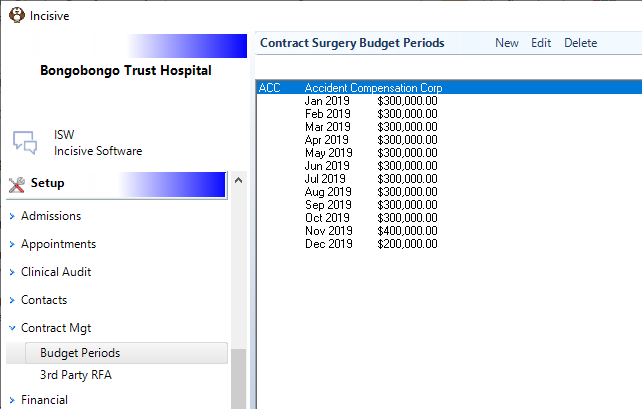
The previous entries are displayed. Click on the 'New' button to add a budget allocation for a nominated health purchaser for a particular month.
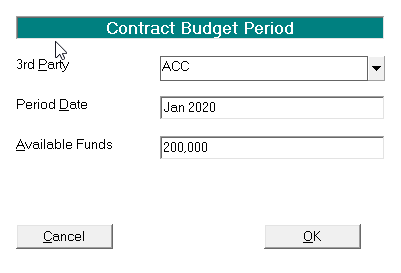
Select the Purchasing party, the budget period and the funds available for the month.
The '3rd Party' is selected from the list entered via Setup > Contacts > 3rd Party in the Private Hospital Manager software.Budget Period
It is possible that the period of the budget period is other than monthly, for example, quarterly or on an annual basis.
To facilitate this function the date entered into the 'Period Date' field can be in a wide range of formats e.g.
- Monthly - July or Jul 20 will translate to a monthly period 07.2020
- Quarterly - Apr 20 – Jun 20 will translate to a quarterly period of 1.4.2020 – 31.6.2020
- Annual - 2020 will translate to an annual period of 2020
The above is not an exhaustive list. Try a different format. If it is not accepted the date will appear RED
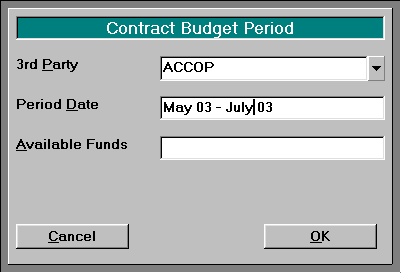
Will automatically convert to: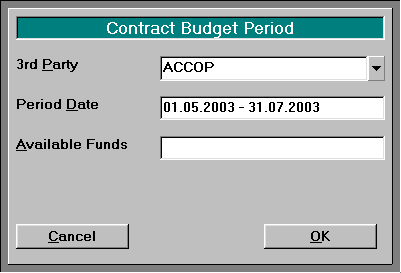
This flexible date format is also available in the 'Surgery Date' field
Waiting Lists
Waiting Lists in the Appointment Book can have the patient automatically added and can also be moved to the appropriate list as their approval status changes. The common wait lists are:
- Pending
- Approved
- Refused
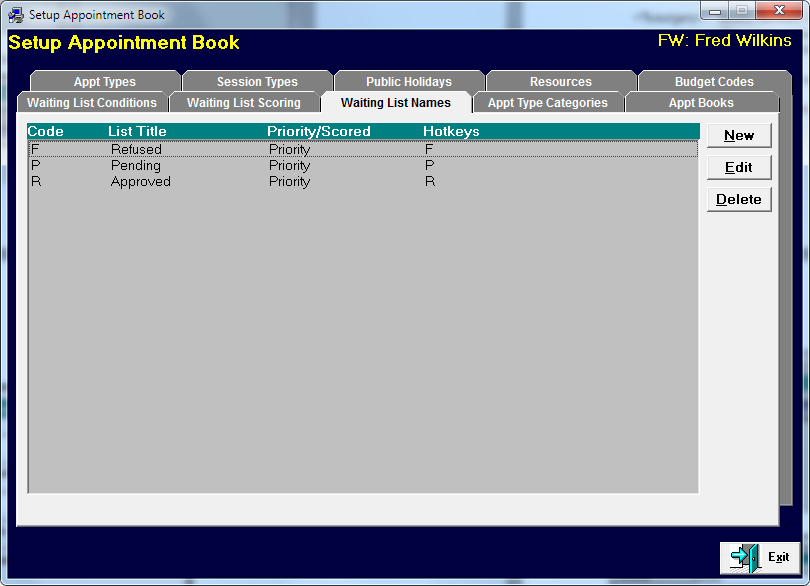
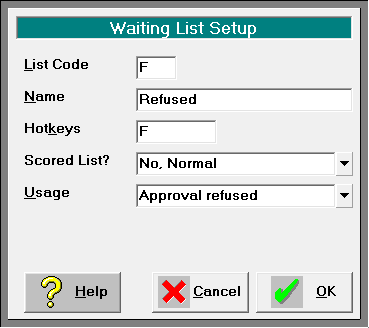
- Create the Waiting Lists in Setup – Appointment Book – Waiting List Names. Click on the New button
- Enter the details of the new Waiting List. Choose the appropriate 'Usage' option
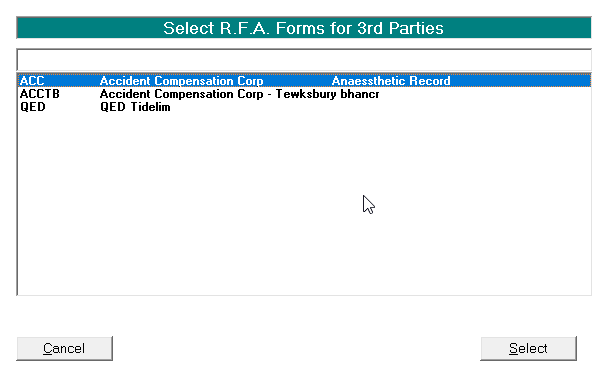
Configure the Request For Approval letter
Select from the Forms Letters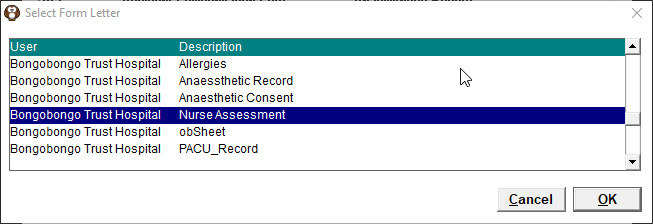
Reports
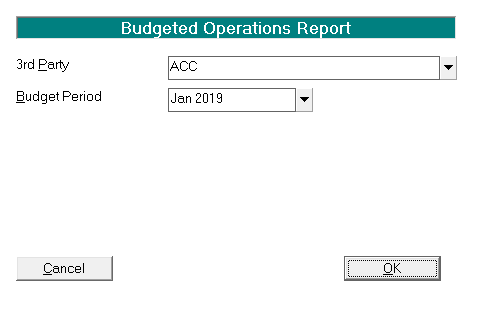
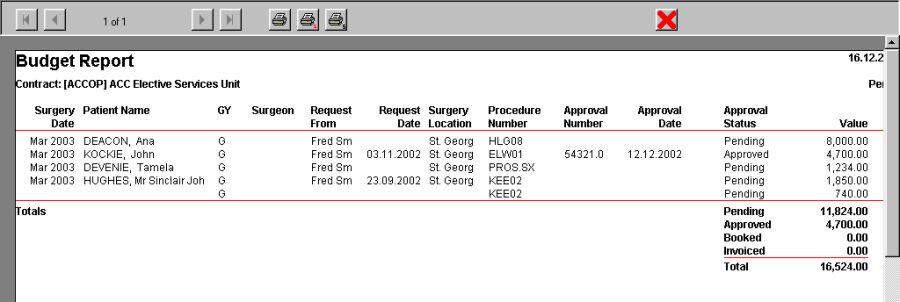
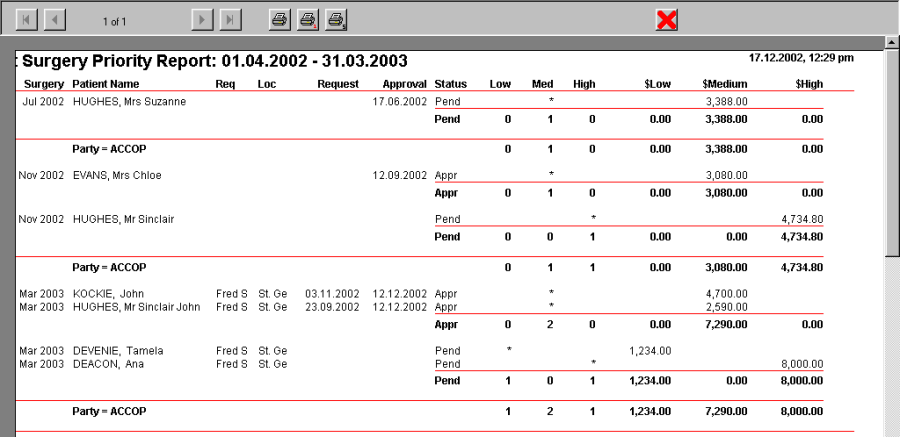
- Select Reports > Contract Management> Budget report or Surgery Priority
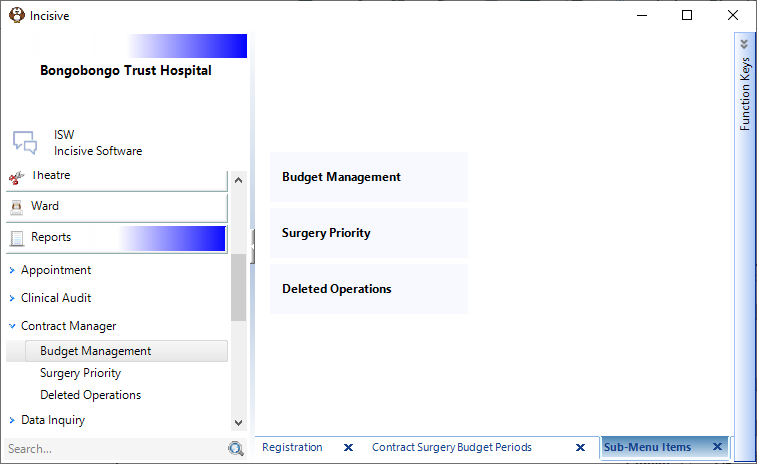
- Select the Health Purchaser and the period to report on or the date ranges.