Code Trees can be used at the Individual. Group or System level.
Select the options you want to use in the Configuration before adding Code Trees
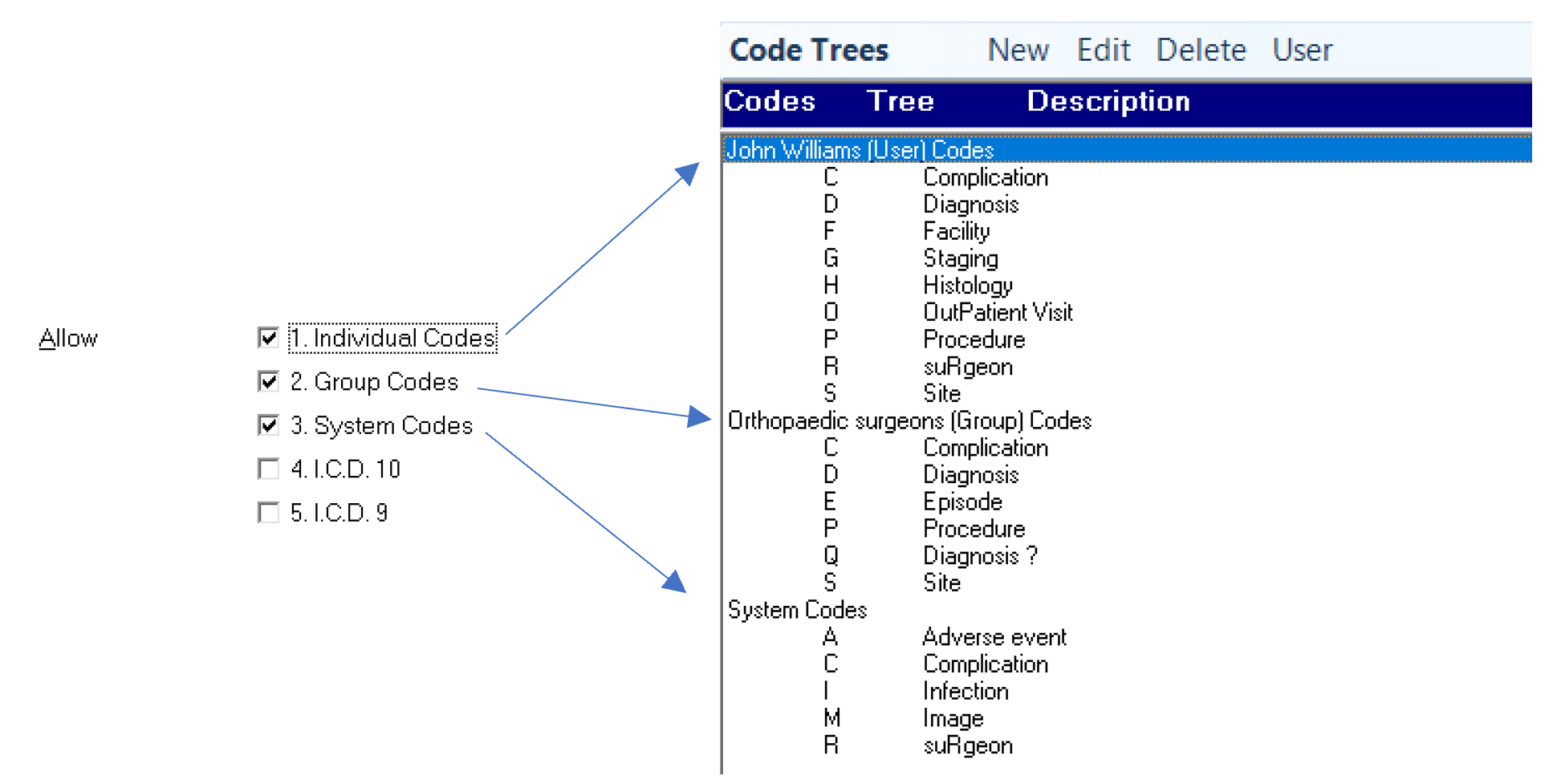
The code groups are hierarchical and can therefore be described as code "Trees". Five groups of code trees are suggested:
- SITE (anatomical site)
- PROCEDURE (operation)
- DIAGNOSIS (clinical or overall diagnosis)
- COMPLICATION (outcome)
- HISTOLOGY (pathological diagnosis).
These can be given the Tree codes of S,P,D,C,H respectively. You may add others as necessary.
You can use any symbol on the keyboard for the letters within the code though it suggested you stick to the letters of the alphabet plus the numbers 0 to 9. The codes are case-insensitive (later use of codes may be in upper or lower case - they will have the same meaning).
Incisive has examples of code Trees used by various specialties which you may use intact or alter to fit your requirements.
To add a new code tree
- Select 'New'.
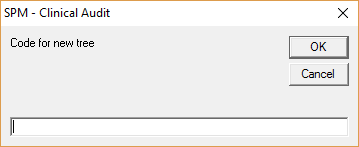
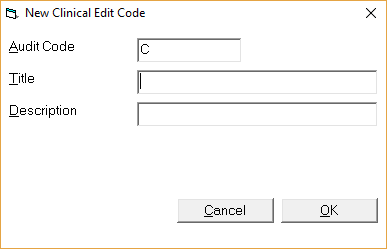
- Enter the code for the new tree.
- Select 'OK' to save the new tree.
- A screen with the new code will appear.
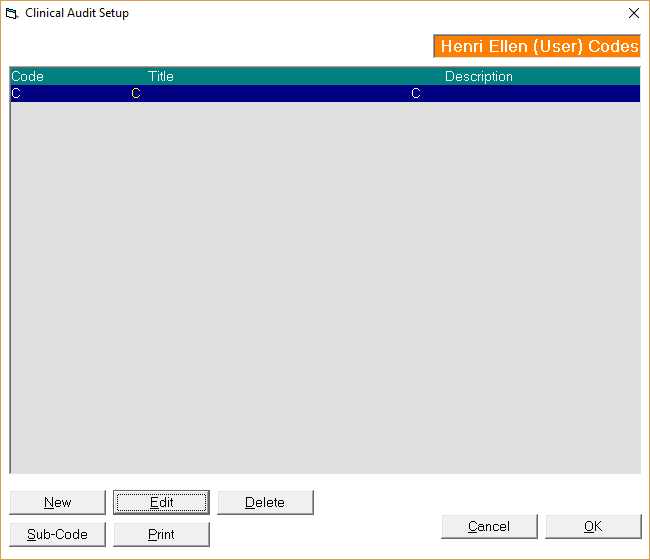
- Edit the tree and add to the Title and Description fields to clearly identify what the tree is to be used for.
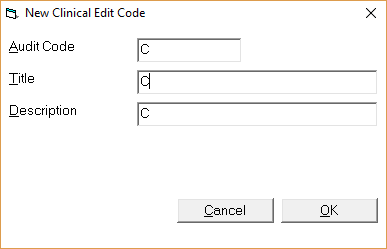
- Save the changes by selecting 'OK'.
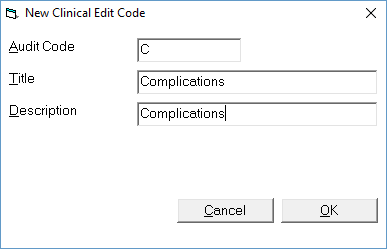
- You are now ready to begin entering sub-codes below the new code tree.
- Select 'Sub Code'.
- Enter a Title and Description for the sub code entry. The first capital entry will be taken as being the code for the sub code.
To edit an existing code tree
To delete a code tree
To configure audit settings for the Provider (User)
See CONFIGURATION.
How Do I...
- Displaying the audit entries
- Setting up the audit
- Entering audit data
- Audit reporting
- Export Audit data for Socrates
- Procedure Coding for a Hospital