This option is provided for Providers who wish to draw money from the practice. The amount taken is recorded as a personal drawing against the specified Providers.
If you are going to take cash out, you should instigate a notebook system and have the Doctor sign for the unbanked cash taken. Record the date, amount taken and signature. This will ensure that staff cannot be held accountable for unbanked cash that the Doctor does not recall taking.
The amount entered as 'Cash Taken' will show as a reduction in the amount of cash appearing on the current deposit supplement.
The Cash Taken facility should not be used for Petty Cash as it is recorded as a personal drawing rather than a legitimate business expense.
The best way to handle this is to draw a cash cheque from the business account.
- Go to the Office Mode
- Select Banking
- Select 'Cash Taken'.
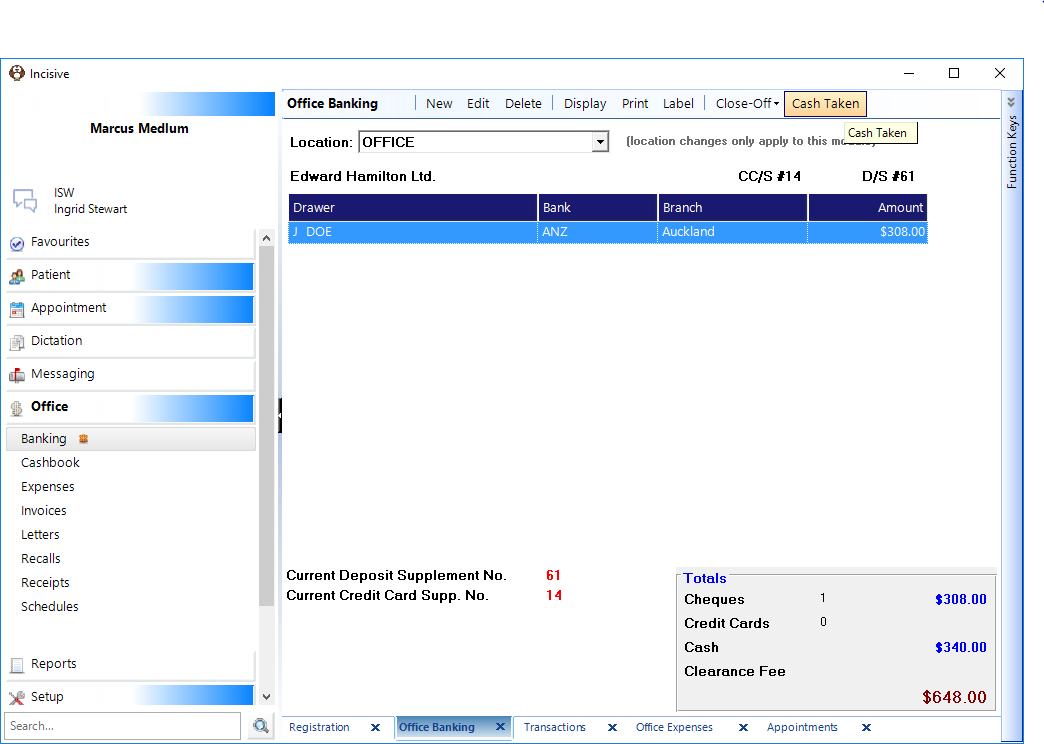
A screen will display the amount of available cash (i.e. the total of all cash receipts for the selected bank account for all doctors/Users) together with the selected doctor that is taking the money.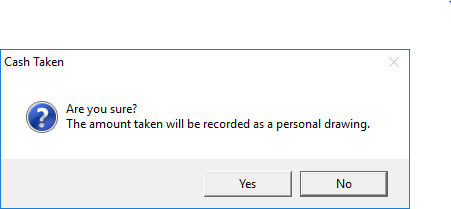
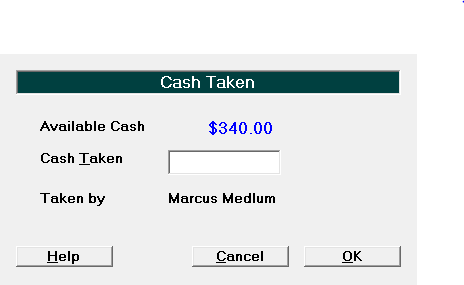
- Enter the amount of cash taken, or press Enter for the full amount.
- Select 'OK'.
NOTE: You cannot enter an amount greater than the amount recorded as available.