When an appointment is deleted (cancelled) a reason for the deletion needs to be given. To speed up data entry, the reason for deleting the appointment is selected from a Selection List.
A list of standard reasons can be added via Setup proving the Operator has permissions to do so. Alternatively a reason may be added when deleting (cancelling) the appointment providing Selection List Restrictions is not enabled.
To add a Cancellation Reason
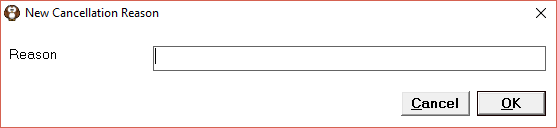
- From the Cancellation Reasons tab select 'New'.
- Enter the Cancellation Reason.
- Select 'OK' to save the reason.
To delete a Cancellation Reason
- From the Cancellation Reasons tab, highlight the Reason to delete.
- Select 'Delete'.
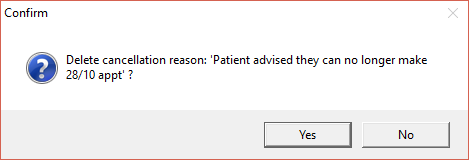
- Select 'Yes' to confirm the deletion of the reason.