To Import ARTP Procedure Codes
- Select 'Set'.
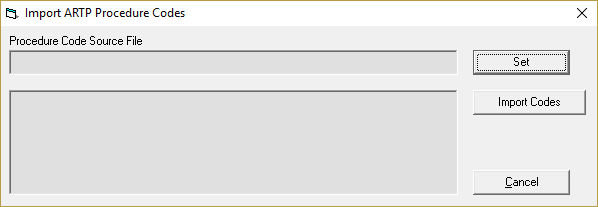
- Navigate to the location of the file to import (Incisive will notify you of the latest file).
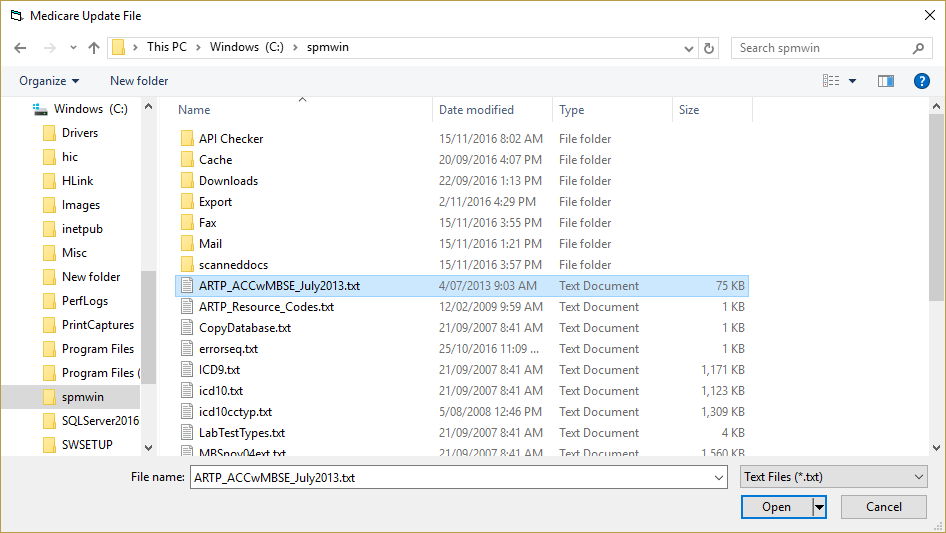
- With the correct file highlighted, select 'Open'.
- The path and name of the file to be imported will display in the section 'Procedure Code Source File'.
- Select 'Import Codes'.
- The data will be imported to the database from the selected file.
When finished, Done will appear.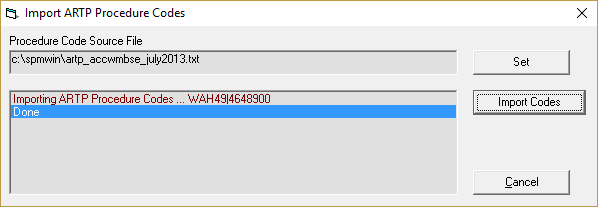
- Select 'Cancel'.
- The latest set of ARTP Procedure Codes will now be available for selection when entering an ARTP.
To update the ARTP Procedure Codes
Repeat the steps above.