If the billing type selected above was ACC related, the 'Select ACC Number' screen displays.
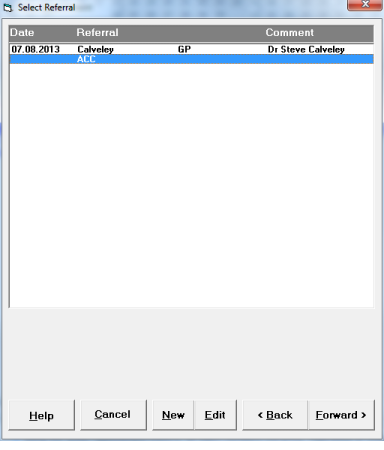
- Select an existing claim number from the list for this appointment and select 'Forward'; or
- Select 'New' to register a new claim number. Refer to Patient Mode > Claims for further details on adding a new claim.
NOTE: It is important to select the correct Claim Number as the one selected will print out on the relevant Day and Operating Lists. If you are using the Quick Appointment feature, all claim numbers will print, regardless of whether it is ACC related or not.