This function is directly interacting with the ACC portal and allows you create a new ACC 45 claim for the patient.
For more information on submitting an ACC45 go to: https://www.acc.co.nz/for-providers/lodging-claims/lodging-a-claim-for-a-patient
Requirements
Enable the path to the HealthSecure Certificate. This can be set either for:
System (everyone) - Setup > System > ACC Online > HealthSecure Certificate Path, or
Operator - Setup > Operator > Settings > Edit > HealthSecure Certificate Path
Configure Setup > Provider > Config 2 > Edit:
1. Practice Name.
2. ACC Provider Type.
3. Vendor Code (HPI Facility Number).
New | Create a new ACC45 claim |
Edit | Edit the selected ACC45 |
Delete | Delete the selected ACC45 |
Copies | Create copies of the claim to be printed or sent to: Patient, Employer, Declaration |
Print the claim form | |
Send | Send the claim to ACC |
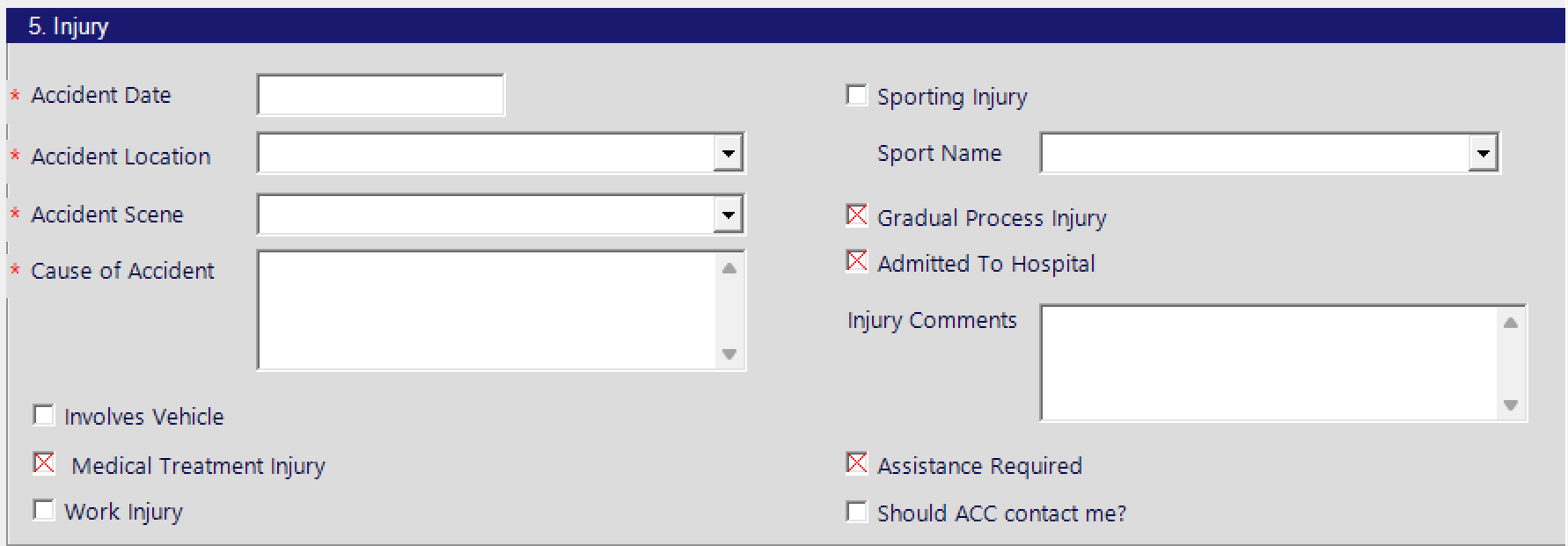
All these fields in the online submission are stipulated by ACC .

The red asterisk indicates that the field must be completed.
The red cross indicates that there is no default value for the check-box.
Tick for Yes. Do Not tick for No
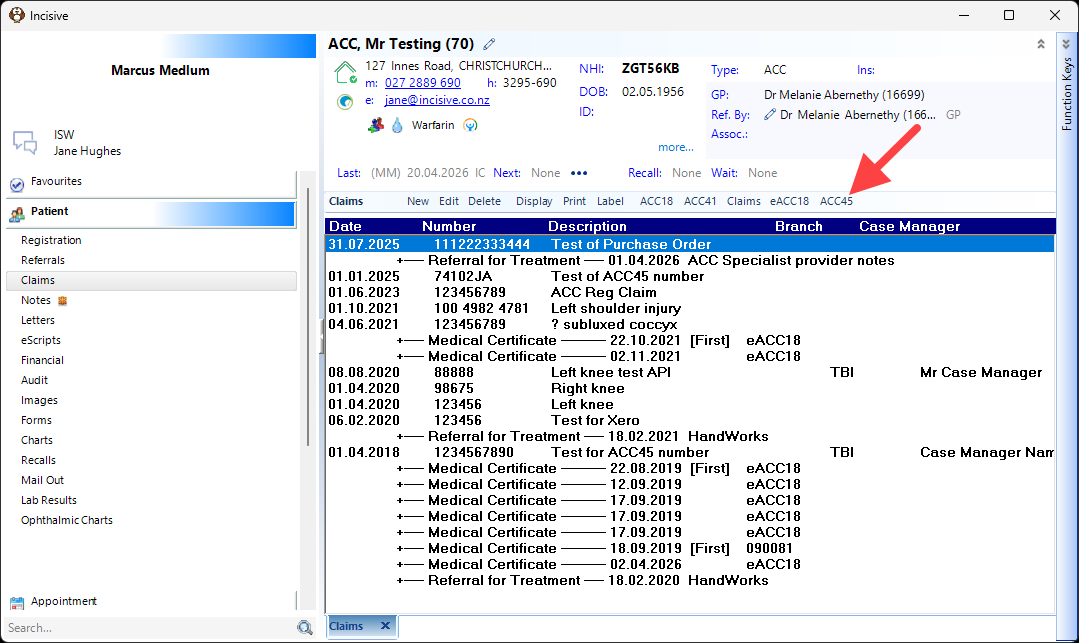
In Patient module, select Claims from the left-hand menu then ACC45 from the top toolbar
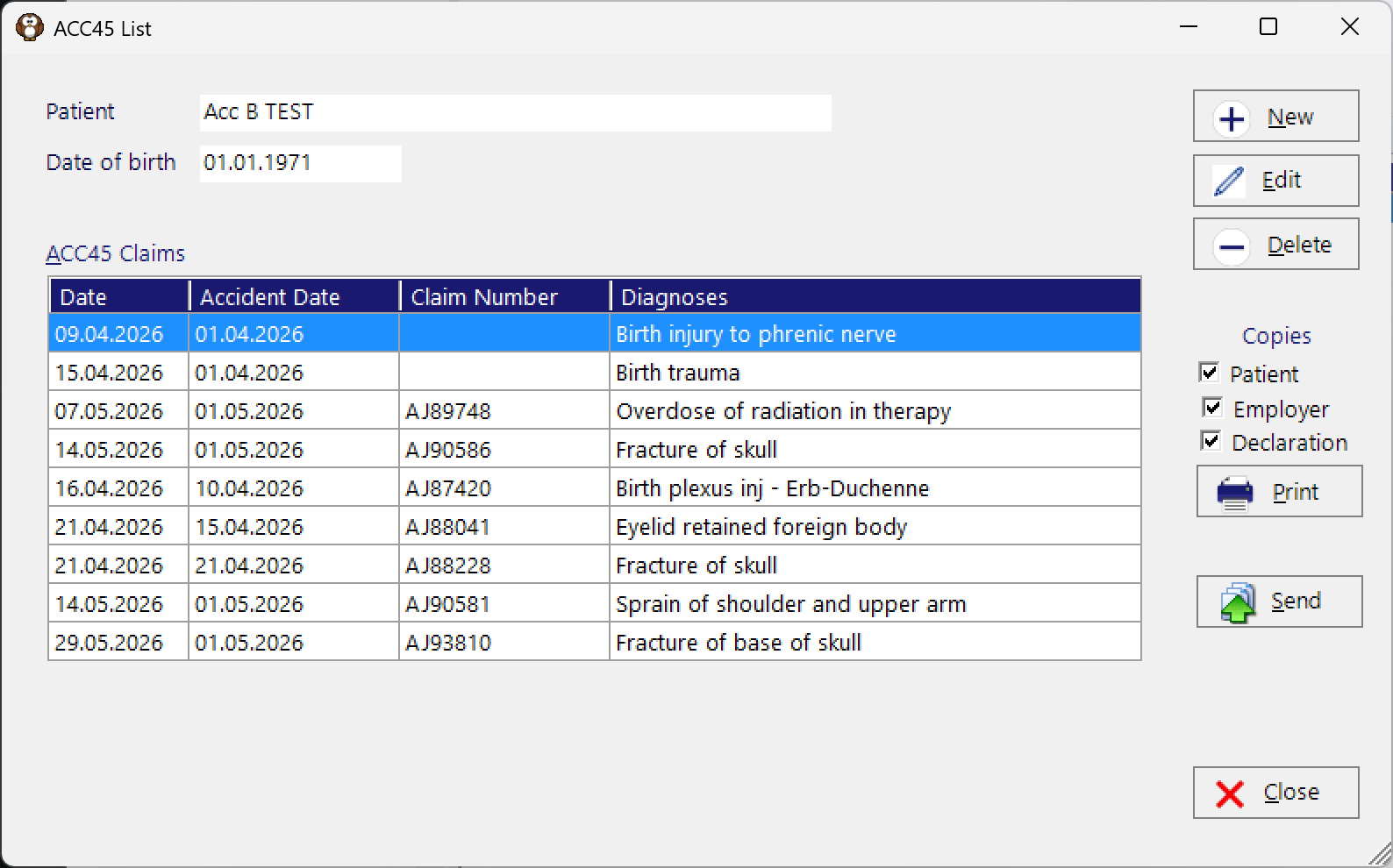
Choose New to create a new ACC45 claim
Work through the sections, ensuring all the mandatory sections are completed
Vendor/Software

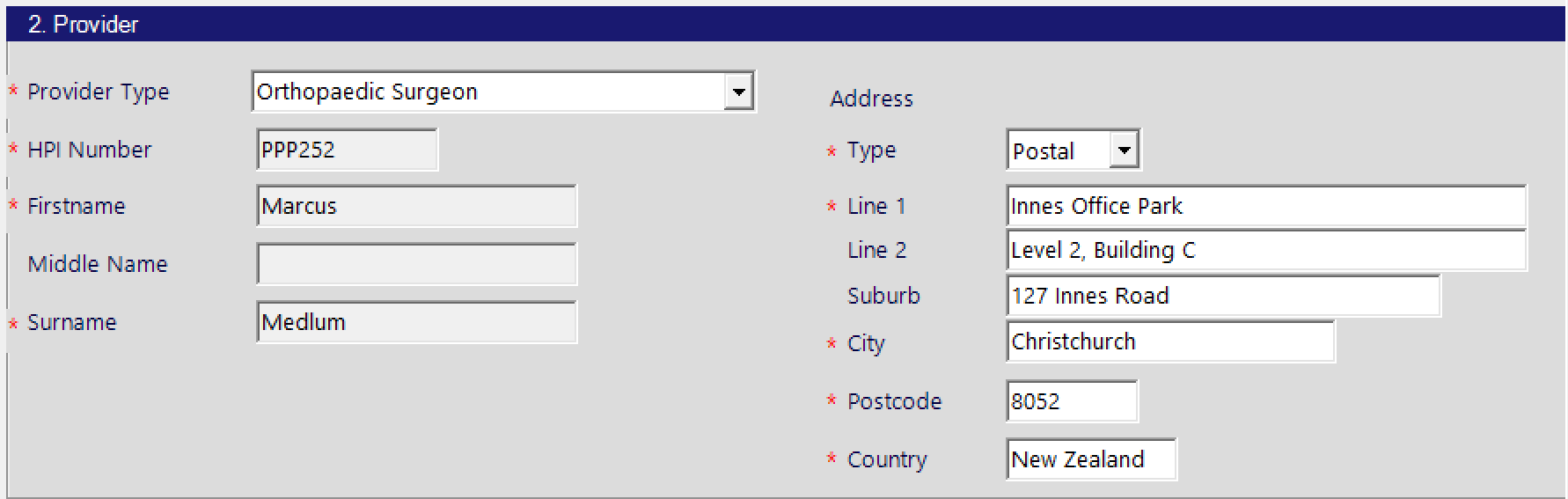
Provider
Patient
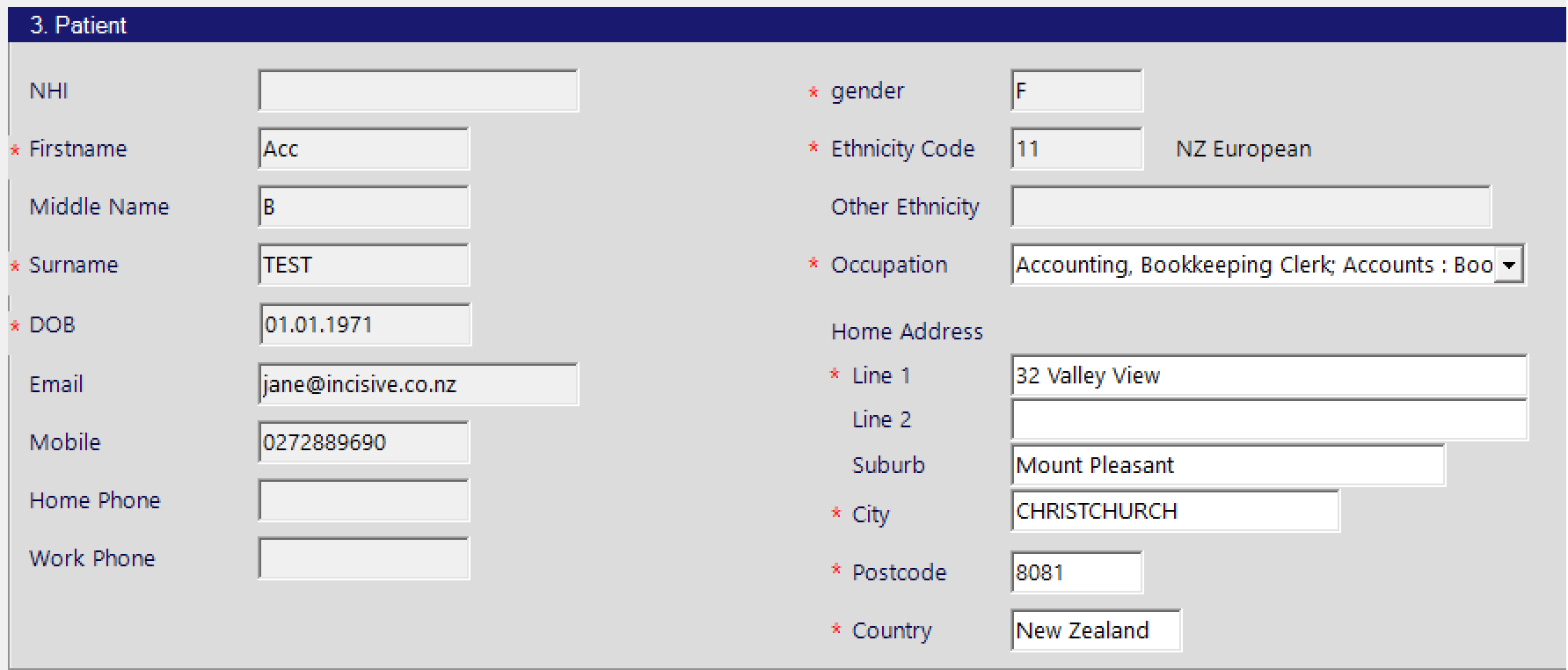
The Occupation choices are provided by ACC.
Employment

The Employment Status and Work Type are selection choices provided by ACC.
Injury
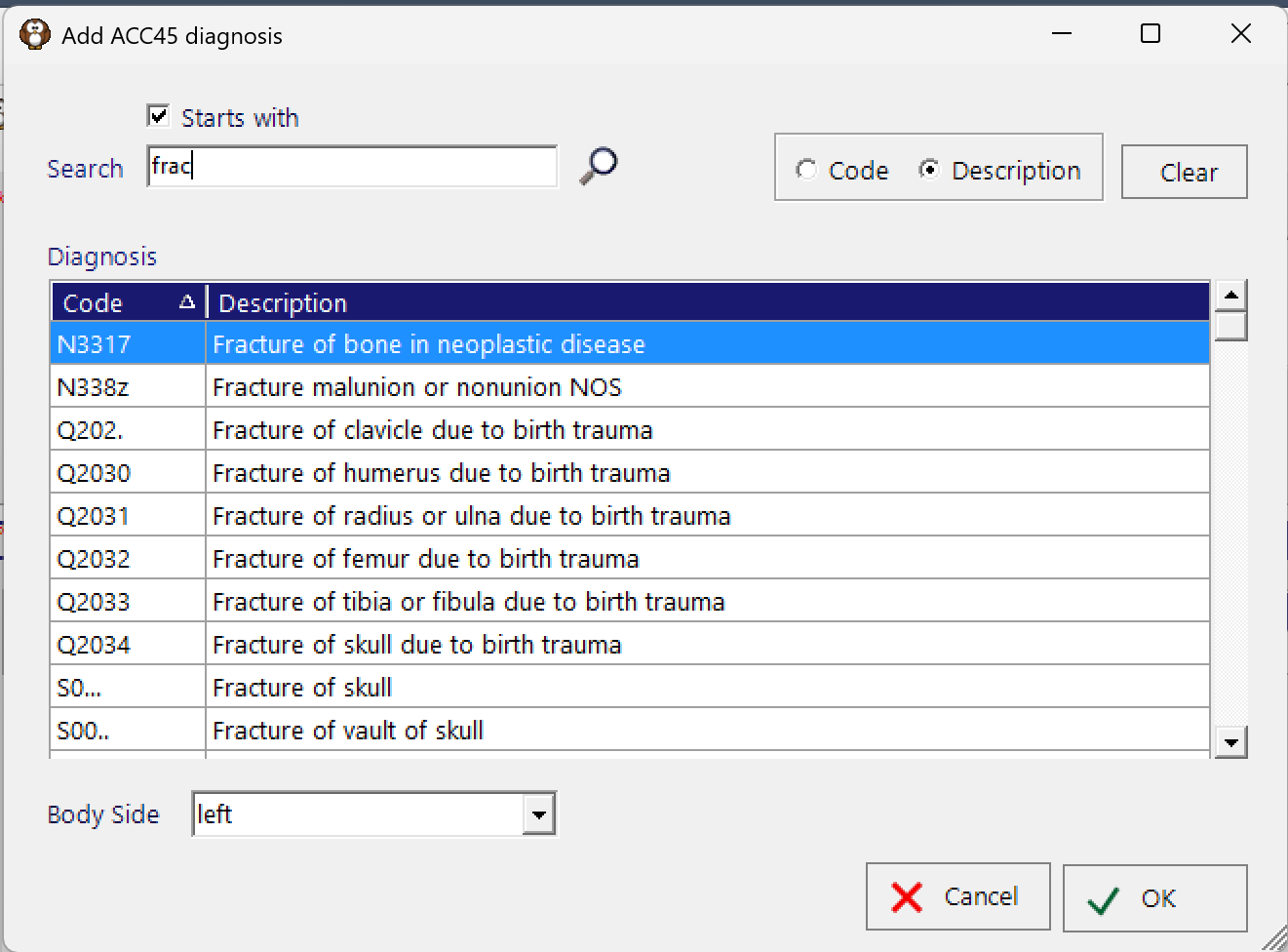
Diagnosis

Multiple diagnoses can be added. The diagnosis choices are the Read Codes provided by ACC.
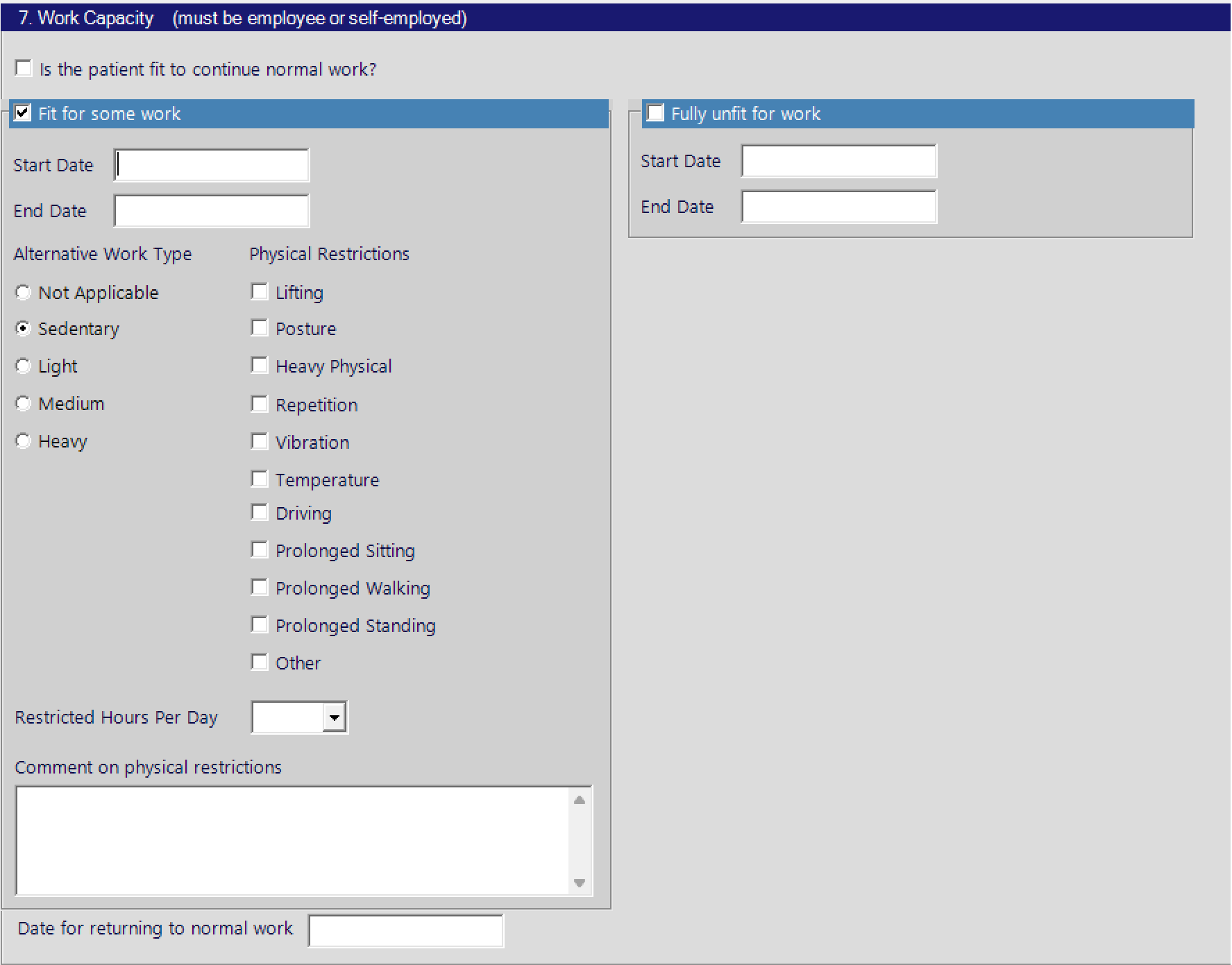
Work Capacity
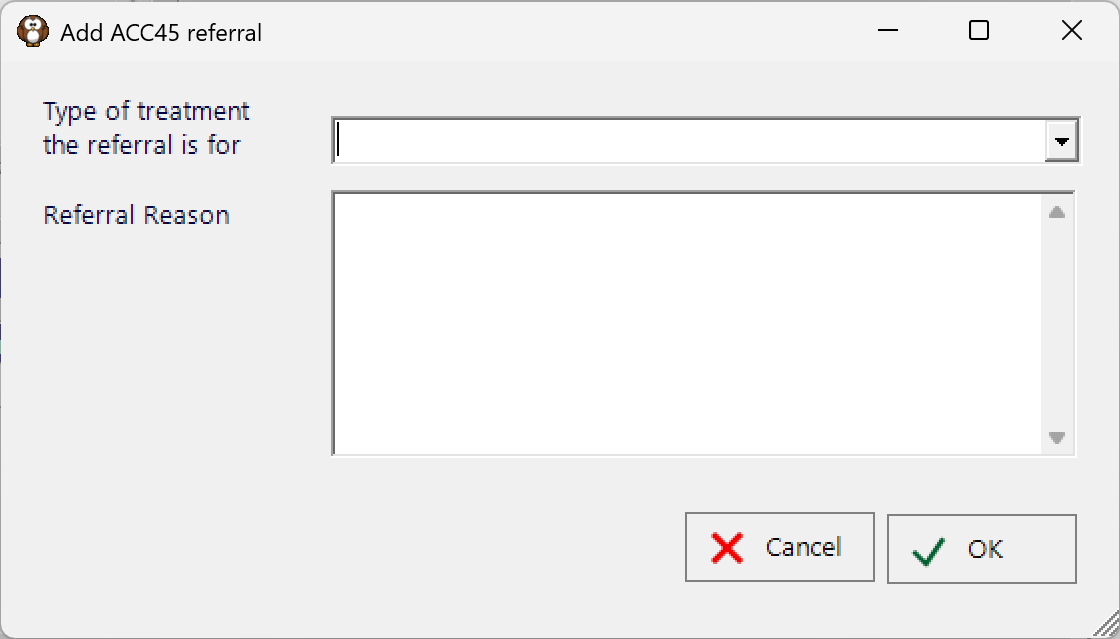
Referrals

Declaration

This is the patient declaration.
From ACC’s website, they state:
You can do this electronically by reading the following statements to the patient and recording the response in their clinical record:ACC may collect, use and disclose personal and health information for its lawful functions in connection with the Accident Compensation Act 2001. This includes obtaining relevant medical or other records about you and sharing relevant information with third parties to manage claims and entitlements; and / or where permitted or required by law. Providing information to ACC is voluntary. However, if relevant information is not provided, ACC may not be able to determine whether you are eligible for cover or for particular entitlements. You have the right to access and request correction of your personal and health information.
Further details of how and why ACC collect, use, store and disclose information can be found on ACC’s website under ‘Privacy’: http://acc.co.nz/privacy
Do you authorise your records to be collected by ACC and used and disclosed for the purposes I have read out to you?
Do you declare that you have provided true and correct information and you’ll tell ACC If your situation changes?
Do you authorise me as your (name of health profession: GP, physiotherapist, etc) to lodge your claim with ACC?