Occasionally a patient is inadvertently discharged. This can be reversed using the Undo Discharge option in Utilities > Bookings
- Go to Utilities > Bookings > Undo Discharge
- Select the patient you want to reverse the discharge
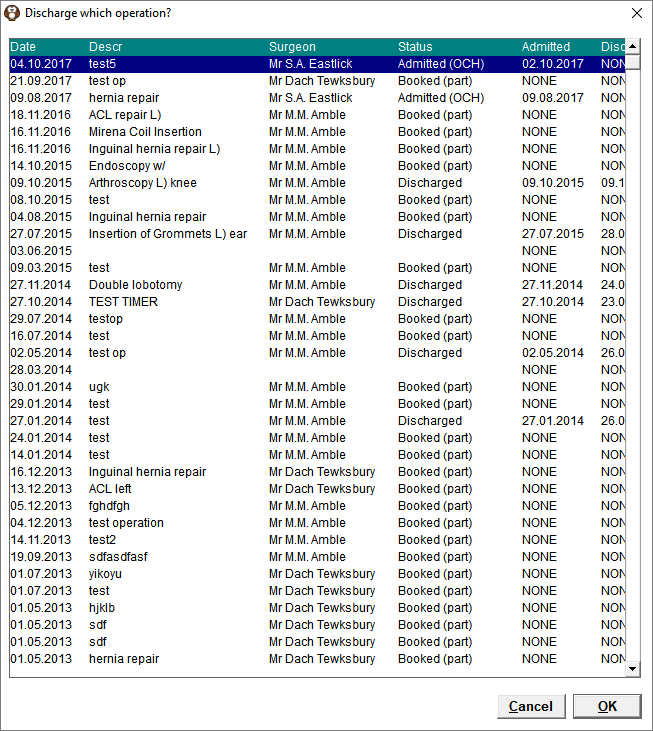
- Select the Operation from the list that you want to reverse the discharge status
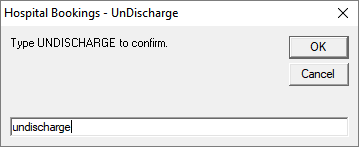
- Type the word UNDISCHARGE to confirm you want to proceed with the action.
The patient will now appear on the 'Today's List' with an Admitted status