- From the menu, select the Patient section.
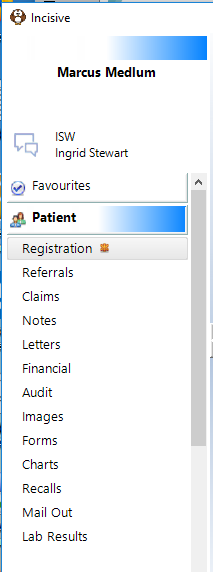
This will expand and display the options available. Use the mouse to click on the text saying 'Click here or press F4 to select a patient…',

or, press Function key F4 (or Shift + F4). This allows a patient to be selected or a new patient added.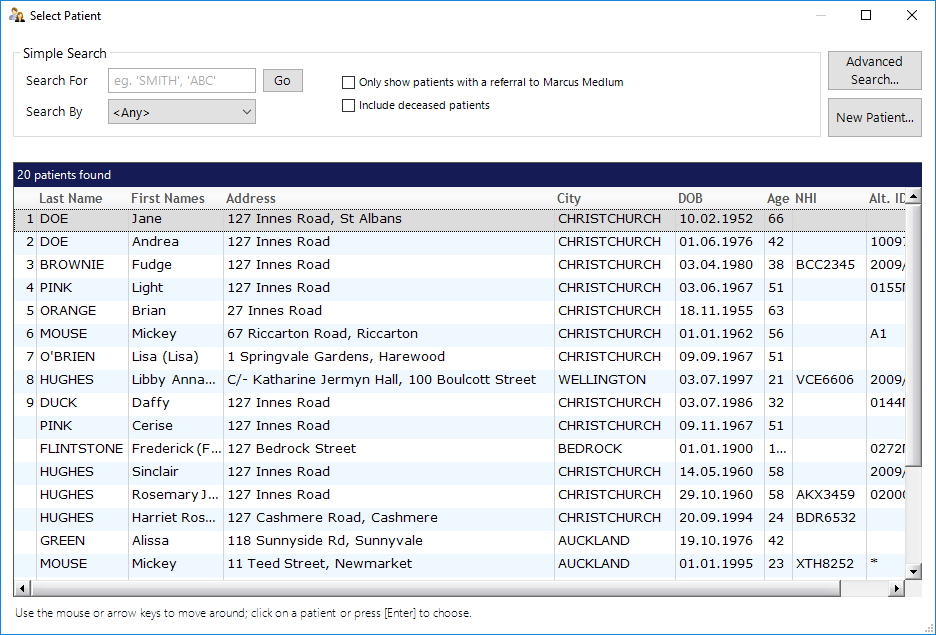
- Search for the patientType the first few (or all) characters appropriate to your chosen method and press Enter, or select Search. The screen displays all (if any) patients who fit your selection criteria.
If the number of patients is greater than one, then entry of further characters further refines that list. Note that retrieval is faster the more characters you type before pressing enter.