Clicking on the Search button in the Admission/Status screen will allow you to search for a patient, and will bring up their complete record for all their surgical episodes.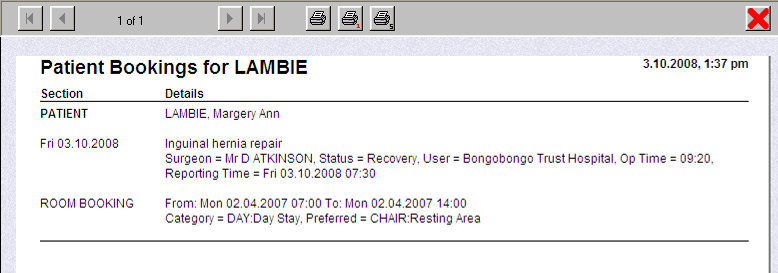
You can then choose to redisplay the patient in the Status screen to allow the Admit or Discharge buttons to be used for retrospective data entry.
An option will appear after you close the report screen, if you wish this to occur. 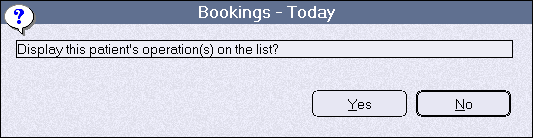
If you choose Yes the patient will again be temporarily inserted into the Status screen. Only you will see the patient in the list, and they will disappear if you exit from the Status screen. The Admit and Discharge buttons are active and can be used to edit earlier entries.