The Discharge is used to close the operation event and also capture data used for Admission/Discharge reports. It also changes the status of the patient to 'Discharged'.
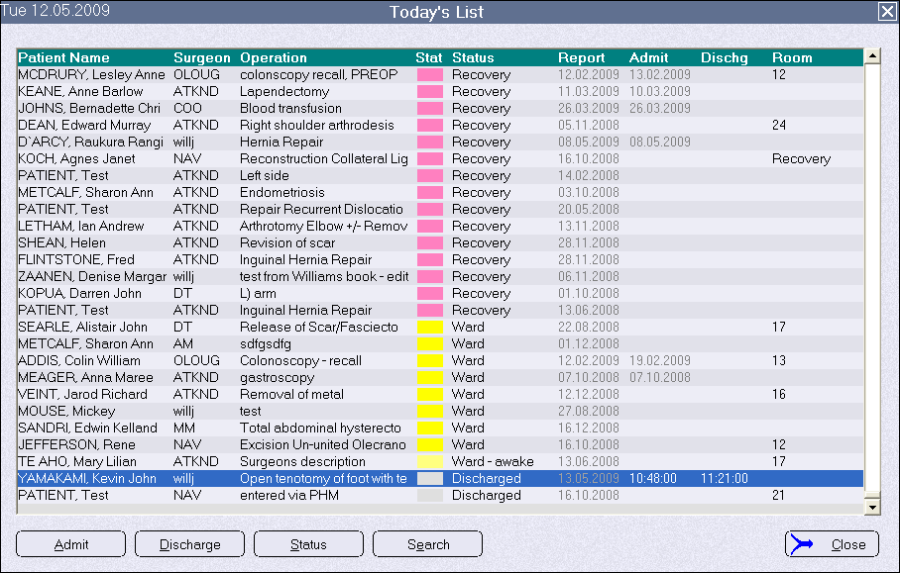
The main place in the software to discharge a patient is from the 'Today's List' screen (Admissions > Admissions/status).
Other discharge options are available in:
- Recovery
- Ward, and
- Patient > Admissions > New
If you do not need to collect all of the discharge data just click on 'OK' and the current date and time will be automatically recorded. Or, if the patient has already been discharged, enter in the actual date and time of discharge.
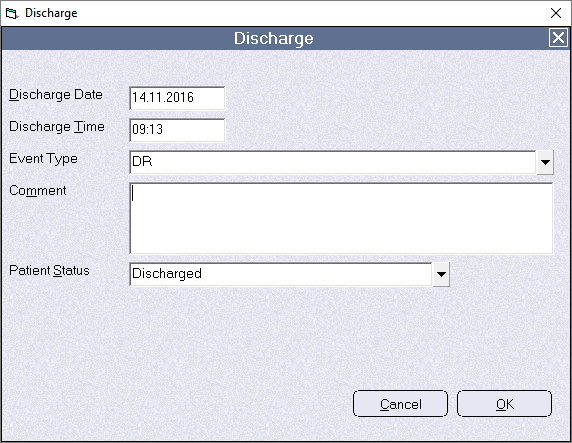
The Event Type options meet the statistical data requirements of the New Zealand Ministry of Health
Discharge options for Australia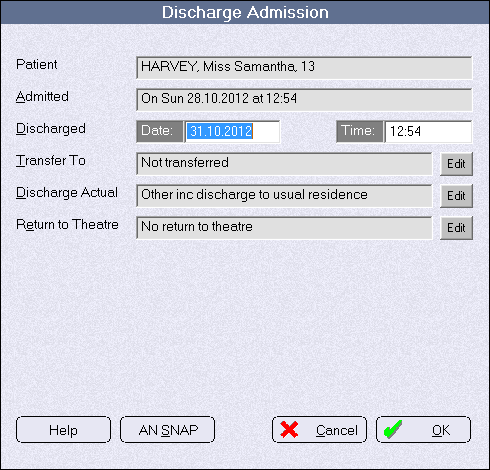
A patient can also be discharged from the Recovery module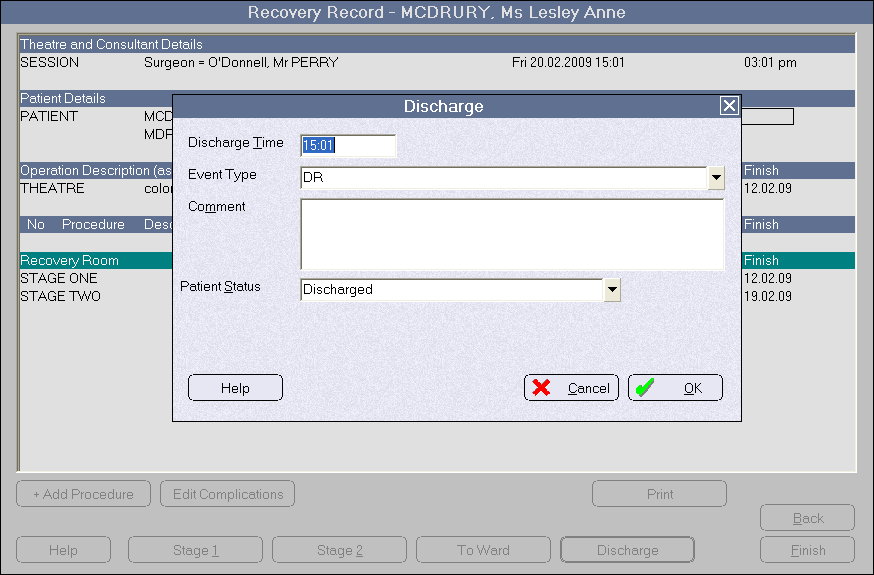
and the Bed Planner module.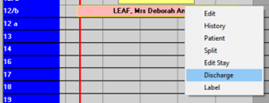
The Admission and Discharge data can also be viewed in the Admission tab in the Patient module of PHM. 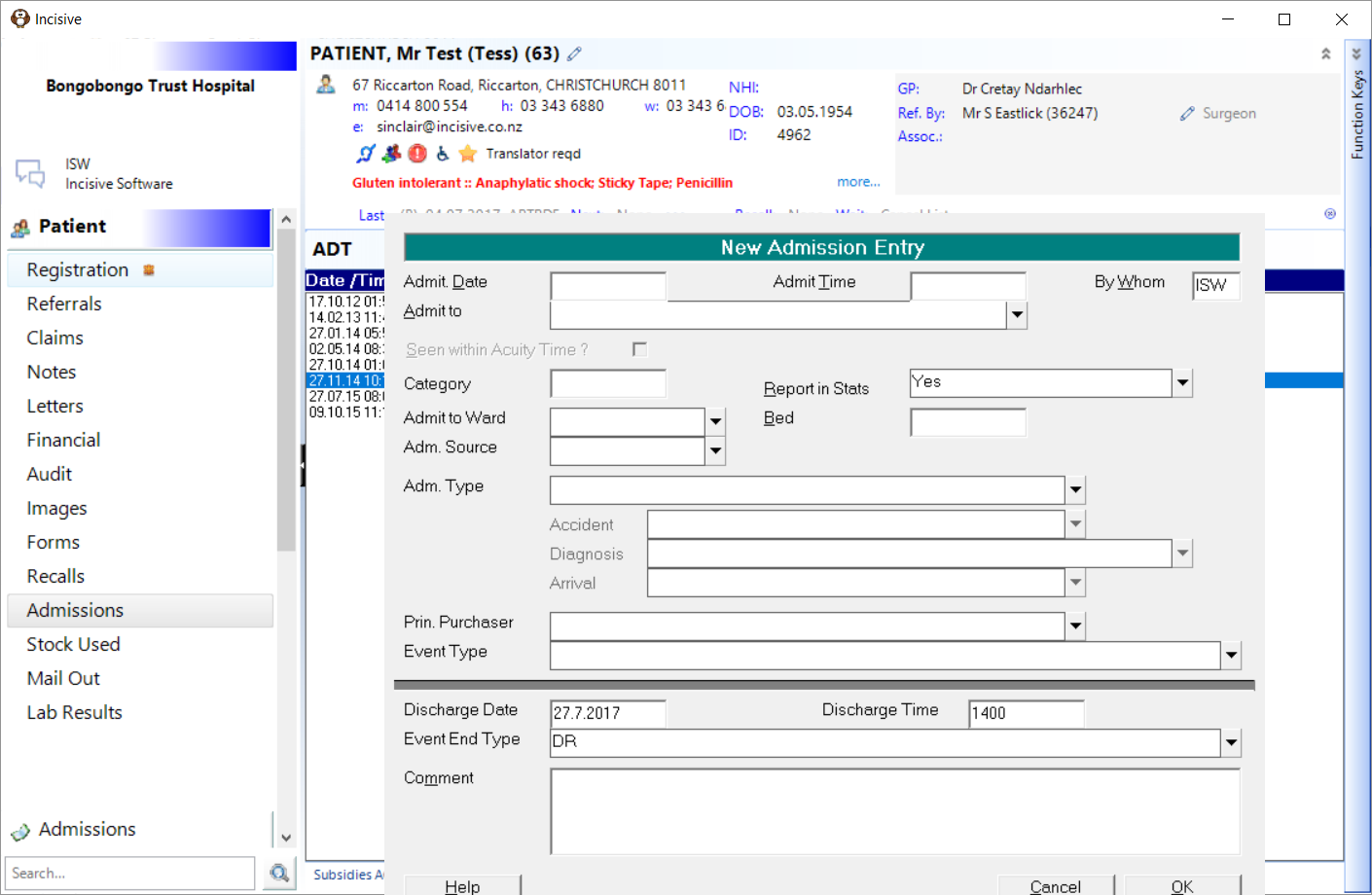
If the patient's planned use of a bed is longer than their discharge time, discharging them will automatically adjust the allocation of the bed.
Planned discharge @ 1200 Thursday 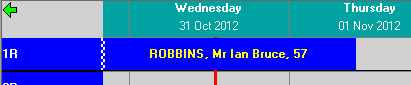
Actual discharge @ 1255 Wednesday