Reprint a previously printed EFTPOS supplement
- Go to Office – Banking
- Ensure you have the correct location selected.

- From the Banking tab select Close-off.
- Select EFTPOS
- From the following screen highlight the EFTPOS supplement that you want to reprint, followed by OK.
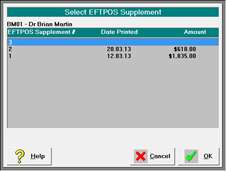
Note this will only display supplements for the selected location.
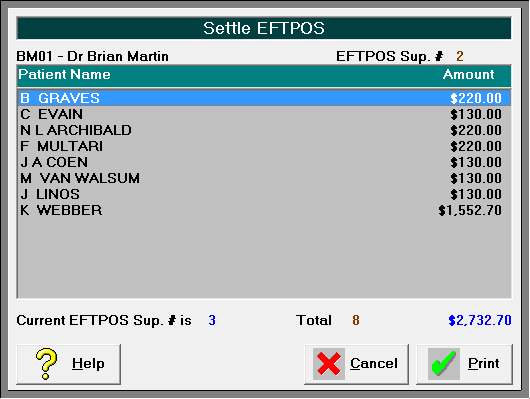
- The individual entries will display. Select Print.
- A preview screen will display. Select the print icon.
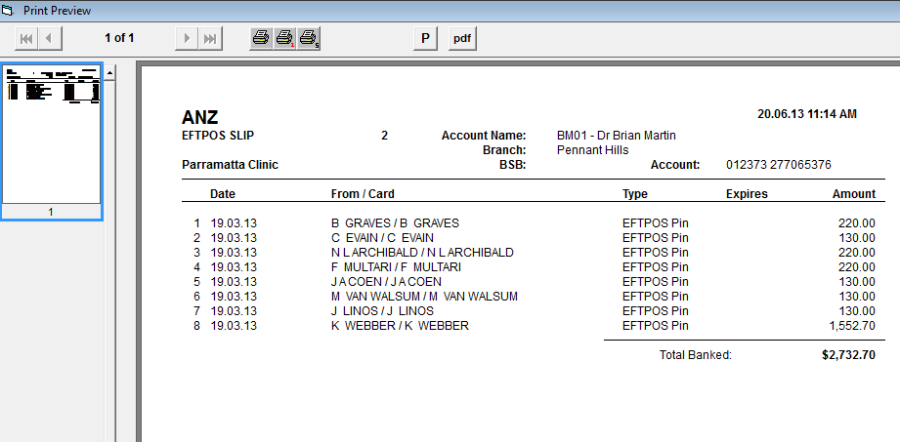
- Select the red X to Exit.
