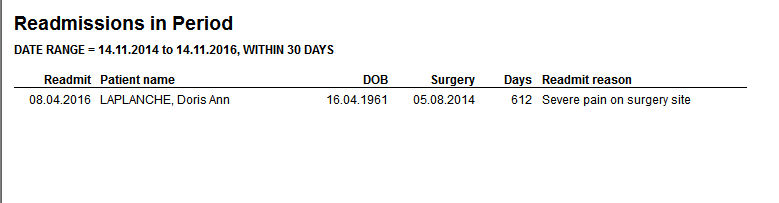
Occasionally a patient will need to be readmitted to the hospital although they have already been discharged. This is usually for pain relief or other unexpected complications.
Readmit on the day of discharge
If the patient is to be readmitted on the same day that they have been discharged, just highlight the patient in the Today's List screen and select the reAdmit button on the Toolbar and choose the 'Readmit selected Patient' option to complete the readmission.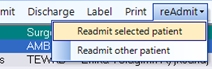
Readmit on a day different to their discharge
If the patient is to be readmitted on a day other than the day of discharge their name will not appear on the 'Today's List' screen. So you first need to add them to Today's List and then readmit them.
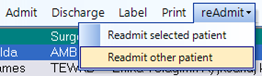
- Click on the reAdmit button on the 'Today's List' screen and select the 'Readmit Other Patient' option.
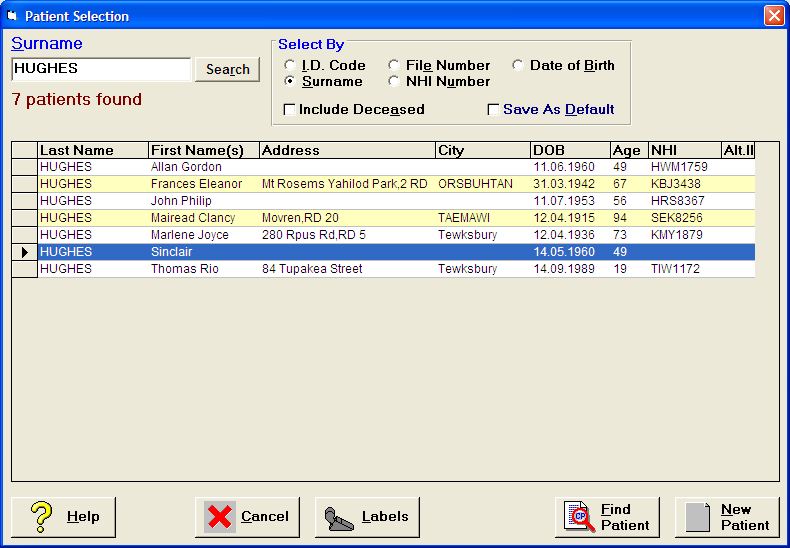
- Select the patient
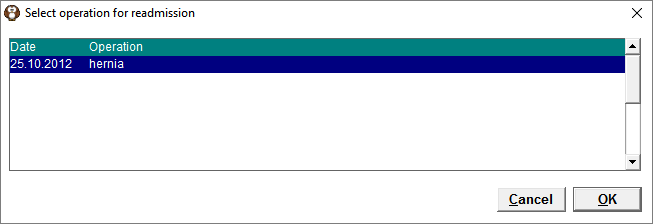
- Select the operation for which they are being readmitted.
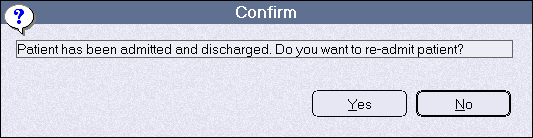
- A warning will appear stating that this patient has already been discharged. Are you sure you want to readmit them. Select 'Yes'
- Complete the admission data. Optionally, allocate them to a bed.
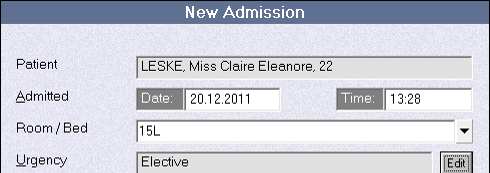
Make sure that you adjust the data in the 'Readmission' field. Click on the 'Edit' button.
New Zealand
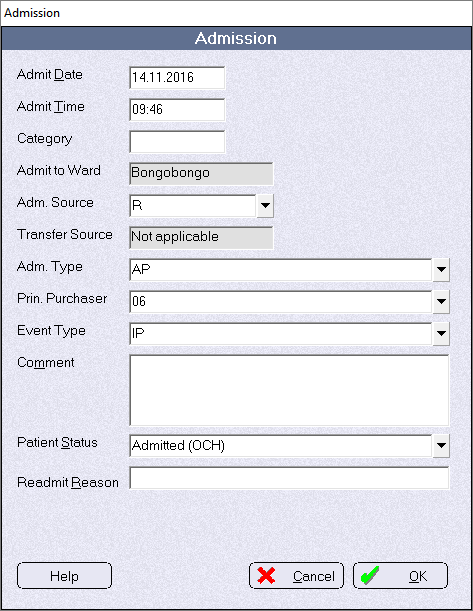
Australia
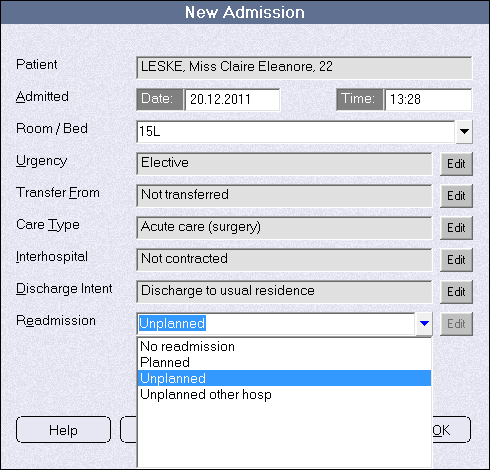
- The patient will be automatically marked as 'Admitted' and will appear on the 'Today's List' screen
The Readmission report is available in Reports > Hospital > Admission/Discharge