The audit codes that have been assigned to a patient can be viewed in Patient module Audit tab
The description of each episode of care is displayed as a single line entry.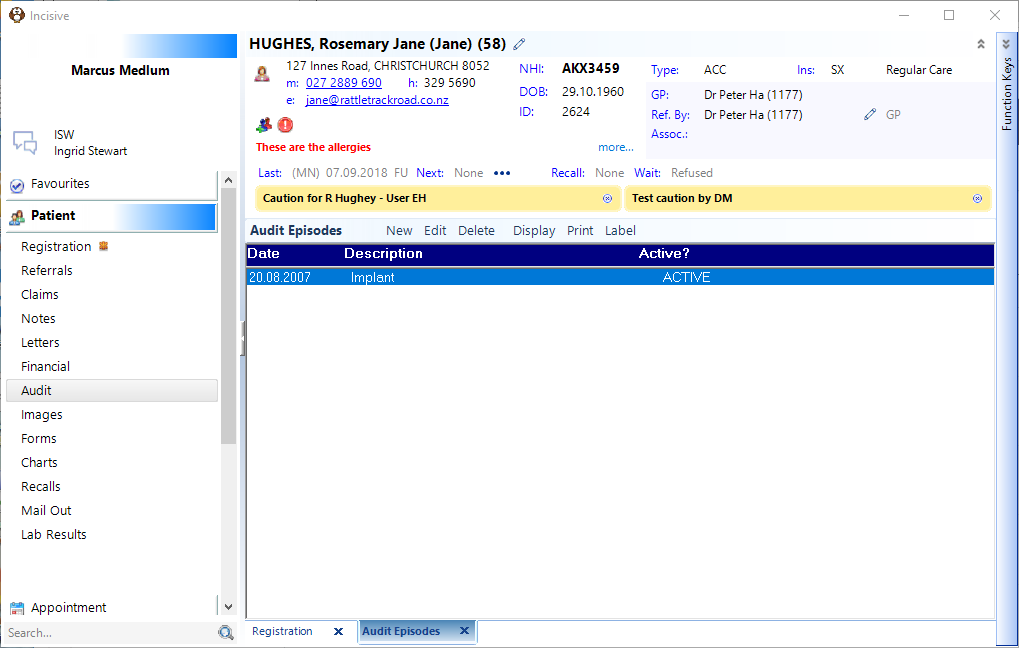
To display the audit codes that have been entered for each episode either double click on the audit episode or highlight it and click on the 'Edit' button.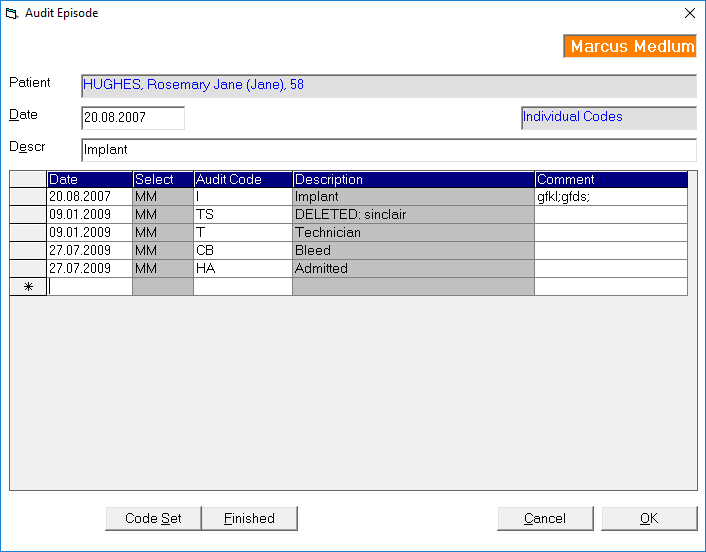
Each audit episode is 'Active' until it has been marked as 'Finished' by using the 'Finished' button. Active or Finished does not affect the reporting results when creating a search query. You can also make a Finished episode Active again.
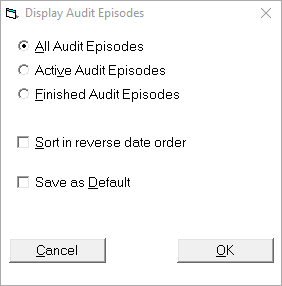
To change the type and order of the audit data displayed in the Audit tab click on the 'Display' button.