If you have created an invoice which has the wrong Referral details on it, then you can now edit the invoice to select a different Referral.
- Go into the Financial tab for the Patient
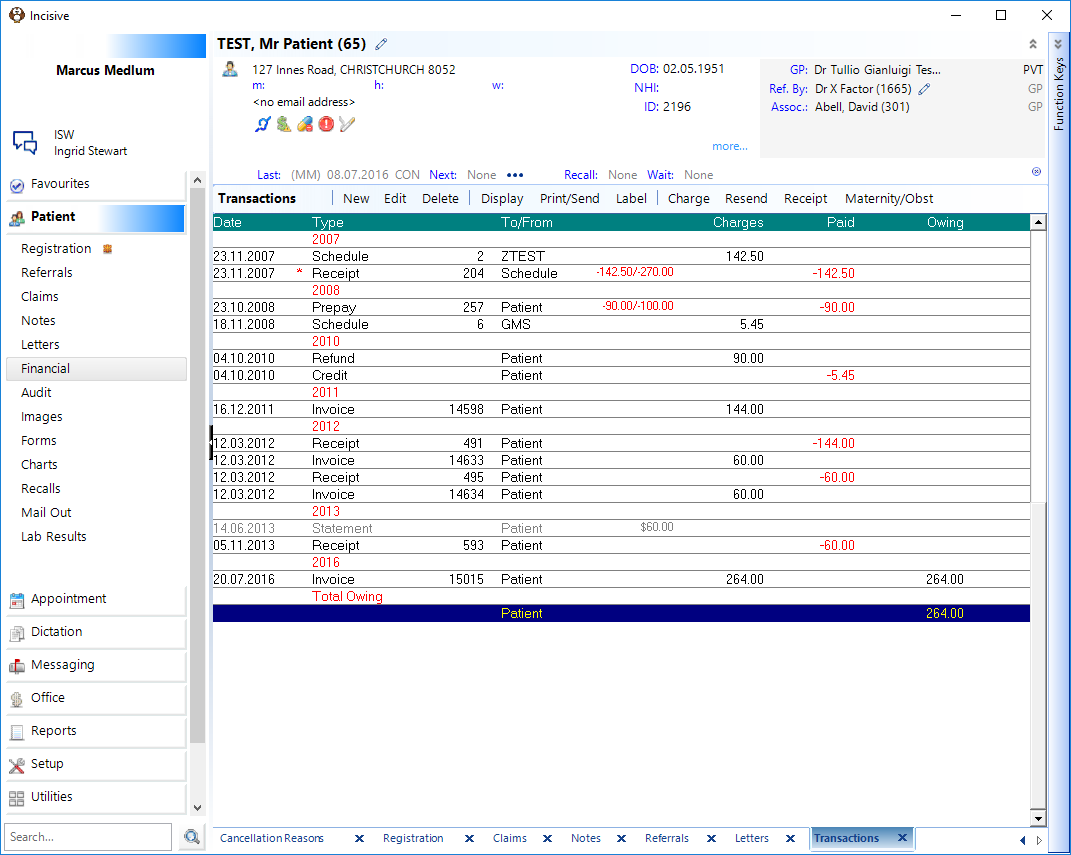
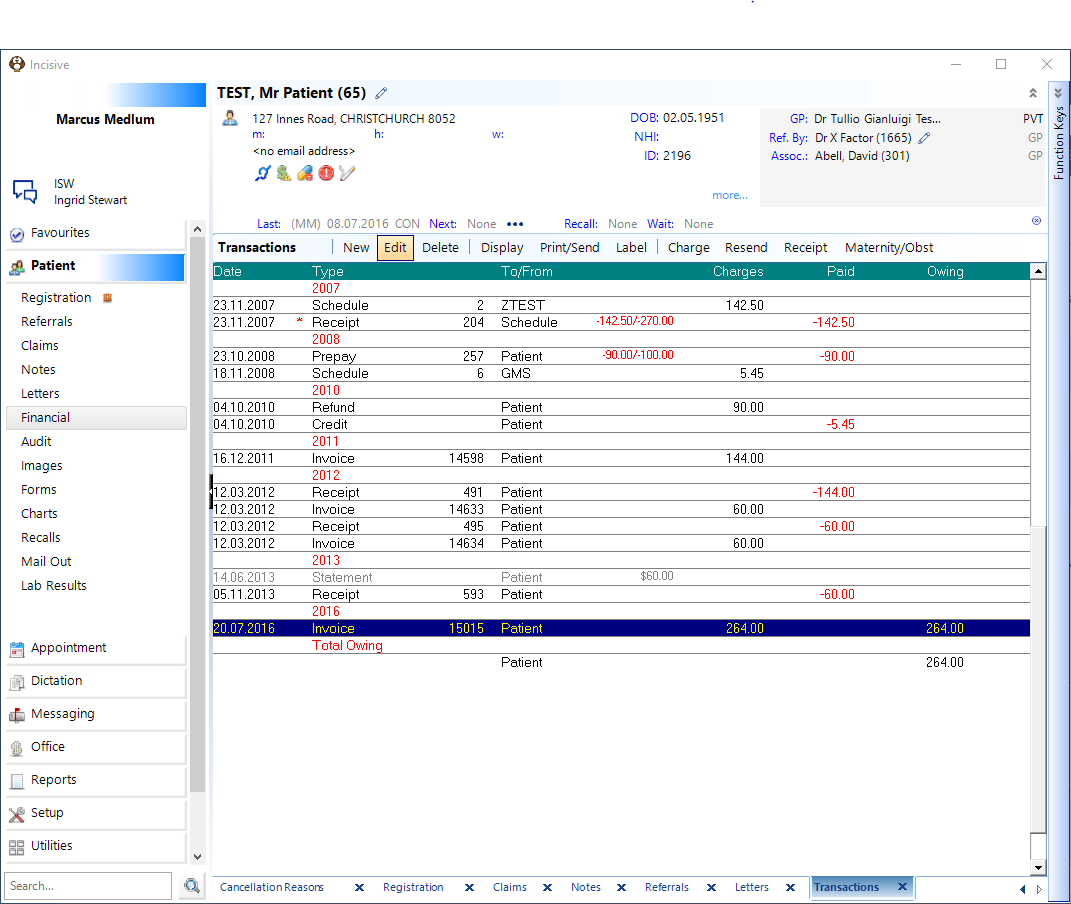
- Highlight the invoice and press 'Edit'.
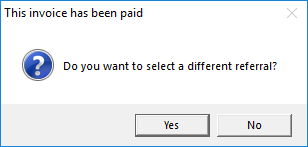
- It will then come up with the following message. Click 'Yes'.
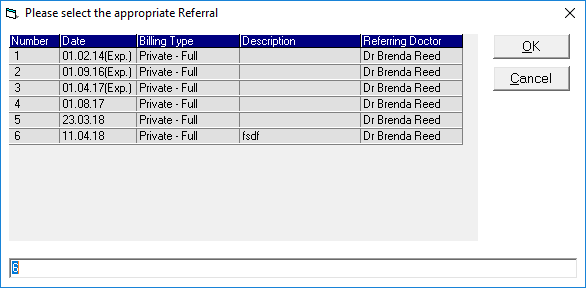
- Then please select the appropriate Referral, a screen will come up and you can now select a different Referral, press 'OK'.
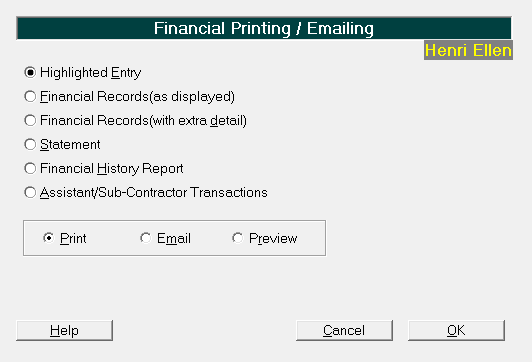
- Now you can highlight the invoice again and the press the Print/Send button, select the Highlighted Entry and press 'OK'.
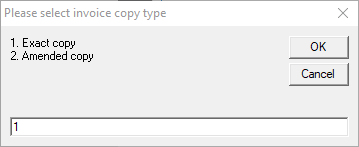
- When this box comes up select 2 - Amended Copy and press 'OK'.
- This should reprint the invoice with the new Referral details on it.