Deposit Supplement 'On Hold'
It is possible, but very risky, to create a new deposit supplement without first closing-off and clearing the previous one.
The only time that this should be used is in a large, busy practice where receipting cannot be stopped while the banking is printed, checked and advanced to the next supplement number.
The benefit of putting a supplement 'On Hold' is that you can still make adjustments to the receipt transactions in the 'On Hold' supplement while continuing to put new receipts onto the new deposit supplement.
Until a deposit supplement is processed or advanced, the receipted amount will not appear in any banking report.
Putting a supplement 'On Hold' will cause the receipt balance not to appear in:
- Banking reports, and the;
- Cashbook
Jump to a new supplement (without Processing the previous one)
This will create a new deposit supplement to which all receipts will be allocated.
- Ensure you have logged on with the correct 'Location'
- Select 'New'. A screen will display the current deposit supplement number and the total dollar value currently contained in that supplement, together with the new supplement number.
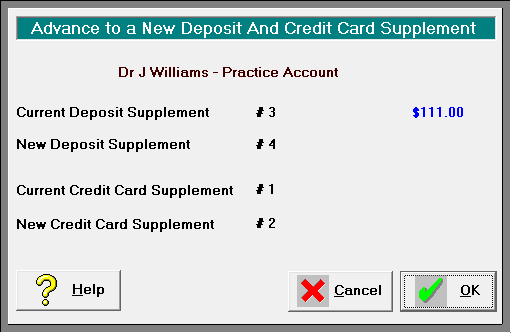
- Select 'OK' to advance to a new Deposit Supplement for the specified bank account.
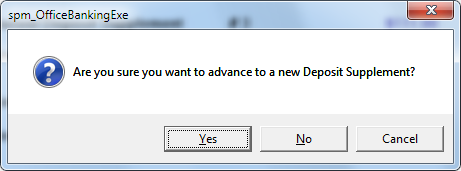
- Select 'Yes' if you are sure that you want to advance to a new Deposit Supplement number
Select 'Yes' if you want to advance to a new Credit Card supplement number.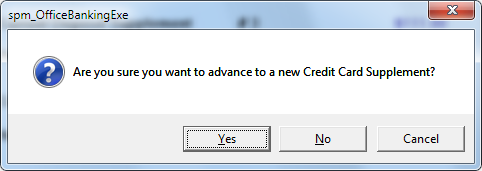
The Banking Tab clears and displays the new Deposit Supplement number. - Display and print the deposit supplement and confirm that the banking is correct. This transfers the total to the Cash Book.
While you can edit the details of a cheque (bank, branch and drawer name) any alterations to the amount or payment type will need to be carried out as deletions and the new entry will appear on the new current deposit supplement.
You may only have one deposit supplement on hold at a time.
Processing an 'On Hold' supplement
Deposit supplements that have been placed 'On Hold' and have not yet been processed, must be processed, checked and cleared as soon as possible.
When you are ready to process a supplement that is 'On Hold', do the following:
- In Office > Banking select the Display button from the Toolbar.
- Choose the correct Bank Account and then use the Search options to find the previous deposit supplement.
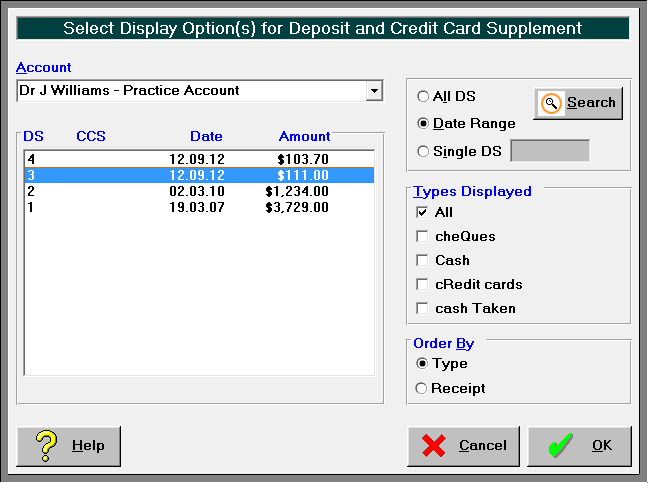
- Select it and then click on OK to display the contents of it on the Banking screen.
- Process the supplement using the usual method.