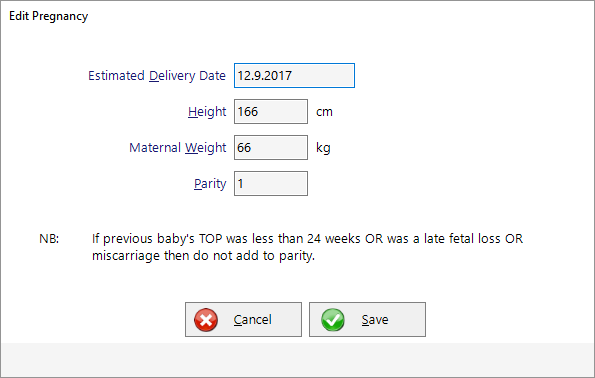
- Complete pregnancy details, if prompted
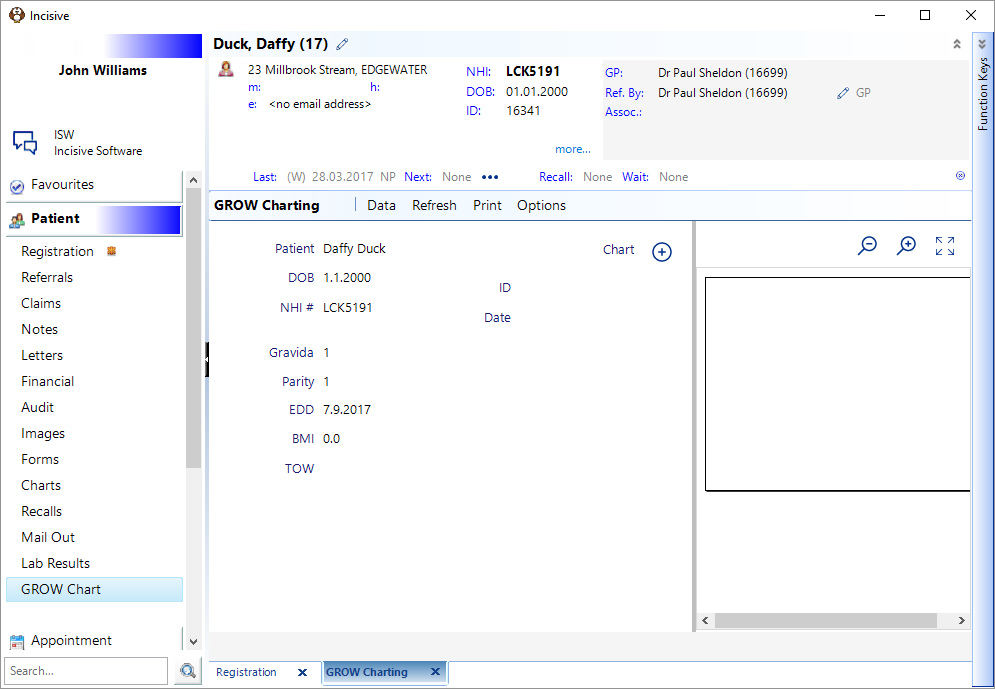
- Click on the + symbol to add them to a new chart

When the patient chart has been added to the GROW database the unique ID will be displayed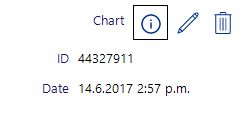
Add a Visit measurement by clicking on the + symbol

Visit entries can also be added from the Antenatal option when adding a maternity claim in Patient > Financial > Maternity but will not be uploaded to the GROW database at the time of entry.
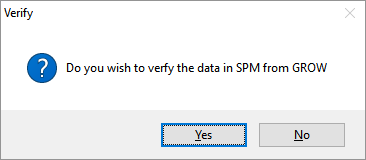
- Choose to Verify (get data from GROW). Generally choose No
- Enter in either the Fundal Height or the Fetal Weight
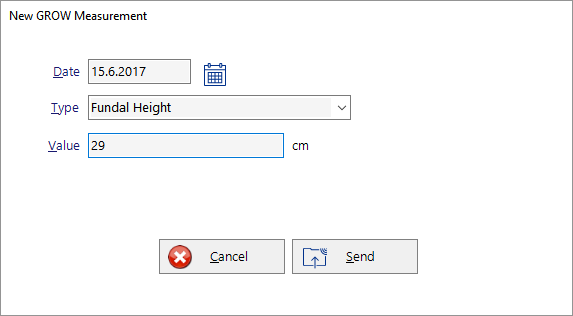
- Click Send to update the GROW database