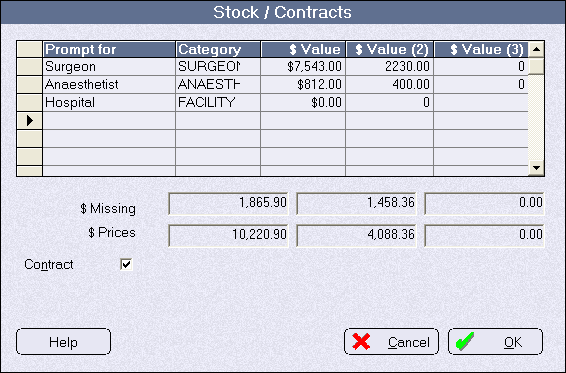
To enable statistical and financial reports to be compiled that can correctly compare operations you need to select the procedures for a patient from a standard list.
- Select Setup > Operations/Procedures > Procedure Items
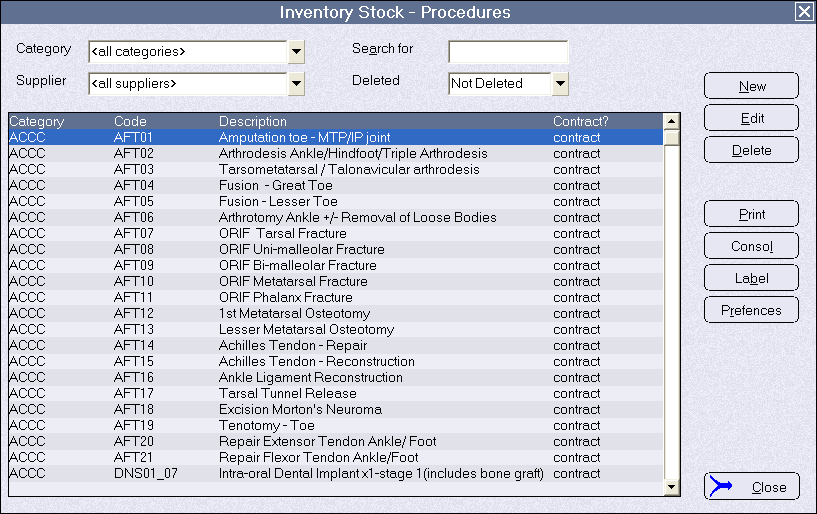
- Click on the 'New' button to add a new procedure
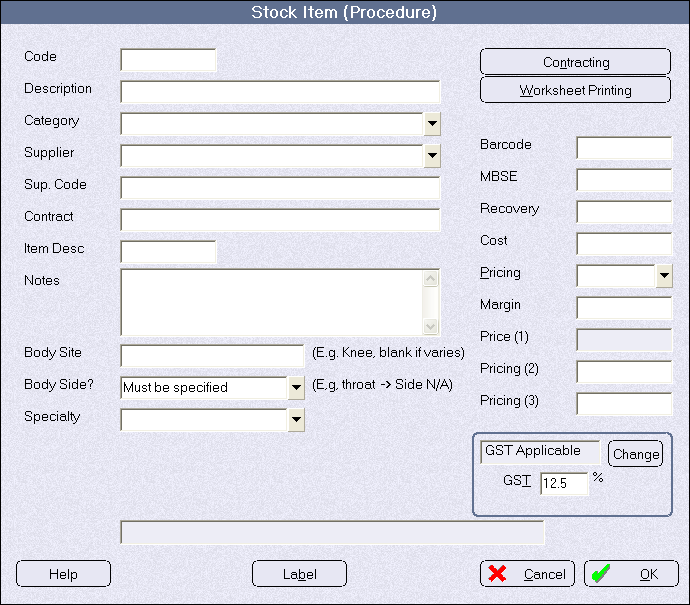
- If this procedure is purchased by a third party within a contract, you need to add the amounts that you will be paying your sub-contractors eg surgeon & anaesthetist.
Click on the 'Contract' button and a line to enter the various parties to whom the funds will be allocated.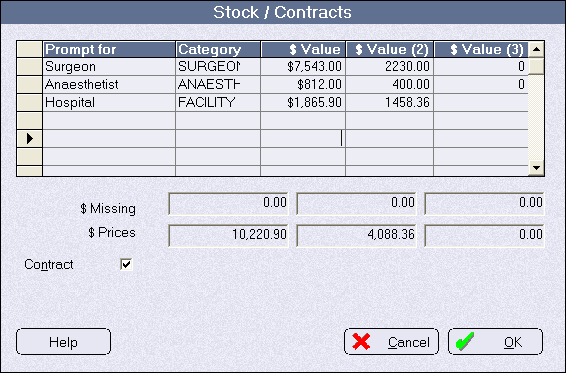
If the total in the $Price field does not equal the column sum then the differnece will appear in the $Missing field, which stall needs to be allocated.