Selecting 'Print' allows you to print the Deposit Supplement currently displayed on screen.
- Select the Deposit Supplement that you want to print.
- Select 'Print'.
If it is the current Deposit Supplement, or the one currently on hold (advanced but not printed and confirmed) two copies will print and you will be prompted to confirm that the banking is correct to advance to a new deposit supplement.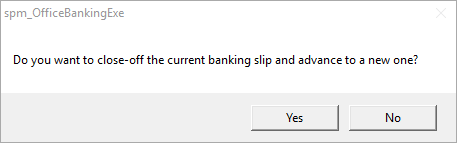
- Select 'Yes' to advance the banking.
This transfers the banking total into the Cashbook.
If the banking has been previously printed and advanced or confirmed, no further action is required.