A new recall entry can be added to a patient's file even if there are recalls that have not yet been activated. If the new recall is to replace an existing recall, you will need to delete the existing entry.
- Select the 'New' button.
The New Recall Entry Box will display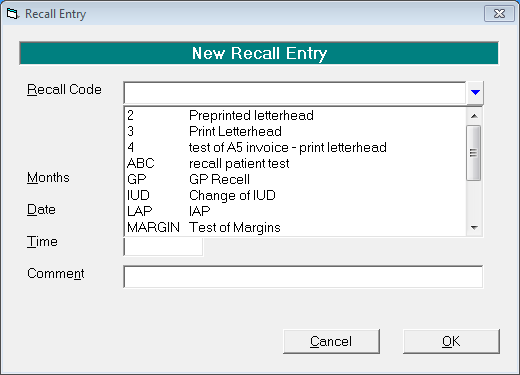
- Select a Recall Code from the drop down list (the actual Recall Codes are created in Set-up - Recalls).
- Press Enter and the default number of months for the chosen recall and date will appear, together with the date for recall and the type of recall. You can override the default number of months and date for the recall if you wish.
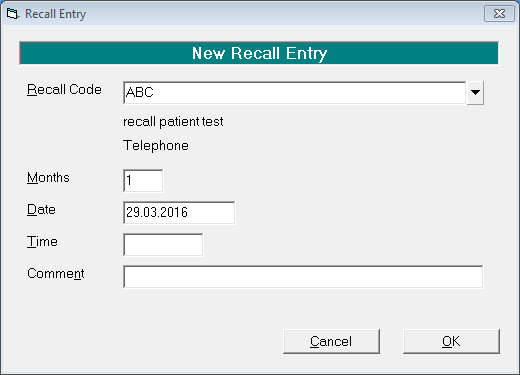
- If you want to use the recall as a reminder for an appointment, enter the appointment time in the Time field. The Recall letter must be set up with the Merge Field <RecallDate> and <RecallTime> for this to print.
- Select 'OK'.