- Go to Setup Mode > Selection Lists > Tests and Test Categories. Select 'Display' then 'New Category'.
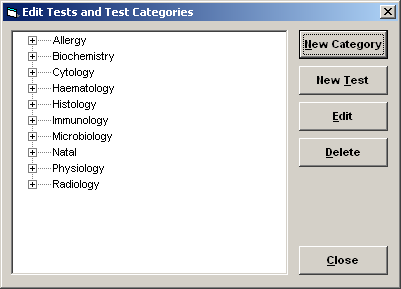
- You will see the standard set of Categories and Tests. To add a new test, highlight the category and select the 'New Test' button.
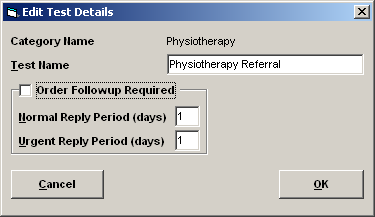
- Check that you are in the correct Category and type in the Test Name. Press 'OK' to save.
Related: