Office > Invoices > Status
To check the Status of a Claim
This allows you to query the status of of claims submitted electronically to ACC.
- Highlight the invoice.
- Select Status.
- The information from the response file will display.
- If the file has been successfully uploaded to ACC, a message similar to the one below will display.
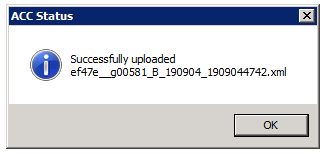
- Select OK.
- If the Status returned a successful response Y will be displayed in the Success column.
If the Status returned an unsuccessful response N will be displayed in the Success column.
Rejected Files
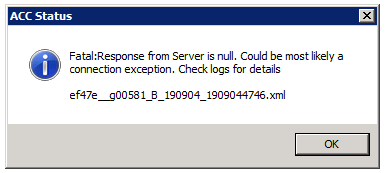
If the claim has not been exported, or the XML file has not been uploaded to ACC then the following message will display.
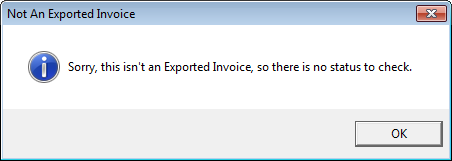
The response file is generated in \\...\ACC\accsend/response
<original file name > .response.xml
The Status option reports on this.