Attaching the files
All registration forms, except the 'Minimal' option, are able to have files attached and imported to their Notes in SPM/PHM.
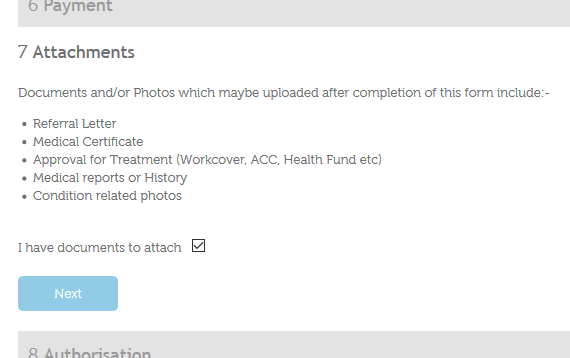
The patient indicates that they want to attach some files
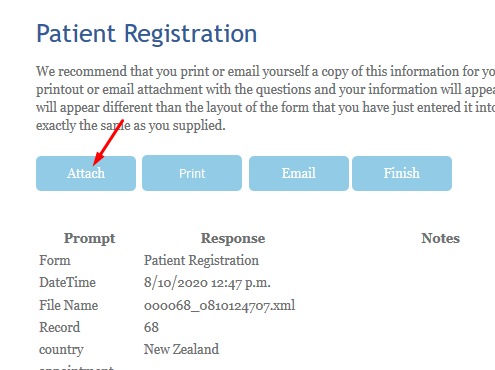
After the registration form and questionnaires are submitted the next page allows them to choose the 'Attach' button.
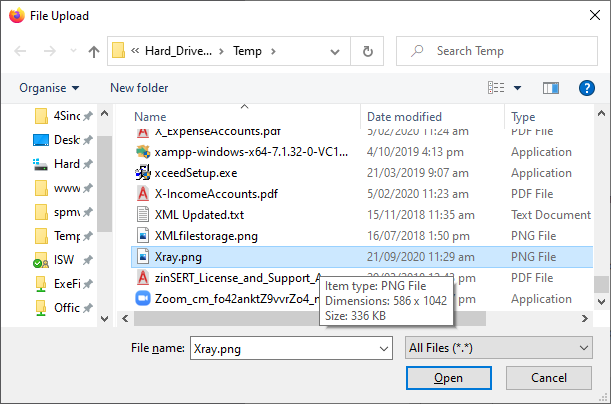
The 'Browse' button allows each file to be chosen.
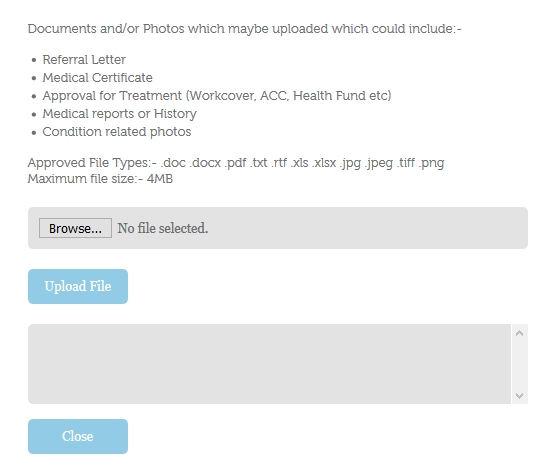
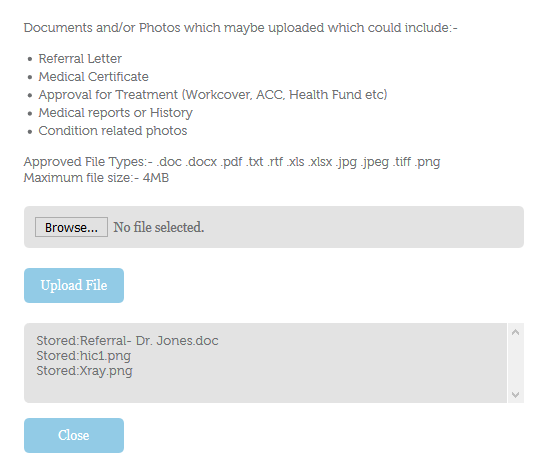
The 'Upload File' button lists the files that are attached and are ready to send.
Importing the files
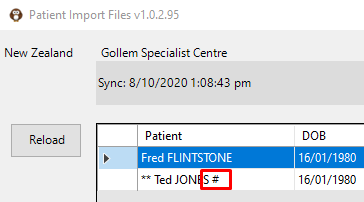
In the import program, a # appears beside the patient name to indicate that some files have been supplied as well.
The name of the files are displayed during the import process.
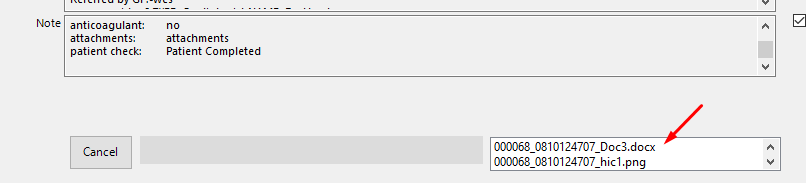
After the patient registration details have been 'Saved', a second screen appears that will display the files and allow you to choose to upload them to the patient's Notes, or not.
Select each file separately and click on 'Upload' if you want them displayed in the patient's Notes.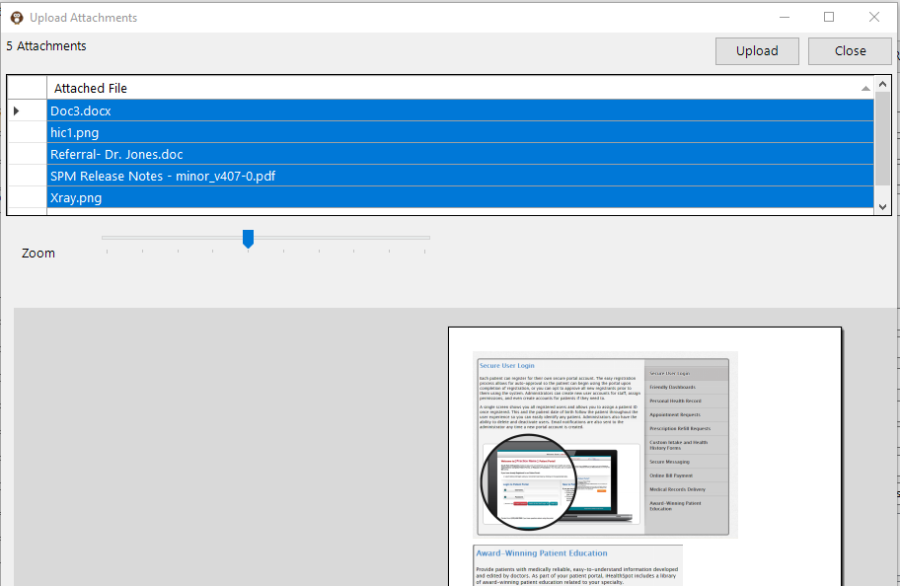
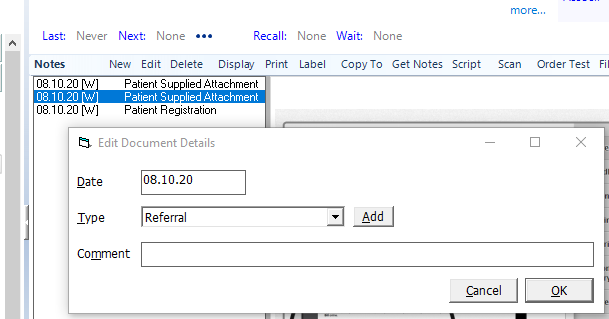
The attached files will appear as 'Patient Suppled Attachment'.
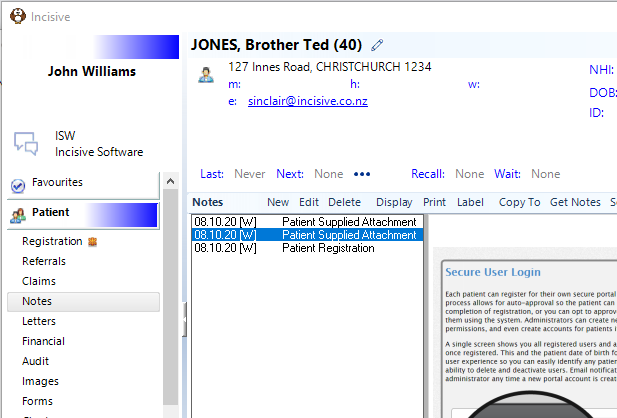
You can Edit the note entry and change the Note Sub-type to better reflect its content.