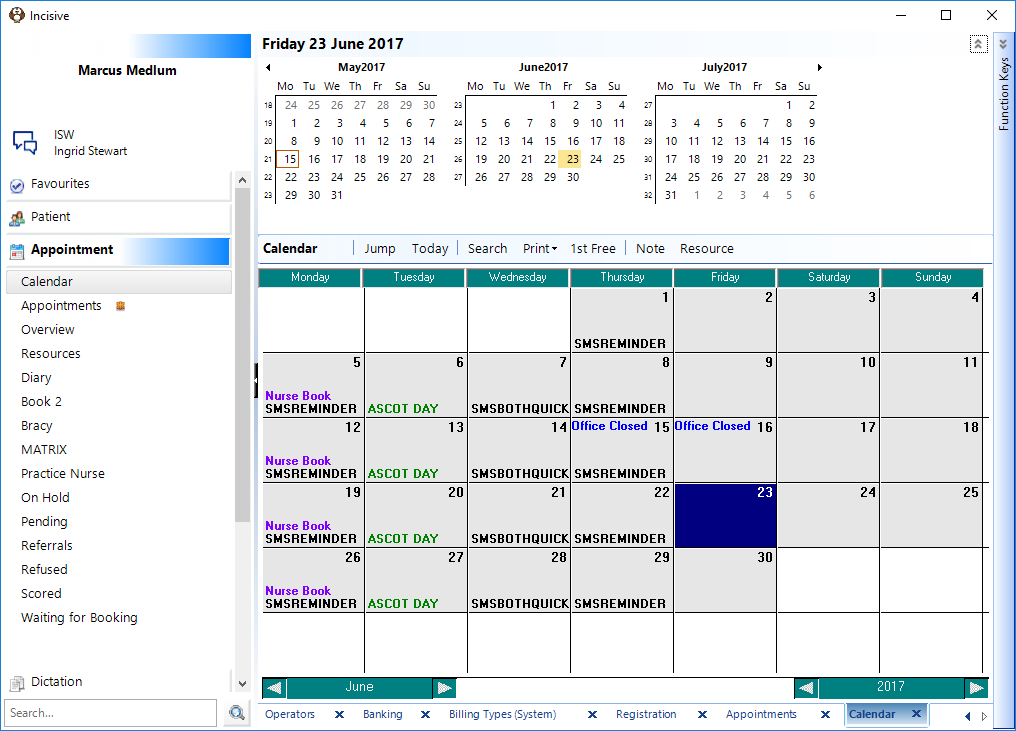
This allows you to type a short note (up to 20 characters) to display on the calendar screen. The note will display in blue in the top left corner of the day the note was entered for and print when the calendar is printed.
- Select the day the note entry is for.
Select 'Note'.
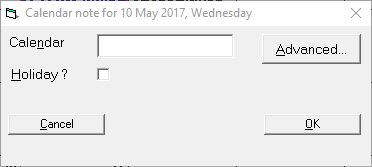
- Type the Note.
- Select 'OK'.
The note displays on the day on the calendar and also above the tabs when that day is selected.
To apply a date range, or more than one User, select Advanced.
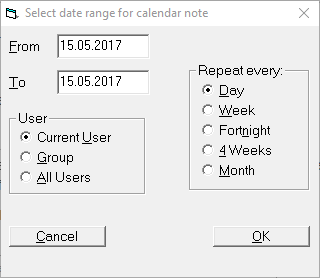
Enter selections and OK.
The note will appear in the calendar as shown below. (Office Closed Thursday 15 and Friday 16).